Nickel vs. QuickBooks Payments
Keep QuickBooks for your books. Here's what changes when Nickel handles the payments instead of QuickBooks Payments: ACH fees, card rates, limits, and sync.


How does QuickBooks Payments work?
QuickBooks Payments is Intuit's payment processor built into QuickBooks Online and Desktop. When you email an invoice from QuickBooks, your customer can pay it by card, ACH, Apple Pay, or PayPal and Venmo, and the payment records against the invoice automatically. There's no monthly fee for the processing itself, though it requires a QuickBooks Online subscription ($38 to $340 a month depending on the plan, which also sets your user count at 1, 3, 5, or 25).
The fees are per transaction. ACH bank payments cost 1% of the invoice, and for accounts opened on or after September 6, 2023 there is no cap; older accounts kept a per-payment cap that rose from $10 to $15. Invoiced card payments are 2.99% online (3.5% keyed, 2.5% swiped), and instant deposits cost 1.75%. Paying vendors is a separate product, QuickBooks Bill Pay, which now includes standard ACH at $0 and mails checks for $1.50.
How does Nickel work with QuickBooks?
Nickel doesn't replace QuickBooks; it replaces the processing layer underneath it. You connect QuickBooks Online in about five minutes (or QuickBooks Desktop through the Web Connector), and customers, vendors, invoices, bills, payments, and your chart of accounts sync both ways. You send invoices from either system, your customer pays through a Nickel payment link, and the payment posts back to QuickBooks against the right invoice.
ACH is free on every plan, including the $0 Core plan, with no percentage and no cap. Cards are a flat 2.9%, and you choose whether you or your customer pays it. Core includes 3 users and a $25,000 per-transaction limit; Plus ($35/month) raises the limit to $1M per transfer. Instant transfers through Nickel Balance are free. Live chat and email support are included on every plan.
What does 1% uncapped ACH actually cost?
Percentages hide the size of the fee on B2B invoices. A $50,000 invoice paid by ACH through QuickBooks Payments costs $500. The same transfer through your bank's ACH network costs a few dollars at most, and through Nickel it costs nothing. The 2023 change that removed the cap on new accounts turned a fee that used to top out at $10 or $15 into one that scales with your revenue.
This is a receivables problem specifically. On the payables side, QuickBooks Bill Pay now sends standard ACH for $0, so the fee only bites when customers pay you. That is where a two-way sync matters most: Nickel collects the payment at $0 and QuickBooks still gets the record. Our guides to QuickBooks payment processing fees and how to avoid QuickBooks ACH fees walk through the mechanics, including surcharging card payments.
Is Nickel cheaper than QuickBooks Payments?
On ACH, it isn't close. A business collecting $200,000 a month across 25 invoices pays QuickBooks Payments $2,000 a month, or $24,000 a year, at 1% uncapped. A legacy account with the $15 cap pays $375 a month. Nickel collects the same $200,000 for $0, and because each invoice averages $8,000, the free Core plan covers it. Cards are close: a $10,000 invoice costs $299 at QuickBooks' 2.99% invoiced rate versus $290 at Nickel's 2.9%, and on Nickel you can pass that fee to the customer. Instant deposits are 1.75% on QuickBooks and free through Nickel Balance.
QuickBooks Payments wins on a few lines: swiped in-person cards at 2.5% (Nickel has no POS), next-business-day card deposits, and mailed checks at $1.50 through Bill Pay versus $2 on Nickel. Full details are on our pricing page. Intuit's are at quickbooks.intuit.com/payments, and every QuickBooks figure on this page was checked against Intuit's pricing, help, and community pages on August 28, 2026. We also compare Nickel with Melio, Bill.com, and Square.
Nickel vs. QuickBooks Payments, feature by feature.
QuickBooks Payments and Bill Pay fees verified against Intuit pricing, help, and community pages on August 28, 2026. Nickel fees are current list prices.
Three* reasons customers choose Nickel over QuickBooks Payments
*There are a lot more than three
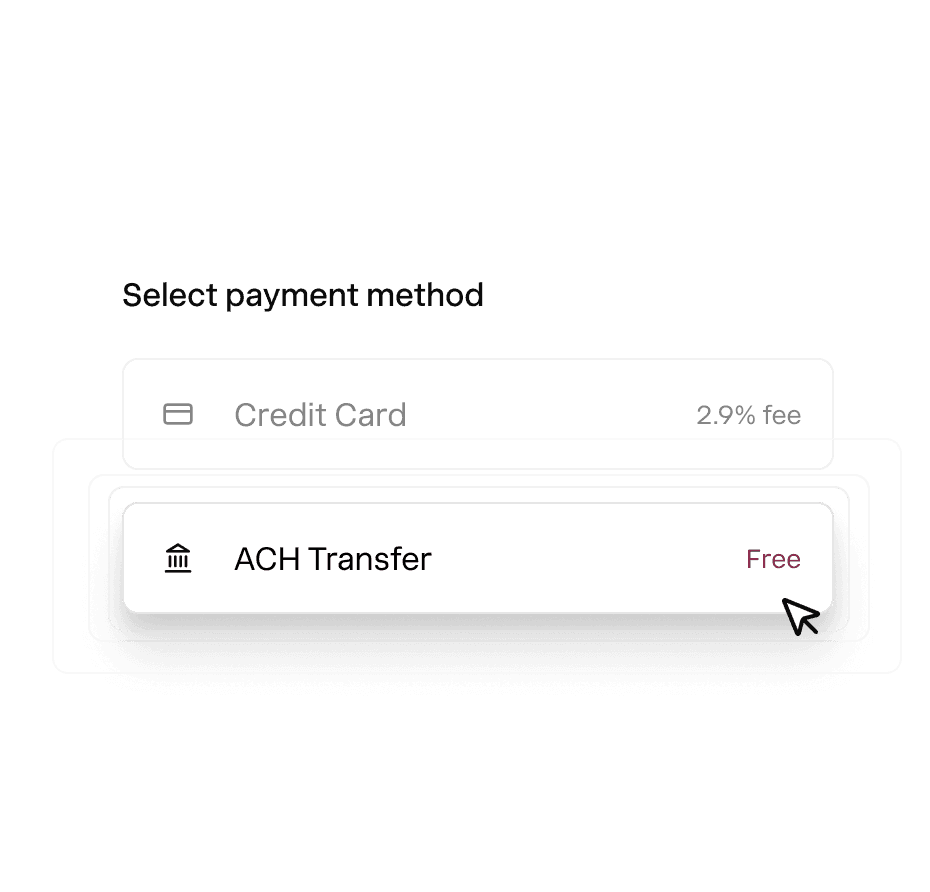
Truly unlimited free ACH payments. Collect and send ACH for free. No 1%, no cap, no monthly limit.
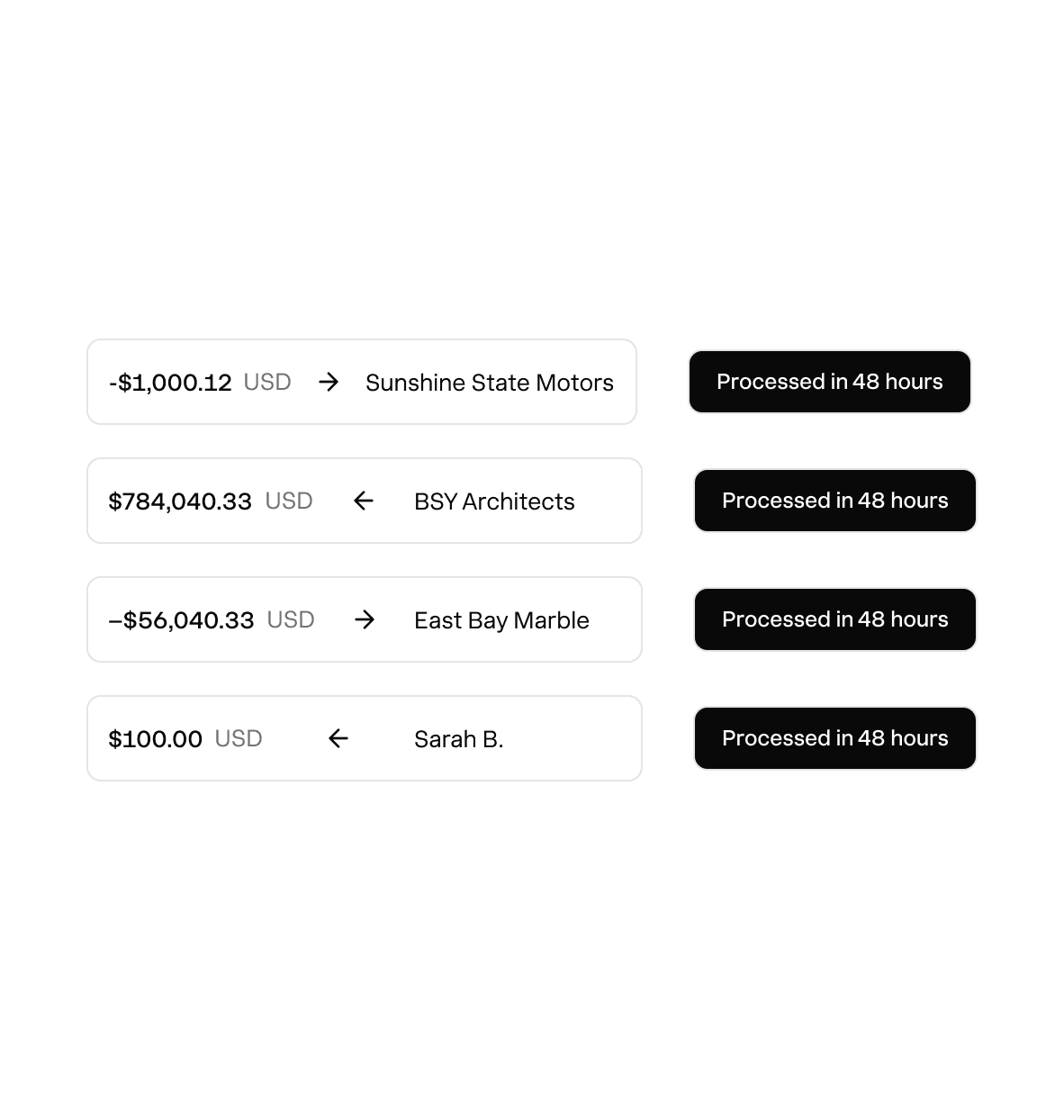
High value transactions. Process large payments up to $1M each on Plus, without a hiccup or surprise holds.

Transparency & live support. Nickel is upfront about the status of your payments and you're never left guessing.
Rated above what you're using now.
Hundreds of 5-star G2 reviews from businesses that switched and never looked back.

“I really appreciate the responsiveness of the support team — they're always available to answer my questions.”

“Clients love paying us with Nickel's QR code. It's easier than Venmo or Zelle.”

“The setup was remarkably quick, and we had it up and running in less than an hour.”
Nickel holds the highest overall rating at 4.9 out of 5.Read G2’s Best Payment Processing Software roundup
One platform for your cashflow.
Invoice Payments
Request upfront, deposits, and milestone payments on any invoice.
Payment Page
Launch payment page for any product or service with no code.
Auto Pay
Save bank or card details on file and auto charge customers without the wait.
Bill Pay
Pay any business or 1099 contractor globally with card, ACH, wire or check.
Vendor Onboarding
Collect and verify vendor bank, business and tax details with a secure link.
Integrations and API
Sync with Quickbooks Online, Desktop, CRMs and all major US banks.
Get started with Nickel. Sign up in minutes.
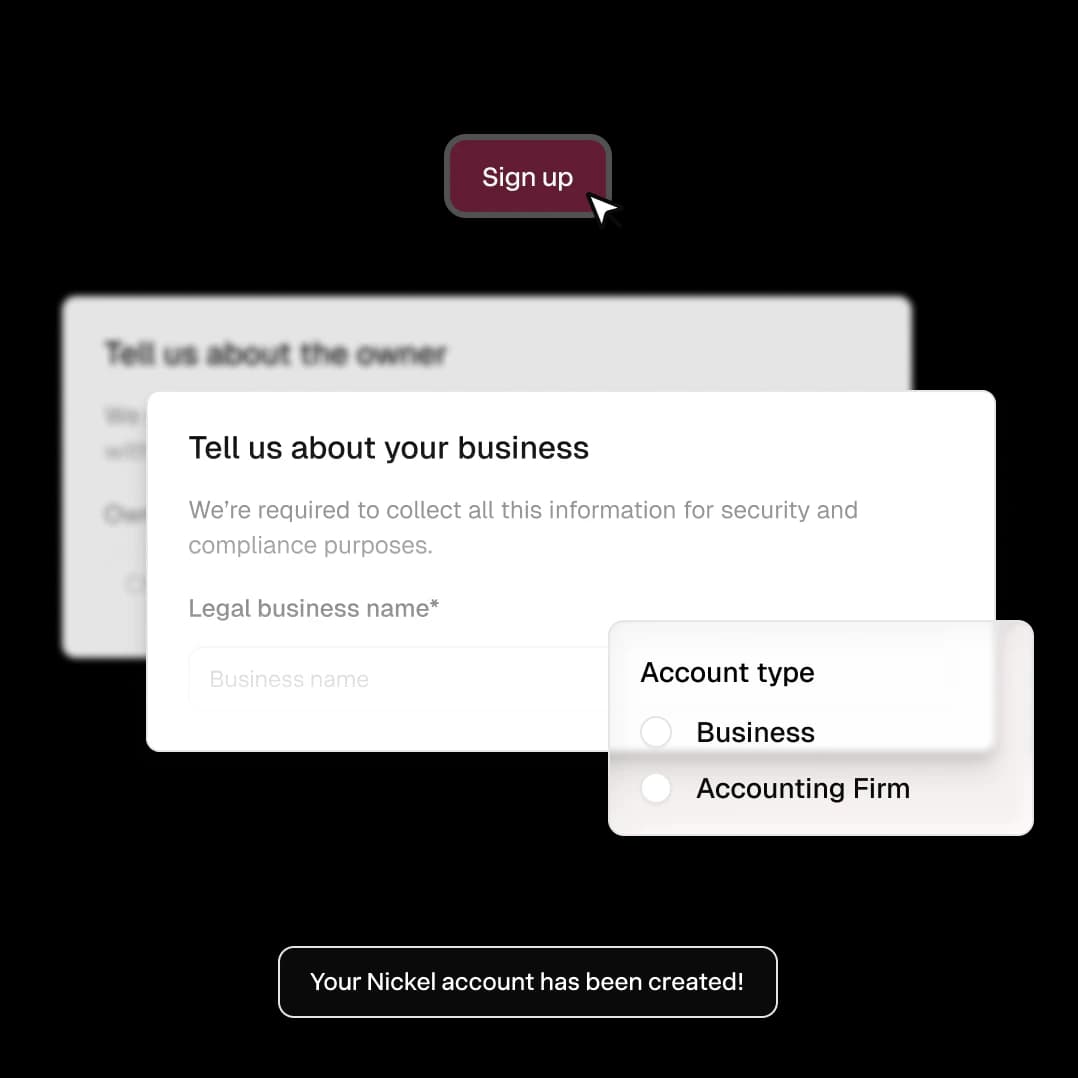
Try Nickel for free. No credit cards, no credit checks. Get started in 5 minutes.

Roll out in minutes. Connect your accounts and start paying and getting paid.
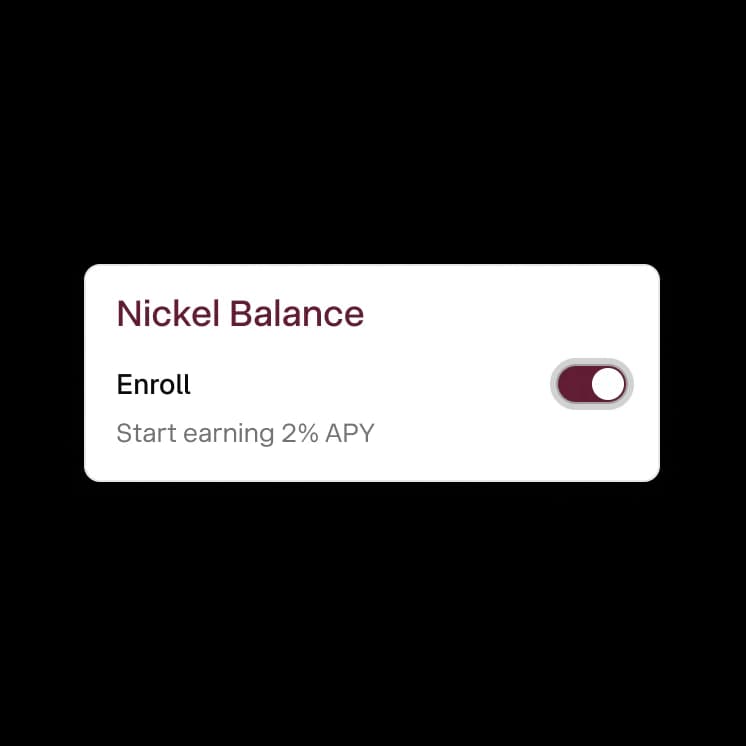
Enable Nickel Balance. Earn 2% on idle cash and send and receive payments instantly.
Can I use Nickel instead of QuickBooks Payments without changing my QuickBooks setup?
Yes, you can switch from QuickBooks Payments to Nickel and keep using QuickBooks exactly the way you do now. Nickel replaces the payment processing layer, not your accounting software. Your invoices, customers, vendors, and chart of accounts stay in QuickBooks. The only difference is that payments flow through Nickel (ACH for $0 instead of 1%) and sync back to QuickBooks automatically.
Is Nickel cheaper than QuickBooks Payments?
On ACH, yes. QuickBooks Payments charges 1% of every ACH invoice payment, with no cap on accounts opened since September 2023, so a $50,000 invoice costs $500 to collect. Nickel ACH is $0 on every plan. Cards are close (2.99% invoiced on QuickBooks vs. a flat 2.9% on Nickel, which you can pass to the customer), and instant deposits are 1.75% on QuickBooks vs. free through Nickel Balance. QuickBooks Bill Pay is cheaper on mailed checks: $1.50 vs. $2.
Does QuickBooks Payments cap its ACH fee?
Not anymore for most accounts. Intuit removed the per-payment cap for accounts opened on or after September 6, 2023; older accounts kept a cap that rose from $10 to $15. If your account is newer, the 1% fee scales with the size of every invoice.
How long does it take to switch from QuickBooks Payments to Nickel?
You don't have to switch off of QuickBooks to use Nickel. Nickel connects to your existing QuickBooks account and handles the payment processing layer. Your books, customers, and invoices stay in QuickBooks. The integration takes about 5 minutes, and you can start sending Nickel payment links the same day.
Will my customers notice any difference if I switch?
Not much. Your customers will get a Nickel-branded payment link instead of a QuickBooks payment page. The experience is the same: they click a link, pick a payment method, and pay. They don't need to create an account. The only difference they might notice is that ACH is free for them too, and they have more payment options (including Apple Pay and Google Pay).
What payment types does Nickel offer?
Nickel supports ACH (free), credit and debit cards including Apple Pay and Google Pay (2.9%), mailed checks ($2), and instant bank transfers through Nickel Balance. For paying vendors, Nickel also supports international wires to 135+ countries ($25). QuickBooks Payments covers ACH and cards and charges a percentage on both.
Does Nickel require a merchant account?
No, there's no separate merchant account needed. You sign up for Nickel, verify your business, and start processing. There's no third-party gateway, no underwriting wait, and no separate fee structure to manage alongside your QuickBooks.
Ready to leave QuickBooks Payments behind?
See your ROI and savings using our calculator
Savings calculator →See a demo. See how Nickel can improve your cashflow in 30 minutes.
Talk to our experts →