A month of bills. Done in four clicks.
Clear a month of bills in minutes. Pay US and global vendors with free ACH, card, wire or instant bank transfer.

Free ACH. For you and your vendor. Full stop.
$1M per transaction. Pay your biggest vendors without limitations.
Global Payments. Send international wires or SWIFT to 135+ countries.
Built in approvals. Route payments for sign off before they're released


Capture, approve, pay.
1. Capture every bill.
Upload, email or import bills directly from Quickbooks.
2. Pay how you want.
Pay bills by card, ACH, or international wire.
3. Route for approval.
Get sign off before payments are released.
4. Vendors get paid their way.
By ACH, check, virtual card or instantly.
Pay any business, 1099 contractor or person.
From recognized national brands to independent contractors, no vendor is too big or small to pay.
- Pay businesses
- Pay 1099 contractors
- Pay individuals
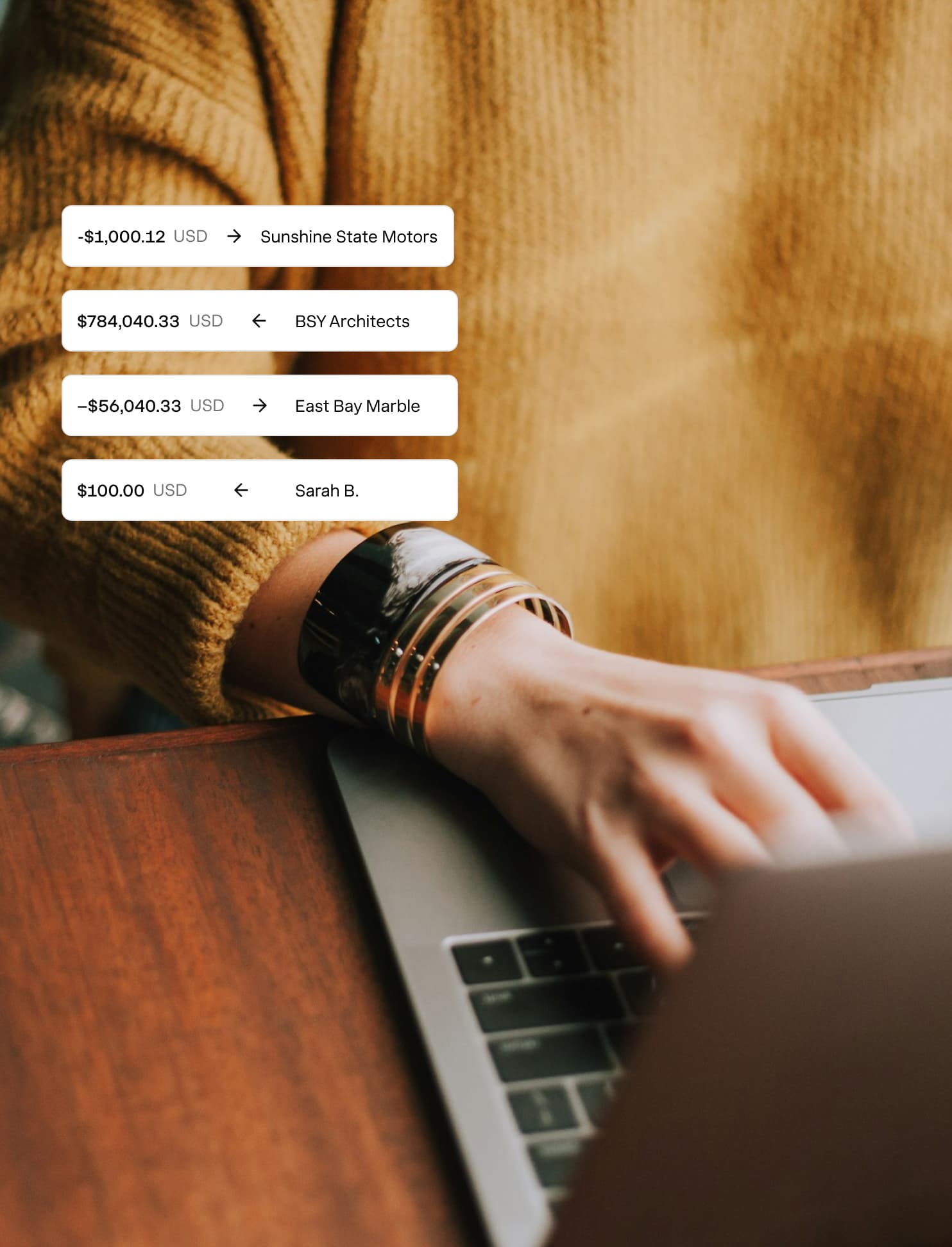

Two hours back in my week. Not even kidding. Game changer — and we've only had Nickel a month.
Alex Barnes
W.F. Meyers Co.
Pay your way. Receive their way.
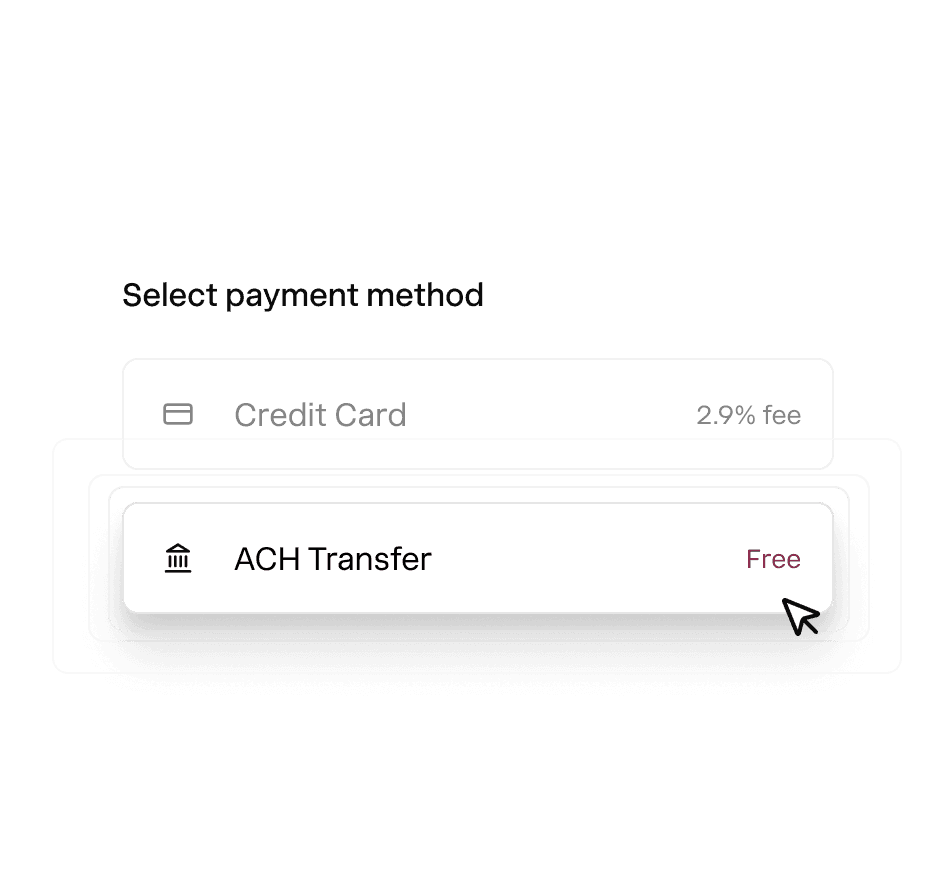
Pay bills using free ACH bank transfer, card. wire or instant transfer.

Domestic vendors receive a free ACH, check, virtual card or instant transfer
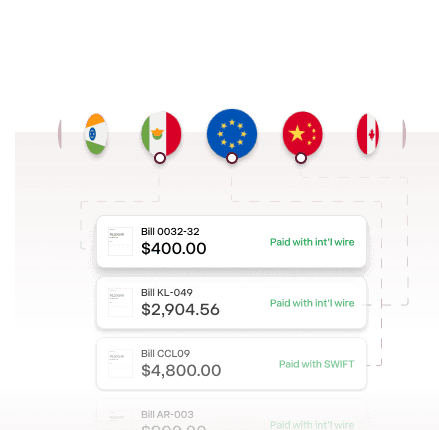
Global vendors receive an international wire or SWIFT transfer.
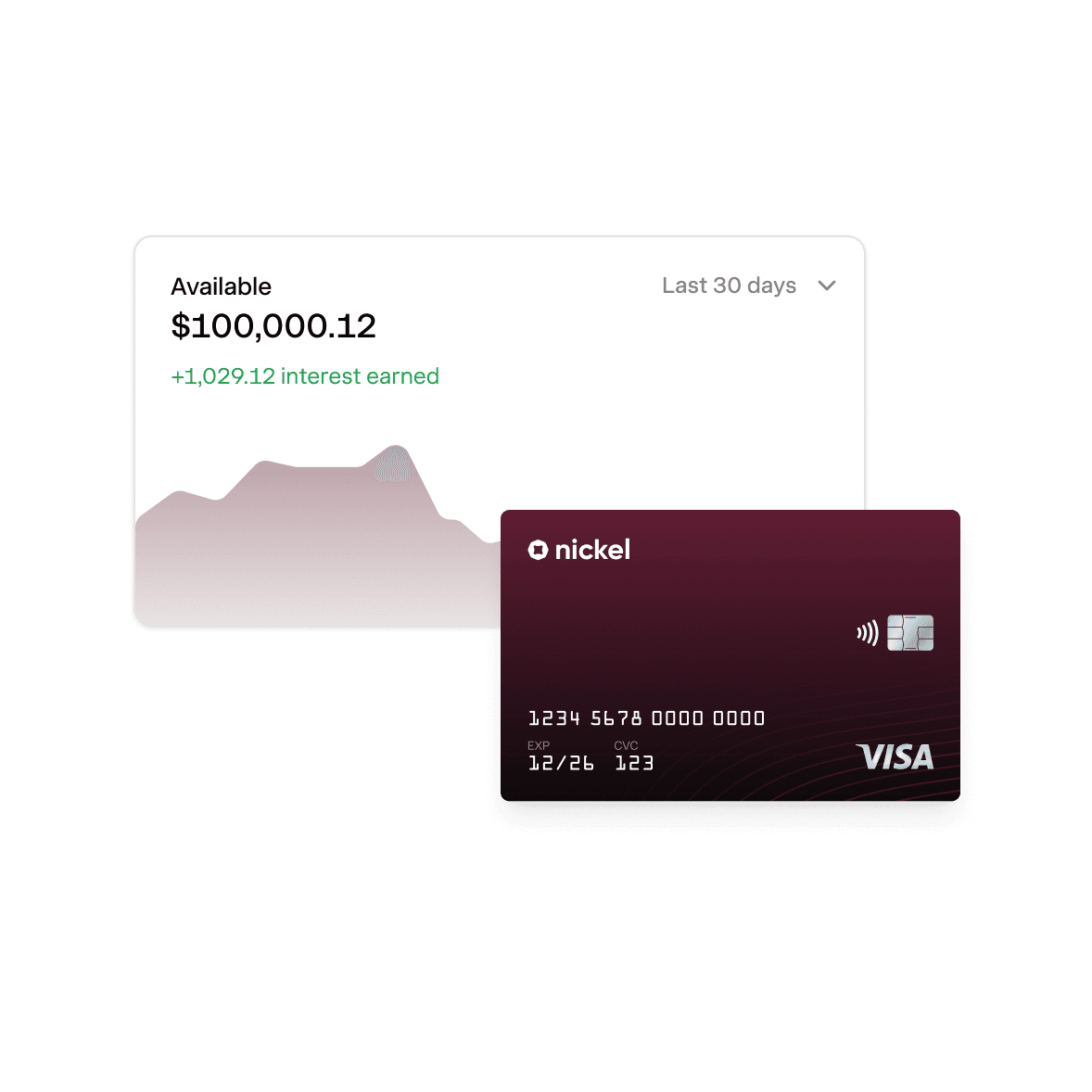
Instant payments. 2% APY on idle cash.
Explore Nickel Balance
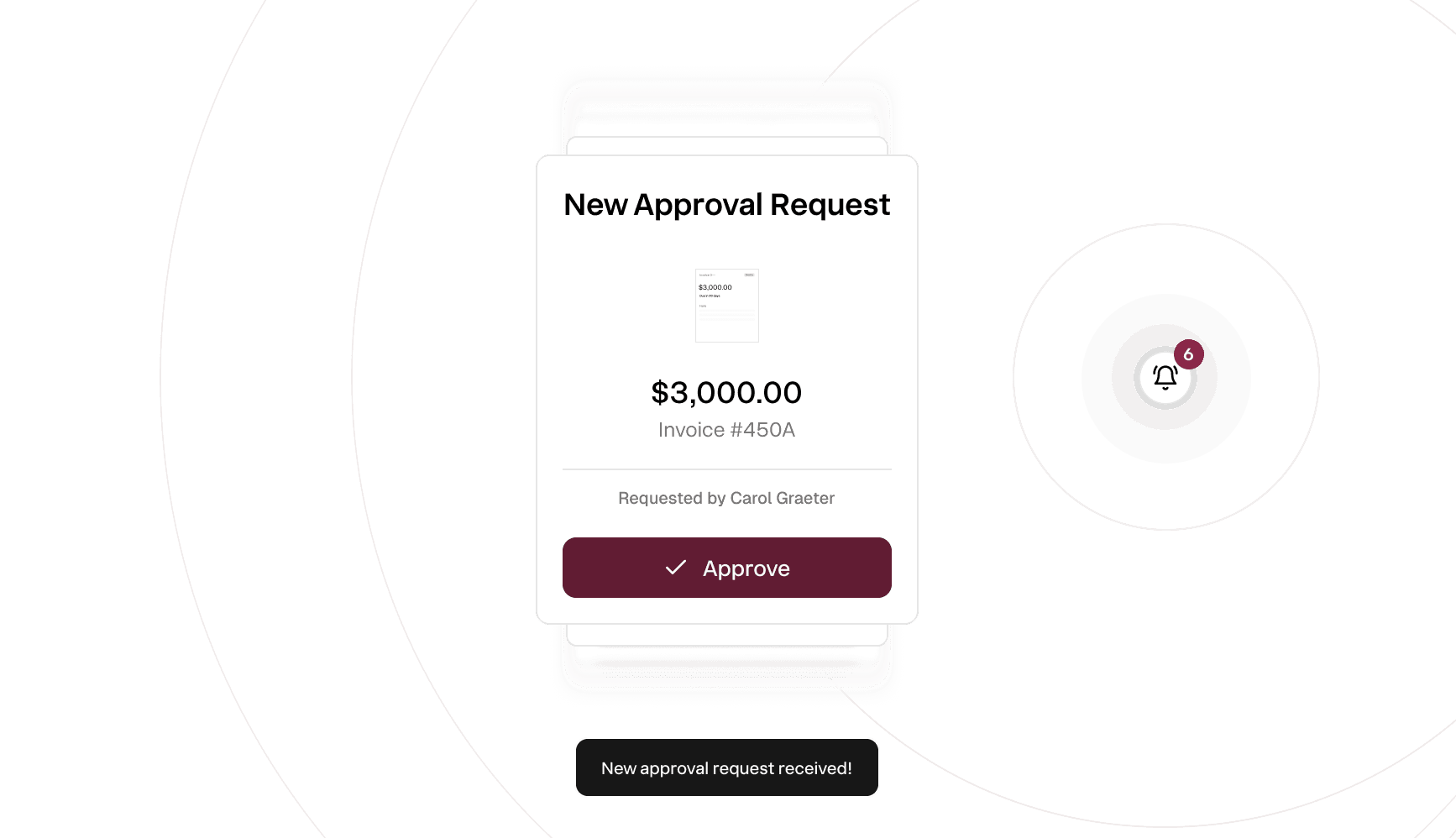
Approve large payments before they go out.
Create approval rules and designate reviewers, so no money leaves your account by surprise.
- Require approval on payments over a set limit
- Route each bill to the designated approver
- Approve with one click
Reconcile the way your accounting team approves
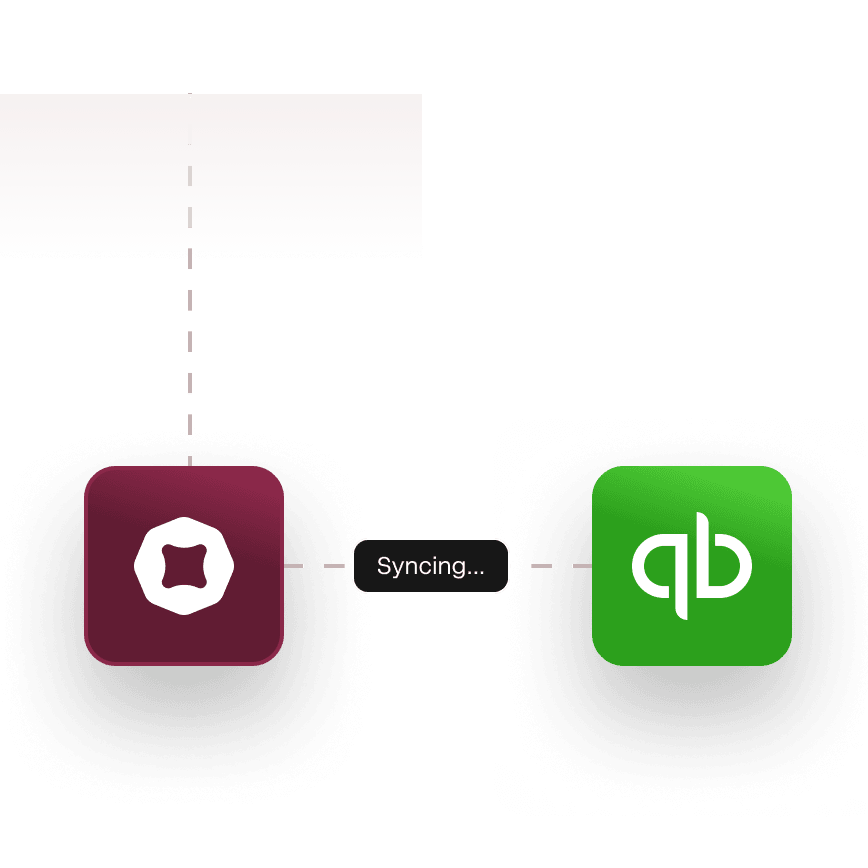
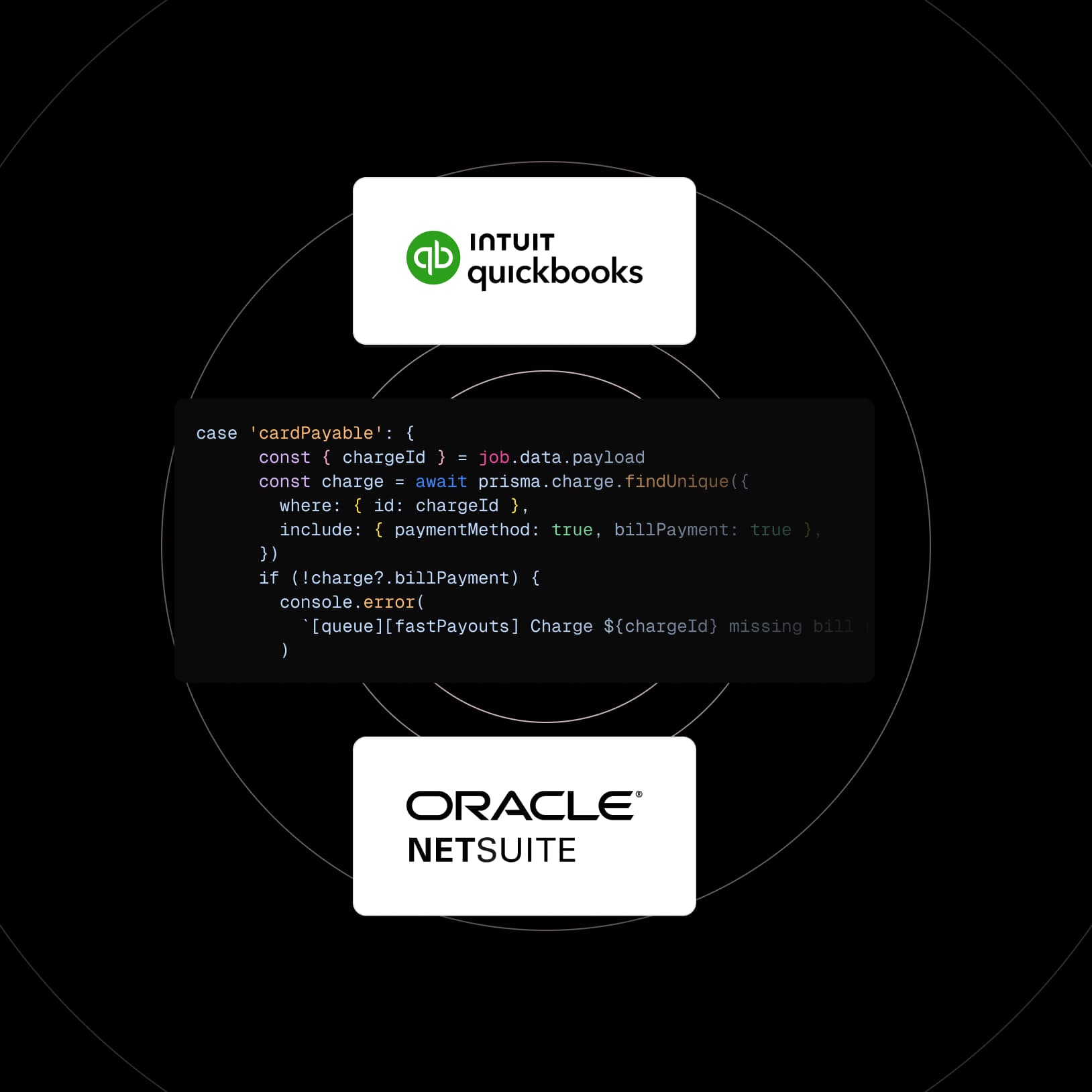
Instant Quickbooks Sync. Push every transaction to Quickbooks in real time.
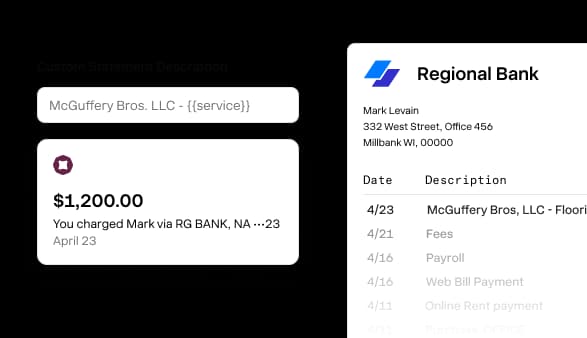
Custom Statement Descriptor. You decide what shows up on your vendor's bank statements
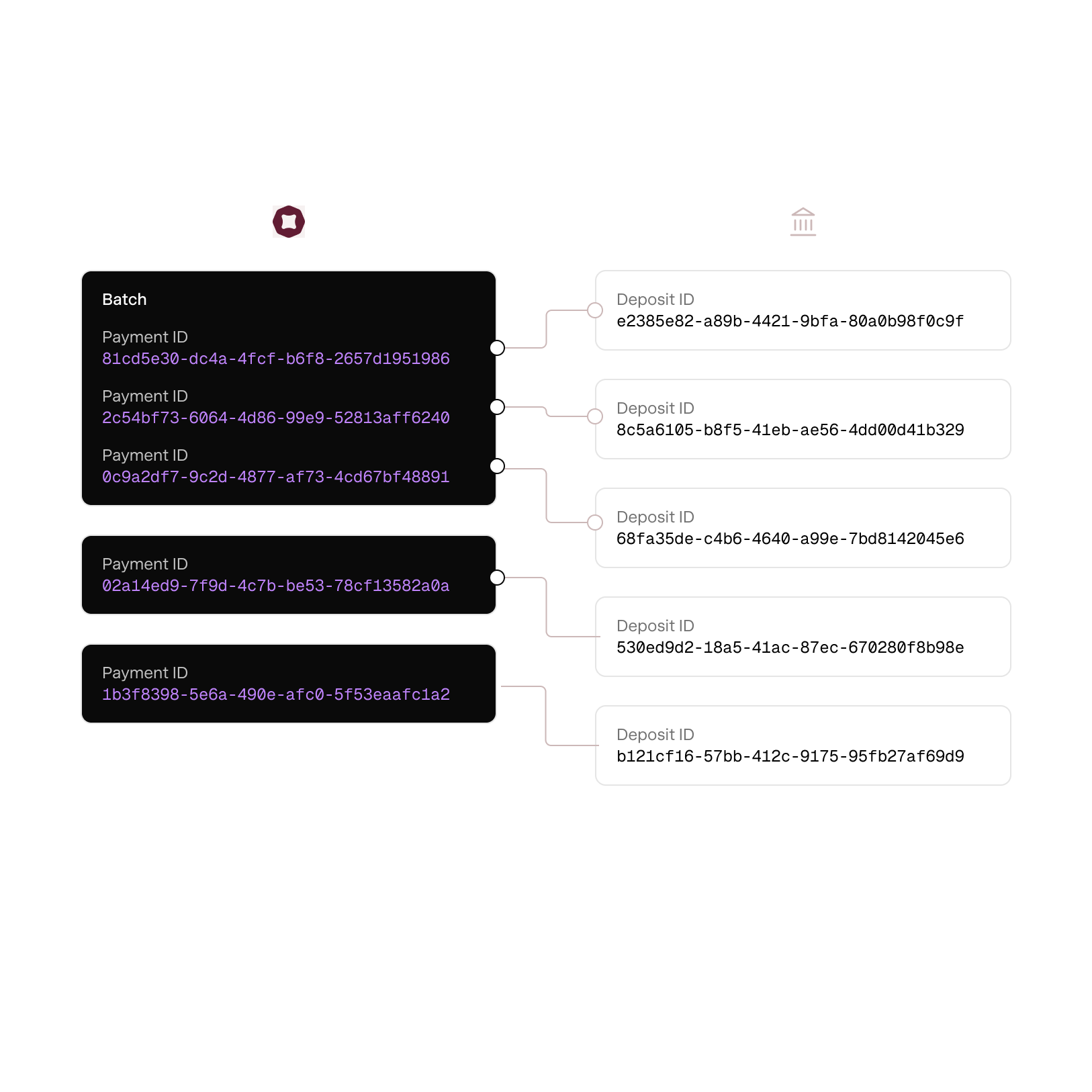
One withdraw per payment. Never batched, so your statements and bills match one for one.
Built for AP teams that want their afternoons back.
1099 filings
Automatically calculate and file 1099 NEC and MISC.
International vendors
Onboard, set up and pay businesses and individuals outside of the US.
Custom domain
Use your own domain so onboarding and tracking links show up with your website.
SOC 2 and PCI Standards
Securely encrypt and save vendor business, tax and payment details.
Vendors do not need an account
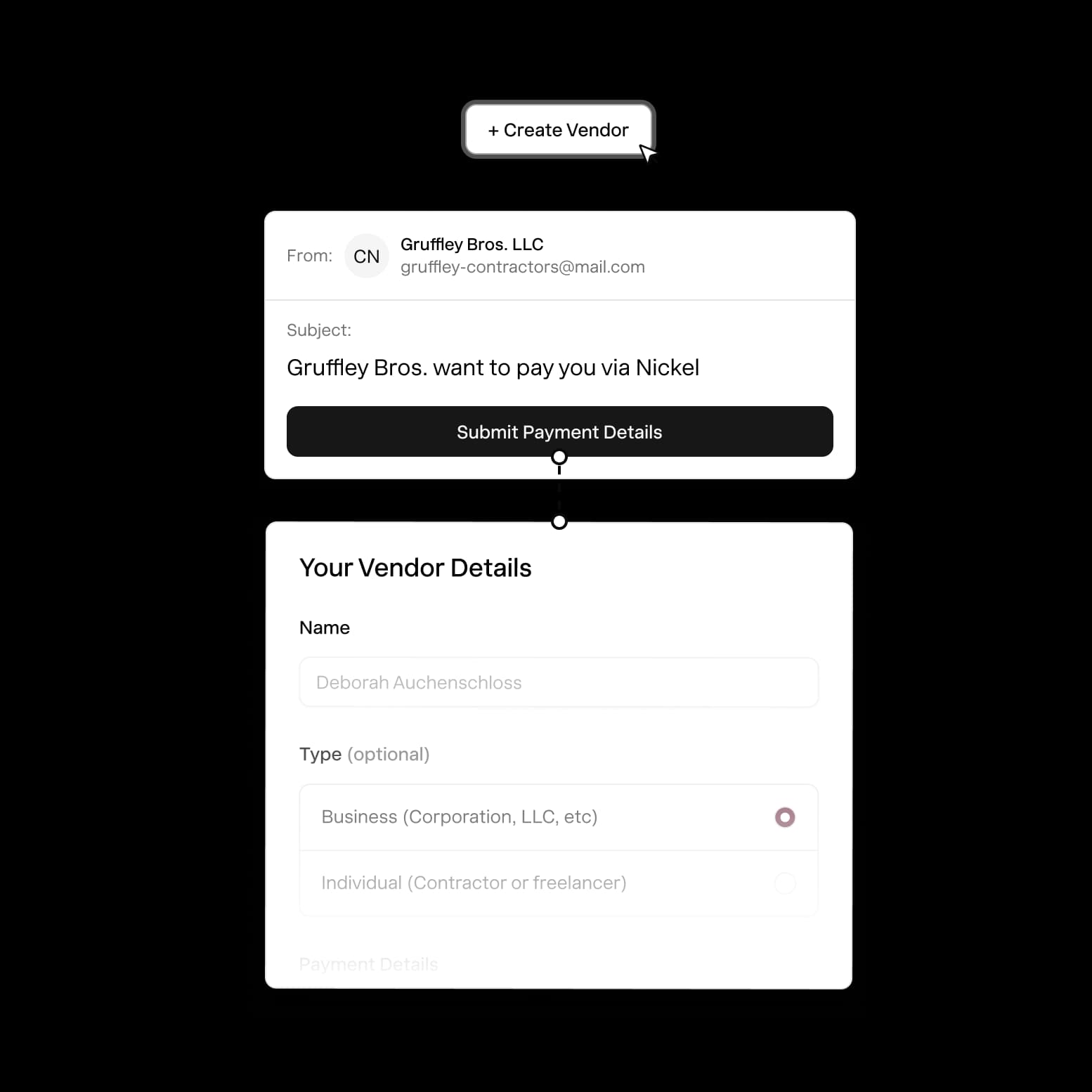
Vendors can enter and manage their details without creating an account.
Onboard vendors with Penny AI
CC Penny on any email and she'll automatically collect vendor details.
America's best way to pay vendors.
Rated 4.9 across hundreds of G2 reviews from businesses pay bills on Nickel.

“When QuickBooks cut us off and we couldn't get support, Nickel saved the day.”

“I really appreciate the responsiveness of the support team — they're always available to answer my questions.”

“The customer service is top-notch, with immediate responses.”
Nickel holds the highest overall rating at 4.9 out of 5.Read G2’s Best Payment Processing Software roundup
Cash in. Cash out. Everything in between.

How do I pay all my business bills in one place?
Capture your bills in Nickel (enter them manually, forward them by email, or have Penny AI pull the details). Pick a payment method for each bill, route any that need approval, and pay them all in a batch. Everything syncs to QuickBooks automatically.
Can I pay vendors with a credit card through Nickel?
Yes, you can pay any vendor by credit card at 2.9% through Nickel, even if that vendor doesn't accept cards directly. Nickel charges your credit card and sends the vendor an ACH, check, or wire. This is useful if you want to earn card rewards or extend your cash float by a billing cycle without changing anything on the vendor's side.
Can I require approval before a payment goes out?
Yes, you can set up approval routing so specific payments (or all payments) require sign-off before they're sent. The approver gets a notification, reviews the details, and approves or rejects from their dashboard. Payments don't leave the account until they're approved.
Do vendors need a Nickel account to get paid?
No, your vendors don't need a Nickel account to get paid. If you have their banking information already, you can manually enter their information and create them as a vendor in your Nickel account to send money to them directly. Or you can request that they fill out a secure link so you can store their payment information to pay them again in the future.
How does Penny AI work for bill capture?
CC Penny on any email that contains a bill, and Penny extracts the vendor name, amount, due date, and line items. You review the details, make any edits, and the bill is ready to pay. Penny also works if you forward bills directly to your Nickel inbox. Penny is currently in beta and available to a select group. Join the waitlist here.
Can I batch-pay multiple bills at once?
Yes, you can select multiple bills and pay them all in one batch. Pick a payment method for each (or apply the same method to all), confirm the total, and send.
How do vendors receive their payment?
Vendors receive payment directly in their bank account via ACH (free on every plan), wire, or as a mailed check, depending on which method you chose. They also get a remittance notification by email so they know the payment is on its way and can match it to the right invoice on their end.
Can I schedule payments in advance?
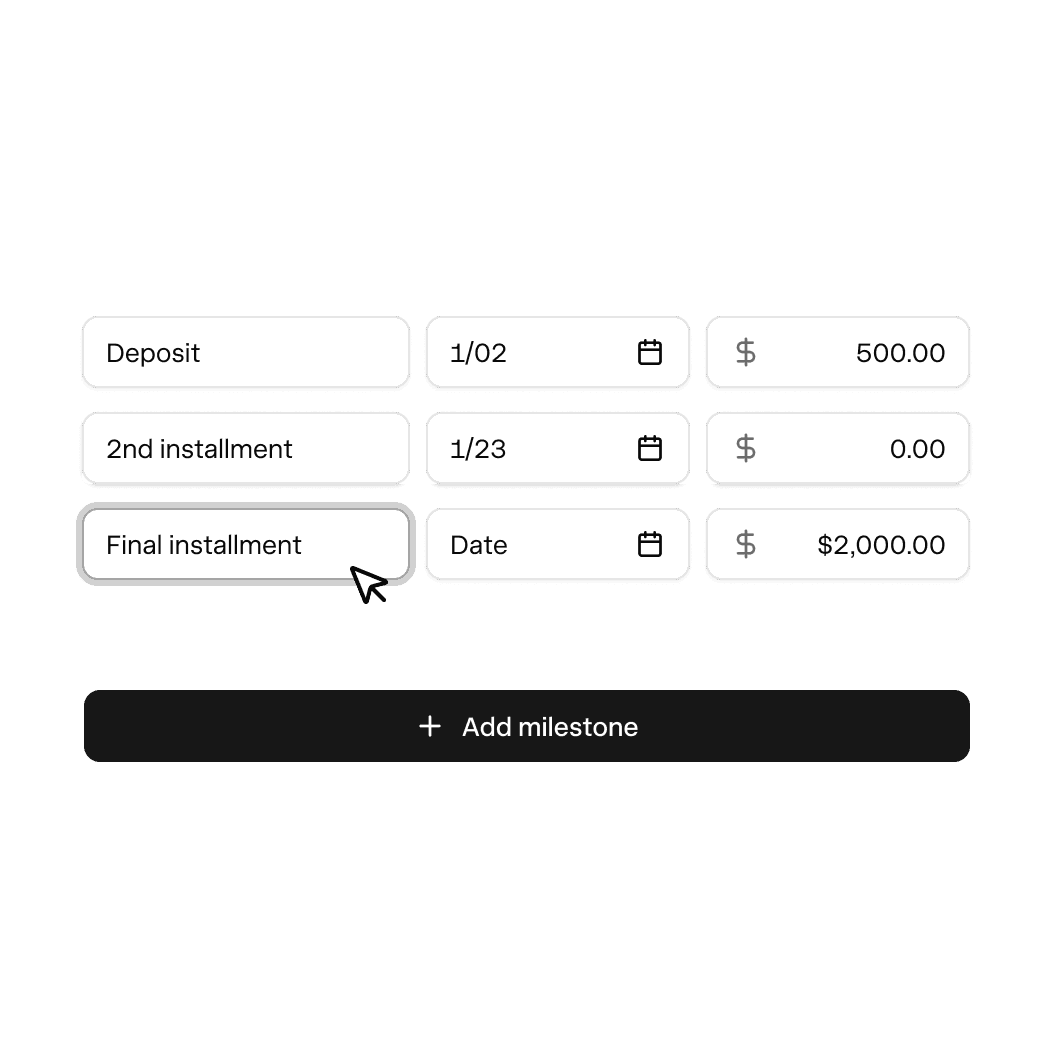
Yes, you can schedule payments to go out on a future date. Enter the bill, pick your payment method, set the date you want it sent, and Nickel handles it from there.
Can I pay both businesses and individual 1099 contractors?
Yes, Nickel handles payments to both businesses and individual contractors. You can pay individuals, sole proprietors, and LLCs. Note that to open a Nickel account of your own, your business needs to be incorporated or an LLC; Nickel doesn't currently support sole proprietor accounts.
Does Nickel bill pay sync with QuickBooks?
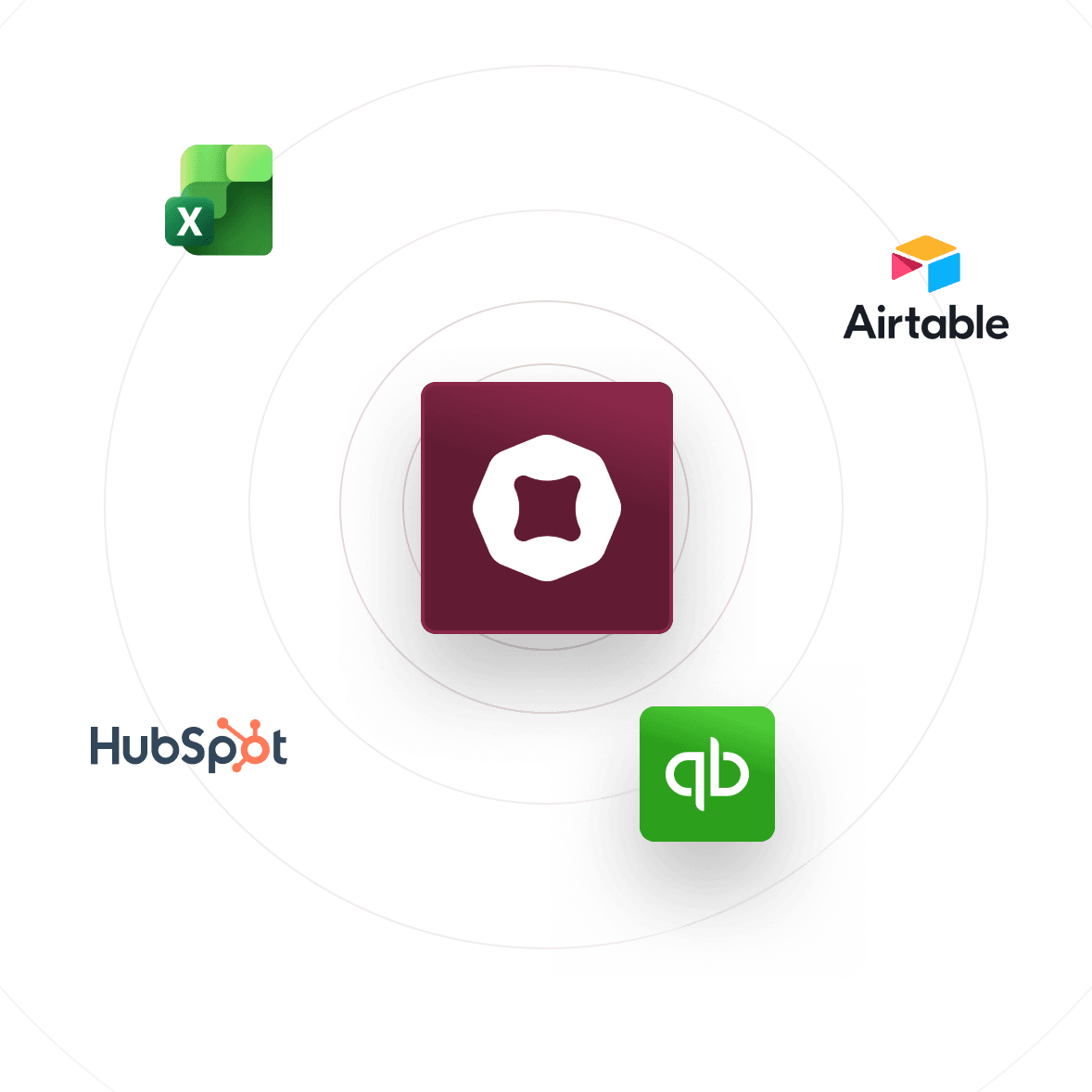
Yes, every bill you pay through Nickel syncs to QuickBooks Online or QuickBooks Desktop. The bill closes, the payment records against it, and your AP aging stays accurate. There's no manual entry and no extra fee for the integration.
What information do I need from a vendor to pay them?
You need their bank account and routing number for ACH payments, or their mailing address for checks. Nickel collects all of this through the vendor onboarding link, along with their business details.
Run a month of bills today.
See your ROI and savings using our calculator
Savings calculator →See a demo. See how Nickel can improve your cashflow in 30 minutes.
Talk to our experts →