Grow your practice, and your client's cashflow.
One platform for every client's AR, AP and cashflow. Deliver more services with Nickel as the trusted partner.



Why partner with Nickel.
Automate your own billing
Set up recurring invoices and auto charge clients every month with automated reconciliation.
Better cashflow for clients
Save money on every transaction, manage less with AI teammates, and grow their money with 2% APY.
Grow your services
Deliver AR, AP and AI services to clients and grow your practice with Nickel.
Support that picks up the phone.
Rated 4.9 across hundreds of G2 reviews, with awards for best support and best relationship.

“Ideal choice for my accounting firm serving construction clients.”

“Nickel is improving my relationship with clients.”

“Best AR/AP platform I have ever used.”
Nickel holds the highest overall rating at 4.9 out of 5.Read G2’s Best Payment Processing Software roundup
Run every client's cashflow from one place.
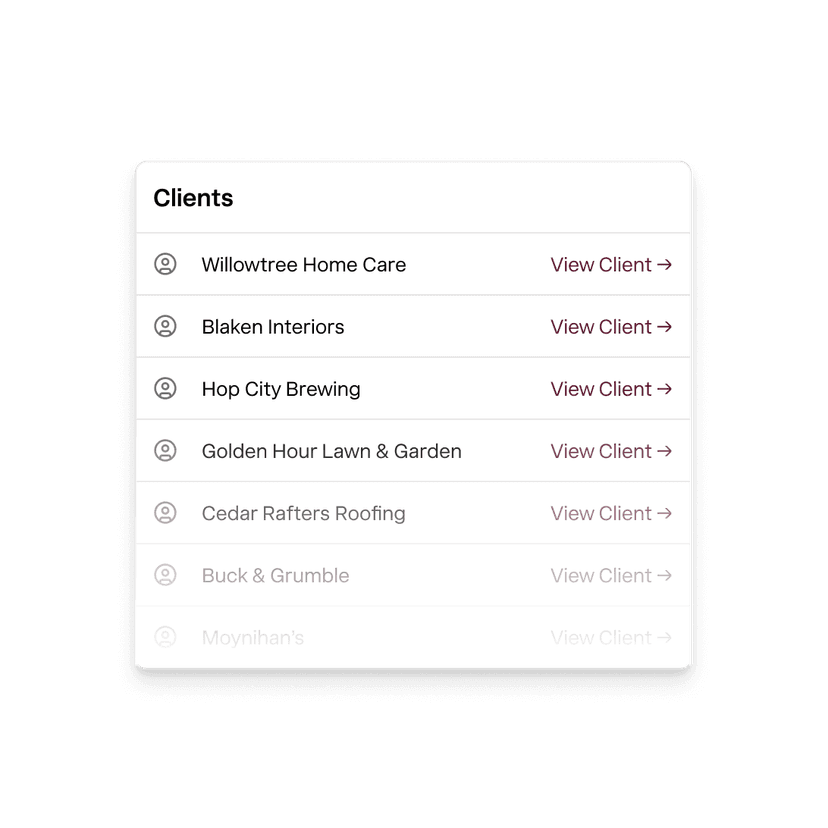
One login to manage every client
Onboard clients in one place and toggle between their accounts in one click.
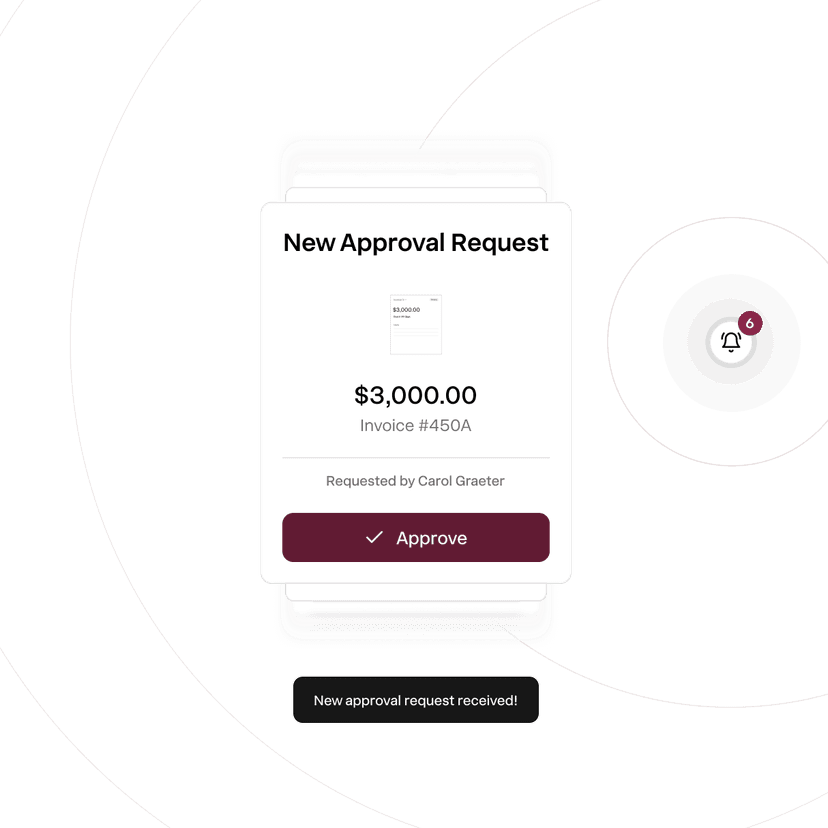
Client approval on every transaction
Custom approval workflows so your clients are always in control.
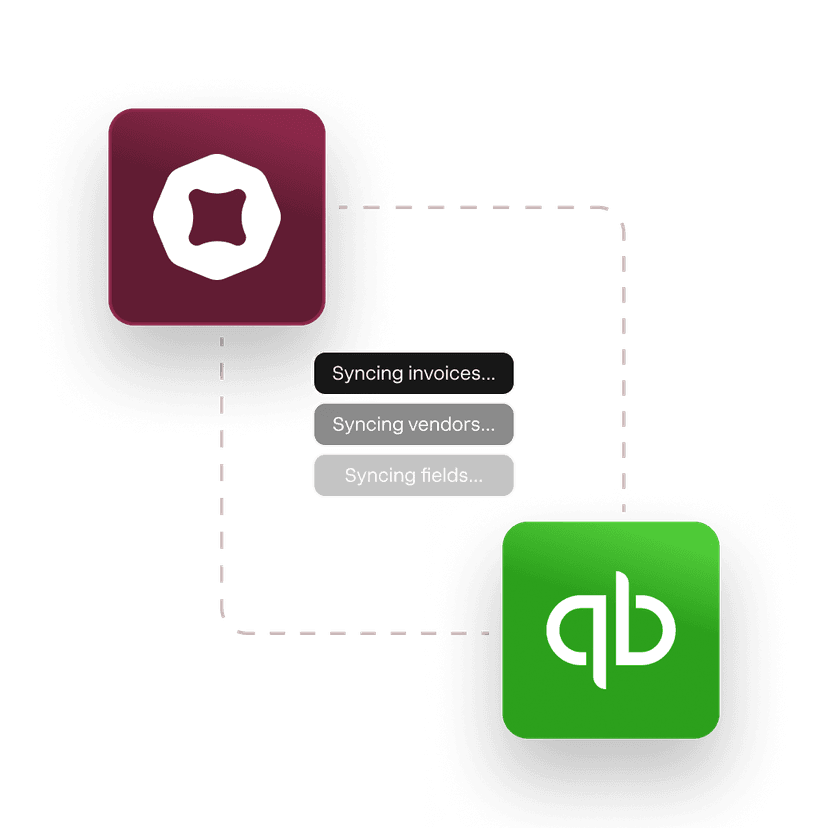
Easy reconciliation and integrations
Say goodbye to batch reports and sync with Quickbooks Online or Desktop.

My clients process payments larger than $250K. There's zero room for error. With Nickel, I always know exactly where my money is. Nothing falls through or gets frozen.
Judy Massey
MMG Accounting
Less work for you. Better cashflow for clients.
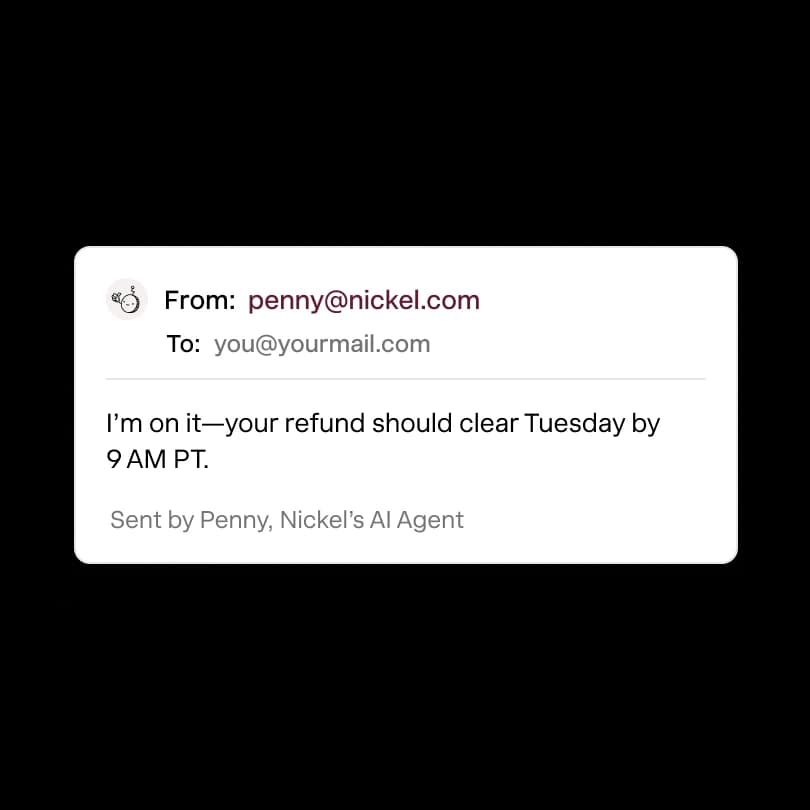
AI that closes the books
A full fledged finance team without the headcount.
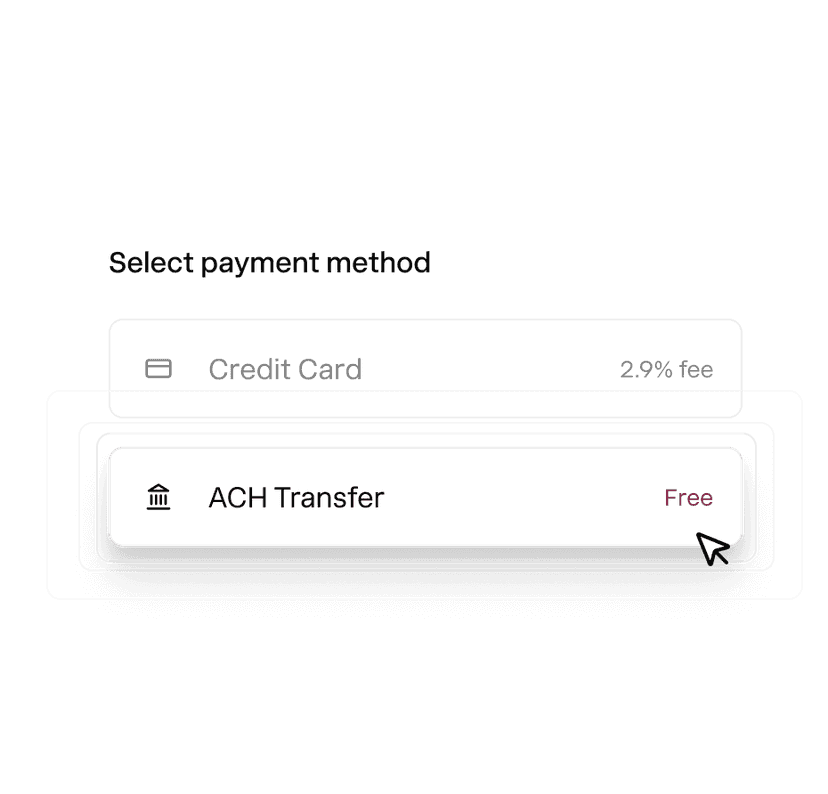
ACH that's always free
You, your vendors and your customers keep every dollar you've earned.
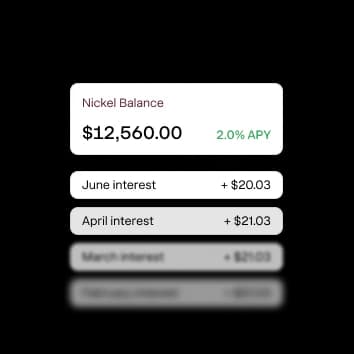
Idle cash that earns big
Earn 2% APY on cash in Nickel Balance, accrued daily
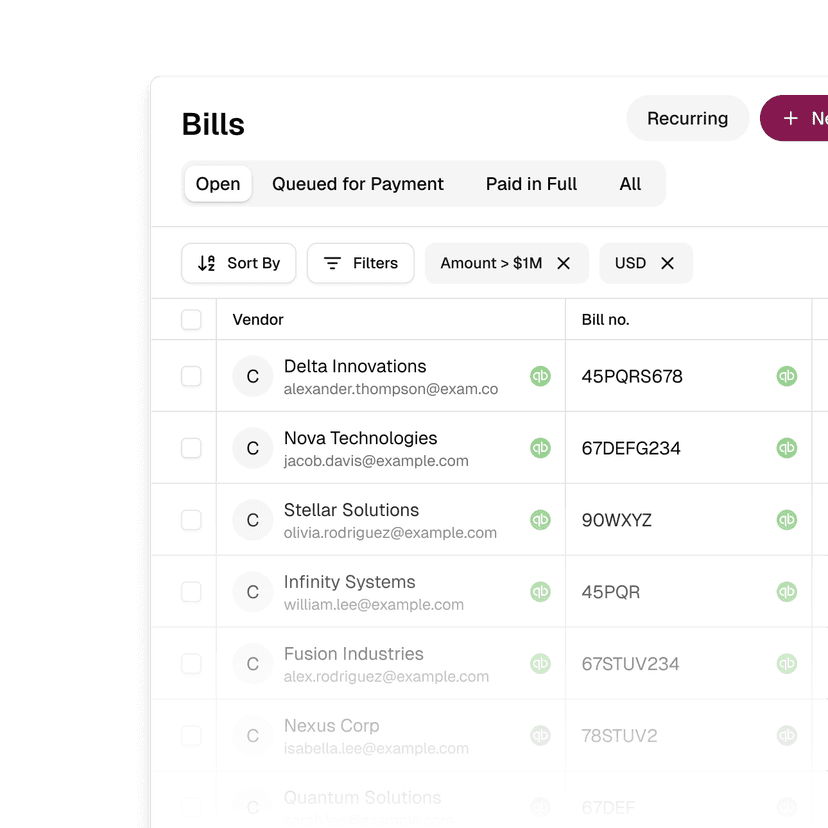
AP that's off your plate
Onboard vendors, capture bills, and pay without the runaround.
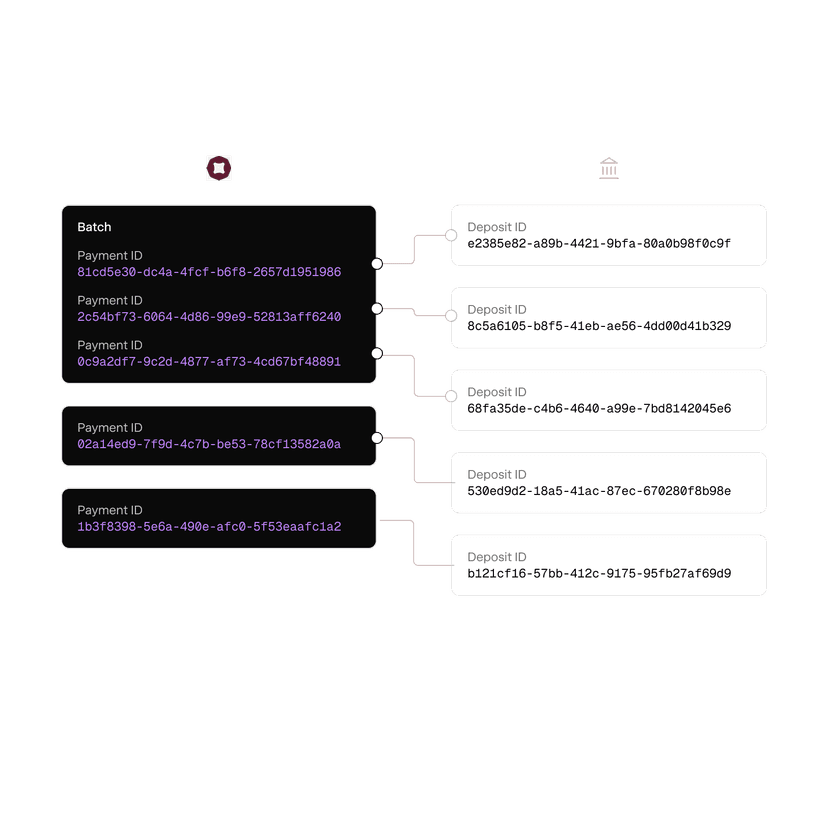
Books that always match
Transactions syncs to your accounting tools and are never batch deposited.
1099s that get handled
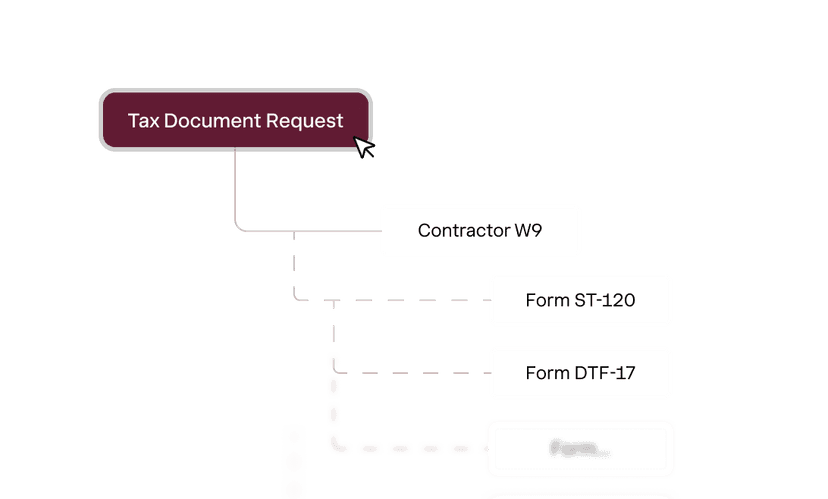
Capture vendor tax details upfront and file with one click in January.
Onboard your clients in 5 minutes.
1. Set up an account
Create an accounting for your accounting firm to manage clients.
2. Add your clients
Add clients yourself or invite them to setup their own accounts.
3. Set up approval rules
Create custom workflows so your clients are always in control.
3. Grow their cashflow
Collect, pay and grow their money on Nickel.
Become a Nickel partner.
Schedule an 30 minutes tour of Nickel and discuss your client needs.
- See a demo of Nickel
- Discuss challenges and workflows
- Identify integration needs
- Incentives and perks
What payment software do accounting firms use for client collections?
Most accounting firms use QuickBooks for their clients' books and a separate payment tool for collecting on invoices. Nickel replaces the payment tool and syncs directly with QuickBooks. You can send invoices, collect ACH (free), pass through card fees, and manage multiple clients from one account. For firms managing multiple client books, Nickel is built to handle that structure.
Can an accounting firm manage multiple clients on one Nickel account?
Yes, an accounting firm can manage multiple client accounts through Nickel. Each client can have their own invoicing, vendor payments, and QuickBooks sync. The specifics of multi-client setup depend on how many clients you're managing and what structure fits your firm.
Does connecting Nickel add a user seat to the client's QuickBooks?
No, Nickel connects to QuickBooks as an integration, not as a user. It doesn't consume one of your client's QuickBooks user seats. The connection runs through OAuth, and you can manage it from the Nickel side without asking your client to change anything in their QuickBooks subscription.
Does Nickel sync with QuickBooks Online and Desktop?
Yes, Nickel syncs with QuickBooks Online and QuickBooks Desktop. If you have some clients on QBO and others on QBD, it works with both. Invoices, payments, vendors, and chart of accounts sync both ways.
What does Nickel cost for accounting firms?
You can get started for free on Nickel Core or access more sophisticated workflow features on Nickel Plus and Pro. For firms managing 10+ client accounts, talk to Nickel about Enterprise pricing and volume structure.
Can my firm use Nickel for both client AR and our own AP?
Yes, you can use Nickel for both. On the AR side, you send invoices on behalf of your clients and collect payments into their accounts. On the AP side, you pay your firm's own vendors and subcontractors. Both sides sync to QuickBooks independently.