Publish. Share. Get paid around the clock.
Nickel gives your business a permanent payment page. So customers always know where to pay.
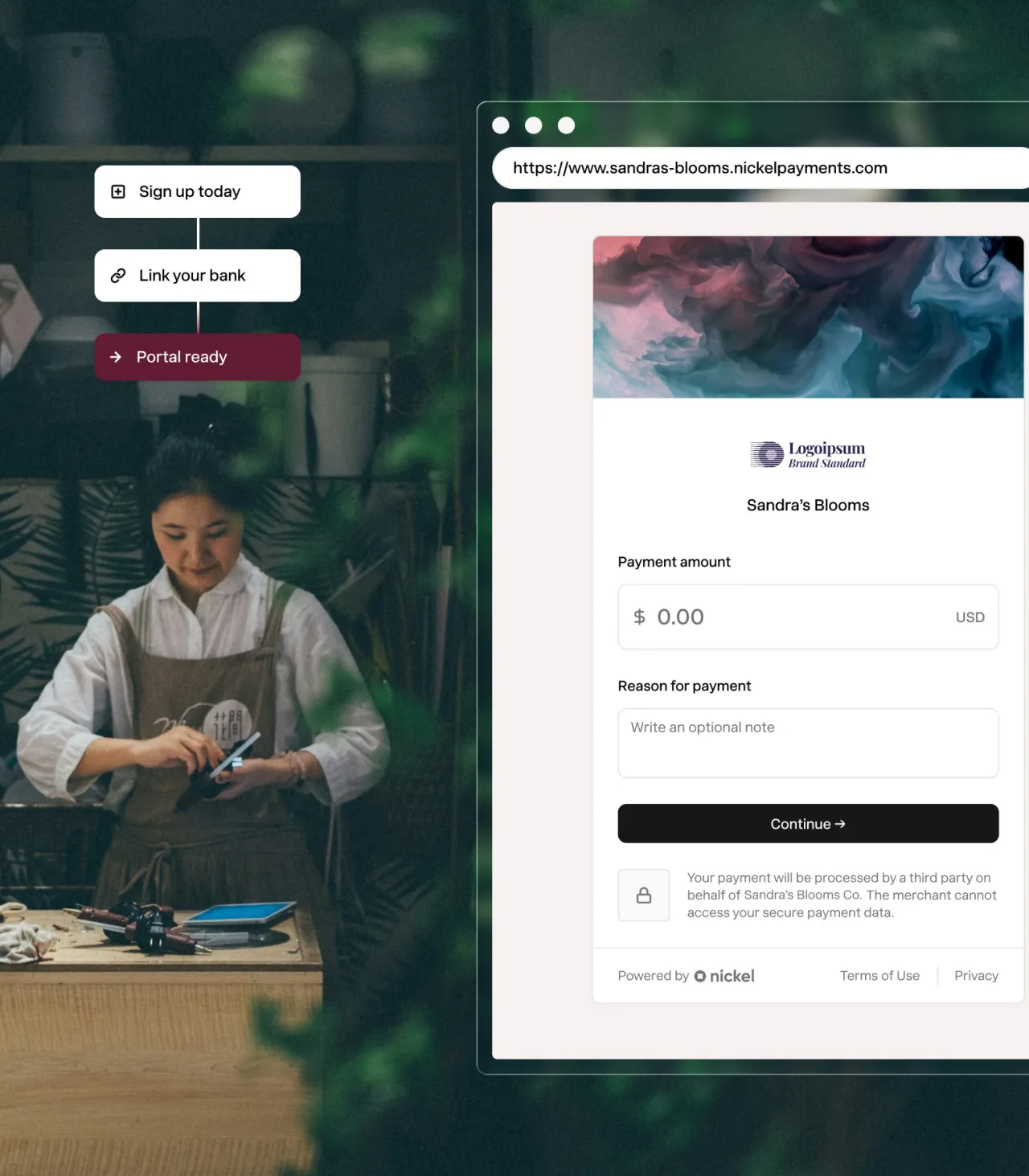
No code or integrations. Your page is ready to use on day one.
$1M per transaction. Get paid on your biggest jobs without limitations.
Free ACH for you and your customers. Full stop.
2.9% flat credit card fees. You decide who pays it.


Ready on day one. No set up required
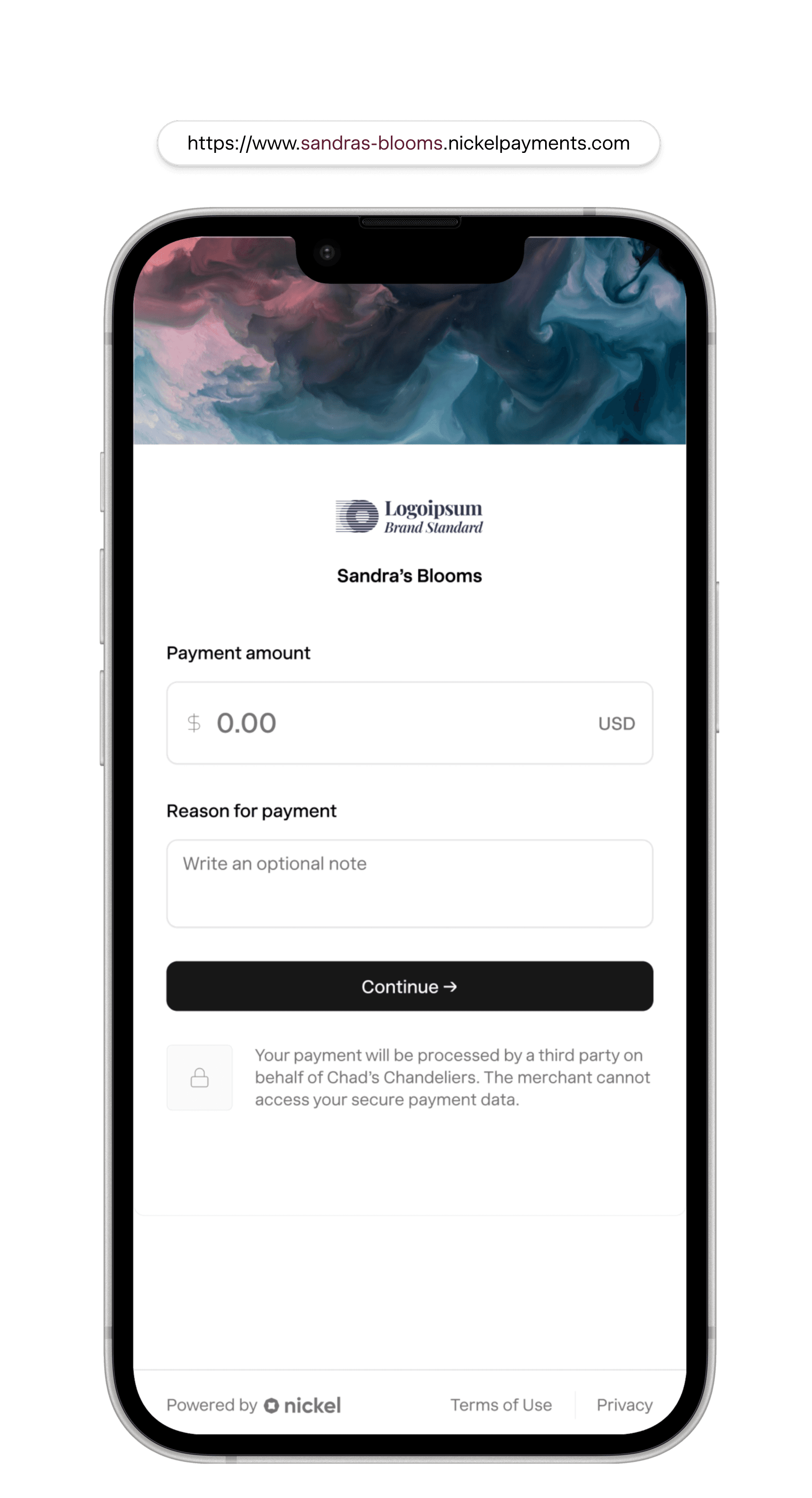
Every account comes with a payment page. Ready to accept payments immediately.
However they pay, you get paid.
ACH Bank Transfer
Pull funds directly from your buyer's bank account
Free2-3 business daysCredit & Debit Card
Accept US and global cards and decide who pays the fees
2.9%1-2 business daysWires
Receive wire transfers without sharing your bank details.
Free1-2 hoursPhysical Checks
Deposit checks without running to the bank.
Free2 business days

All my customers say Nickel's payment experience is top notch — very easy.
T.J. Langerak
Archadeck of Central Maine
A payment page for any product or service
Launch a new page in minutes and tailor it to match the product or service you're selling.
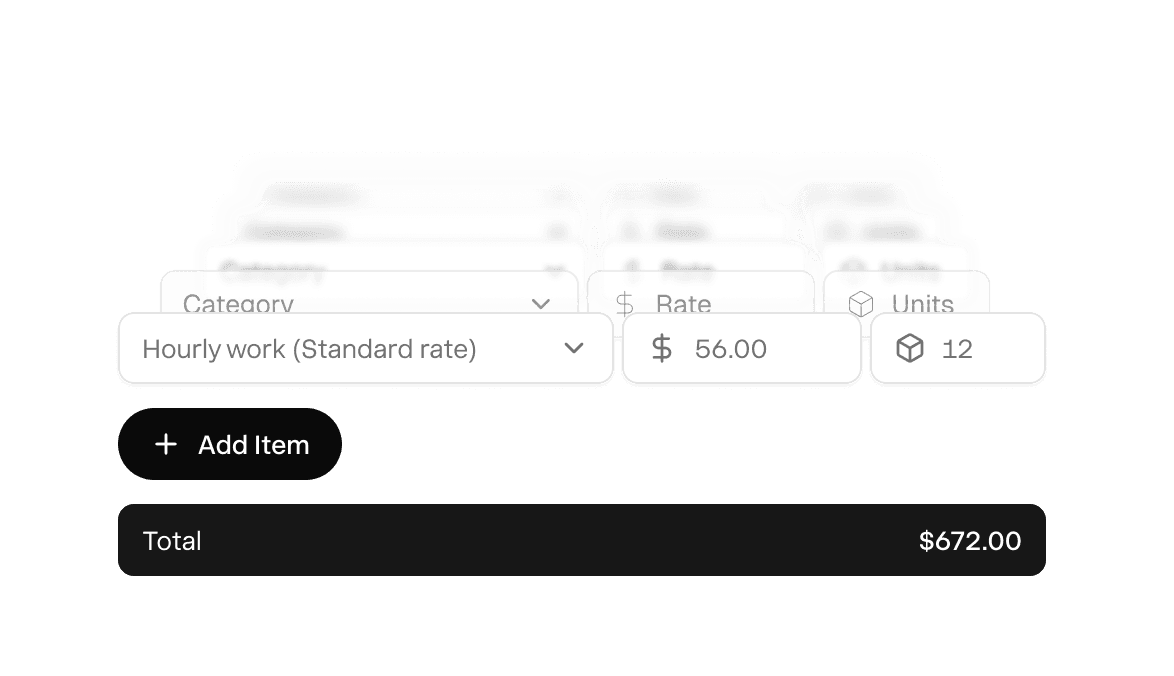
Fixed cost products or services. You set the price in advance, customer pays in one click.
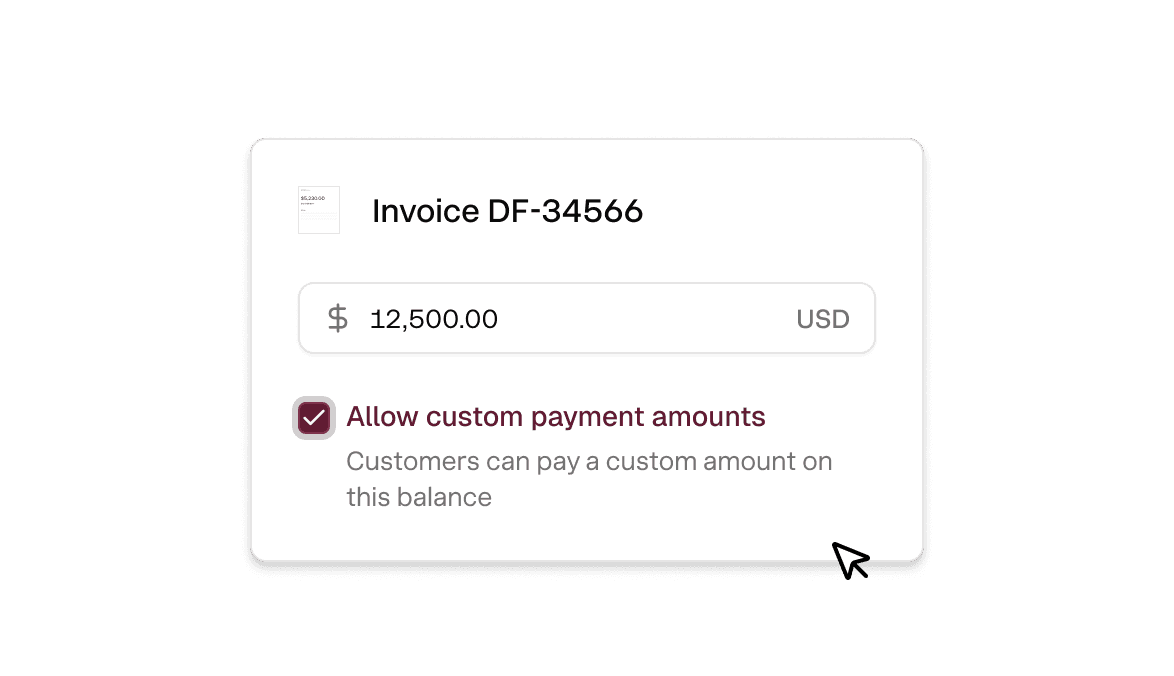
Variable cost orders or projects. Customers enter the amount and reason for payment.
Customize form fields to collect extra information like a job or PO number.
Add your logo and branding so each page reflects your business.
Use your own domain so customers see your website, not nickel.com.
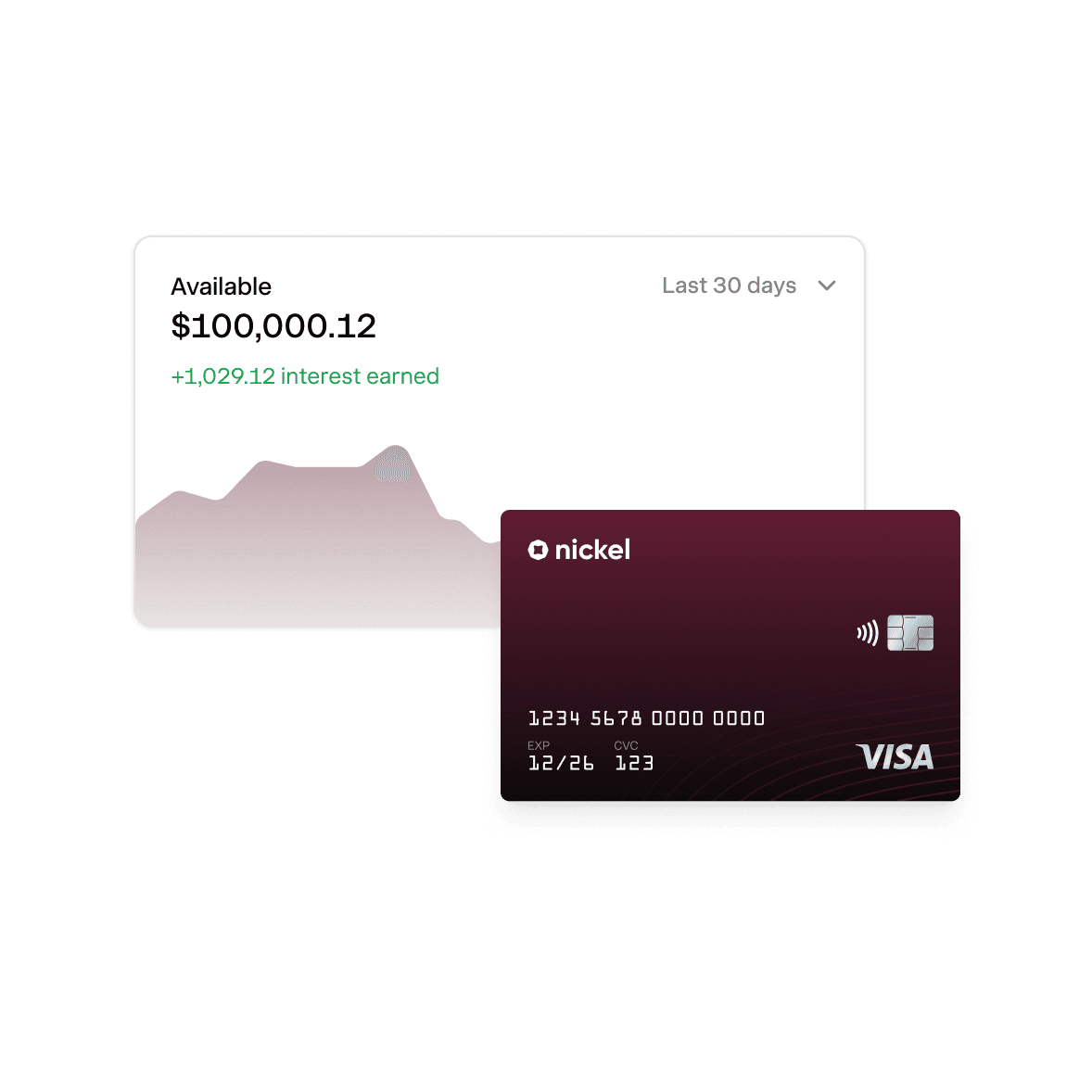
Instant payments. 2% APY on idle cash.
Explore Nickel Balance
America's best way to take payments online.
Rated 4.9 across hundreds of G2 reviews from businesses taking payments through hosted payment pages.

“Nickel has been a tremendous asset for my business”

“The setup was remarkably quick, and we had it up and running in less than an hour.”

“When QuickBooks cut us off and we couldn't get support, Nickel saved the day.”
Nickel holds the highest overall rating at 4.9 out of 5.Read G2’s Best Payment Processing Software roundup
Close the books without spreadsheets.
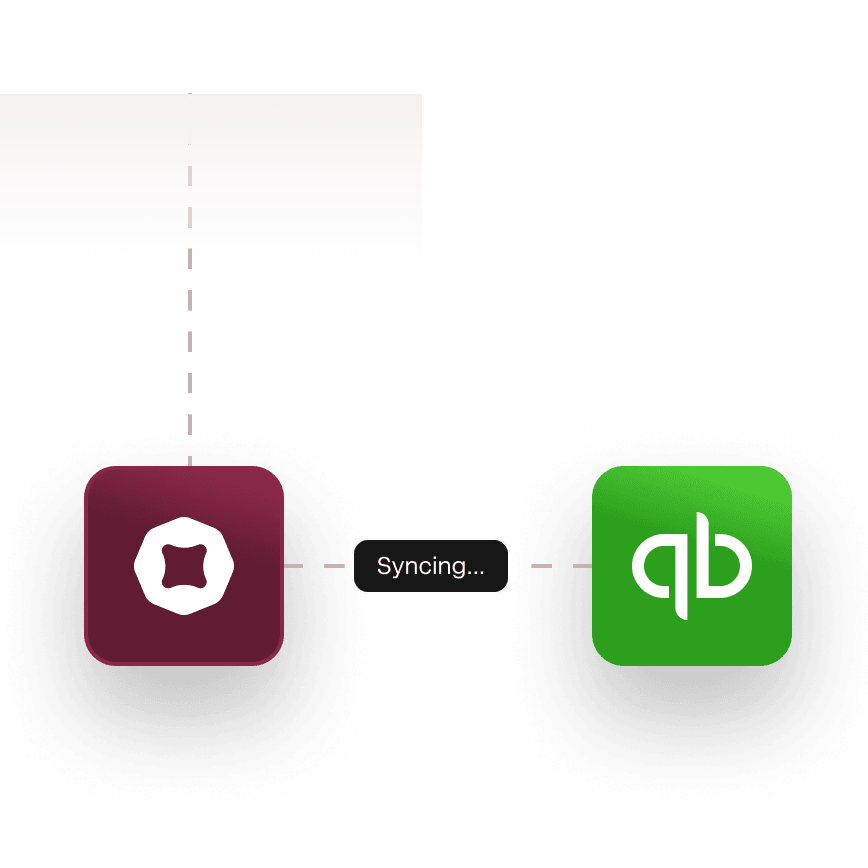
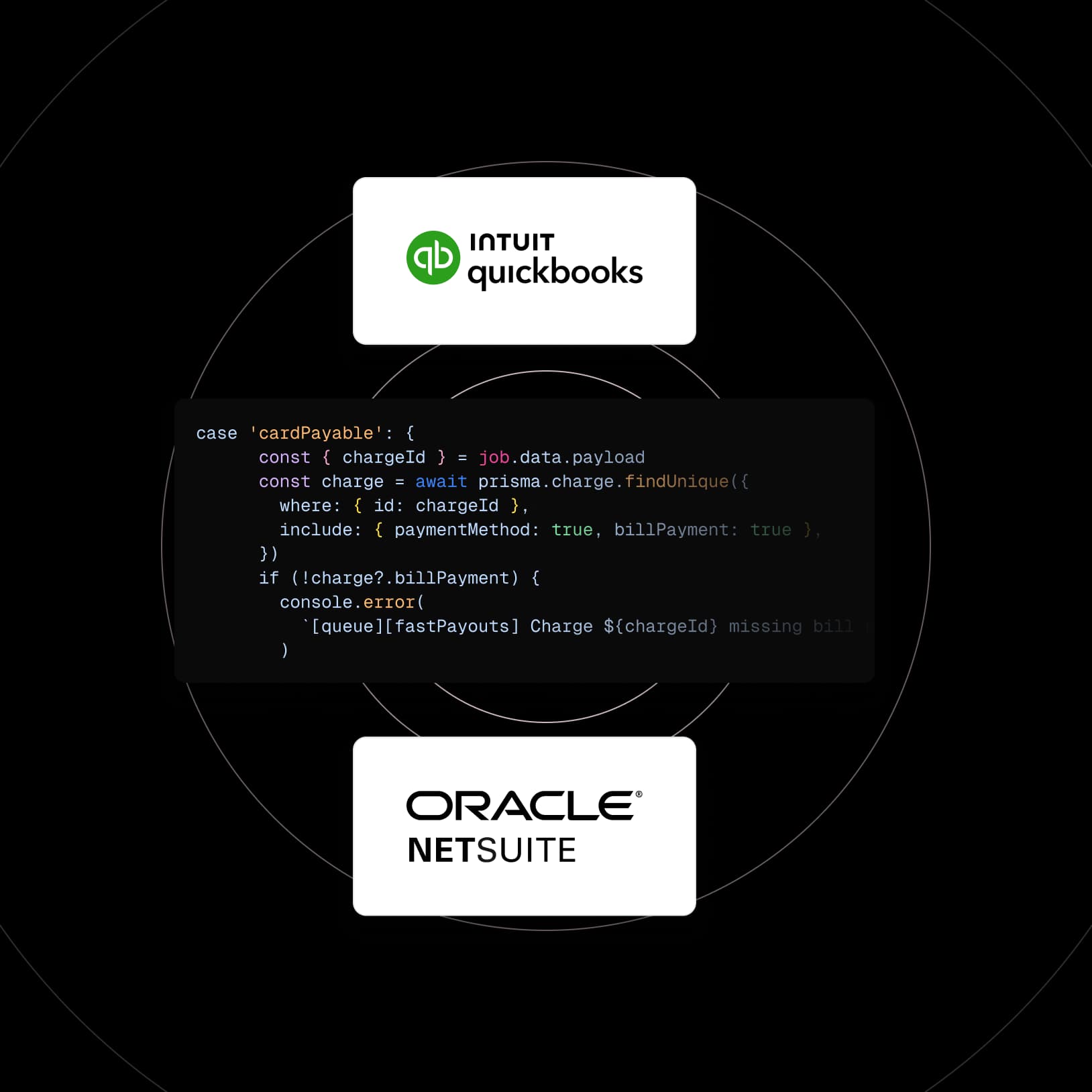
Instant QuickBooks sync. Push payments to QuickBooks Online or Desktop in real time.

One deposit per payment. Say goodbye to batch deposit reports.
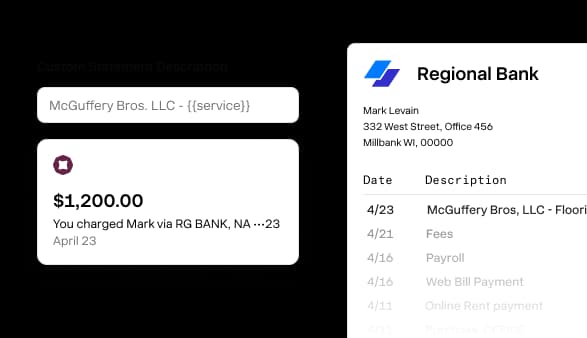
Custom statement descriptors. You decide what shows up on bank statements.
Time is money. Save both on every payment.
Instant buyer receipt
Buyers get a receipt and can track their payment from sent to received.
One click refund
Issue a refund on any card or bank transfer in one click.
Apple and Google Pay
Available with no extra set up or transaction fees.
One click pay
Returning buyers pay in one click with the method they saved last time.
Real-time tracking
Track every payment from charged to deposited in your account.
Buyers don't need an account
Customers open the link and pay — no account, no app, no setup.
Cash in. Cash out. Everything in between.


How do I set up a payment page for my business?
You create your payment page inside Nickel. Add your logo, set up the products or services you want to list, and publish. There's no code to write and no integration to configure. You get a permanent URL you can put on your website, in emails, or on printed materials.
Can I use my own domain for the payment page?
Yes, you can connect your own custom domain to your Nickel payment page so the URL matches your business.
Can I create different pages for different products or services?
Yes, you can set up multiple payment pages with different products, services, or pricing on each one. If you want one page for fixed-price items (like a $500 annual service plan) and another where customers enter their own amount for a project or invoice, you can do both.
Do my customers need a Nickel account to pay through the page?
No, your customers don't need a Nickel account. They visit the payment page, pick what they're paying for, choose a payment method (ACH, card, or check), and pay. Returning customers can pay in one click if they've saved their payment info from a previous transaction.
What's the difference between a payment page and sending an invoice?
An invoice is a one-time payment request you send to a specific customer for a specific amount. A payment page is a permanent link where any customer can pay at any time. Invoices are for billing someone for work you've already scoped. Payment pages are for products, services, or open balances where the customer initiates the payment on their own.
Can I collect custom information like a job number or PO?
Yes, you can add custom fields to your payment page so customers enter their job number, PO number, project name, or whatever else you need to match the payment to the right account.
Can returning customers pay in one click?
Yes, if your customer has paid through your page before and saved their payment method, they can pay again with one click.
Does the payment page work with Apple Pay and Google Pay?
Yes, your payment page accepts Apple Pay and Google Pay with no fee beyond the standard 2.9% card rate. Customers who have Apple Pay or Google Pay set up on their phone can pay without entering a card number. The payment processes the same way as any other card transaction.
Your payment page is ready.
See your ROI and savings using our calculator
Savings calculator →See a demo. See how Nickel can improve your cashflow in 30 minutes.
Talk to our experts →