Recurring invoices, not subscriptions.
Built for repeat orders or ongoing services. Auto charge the payment method on file or send a payment request each cycle.
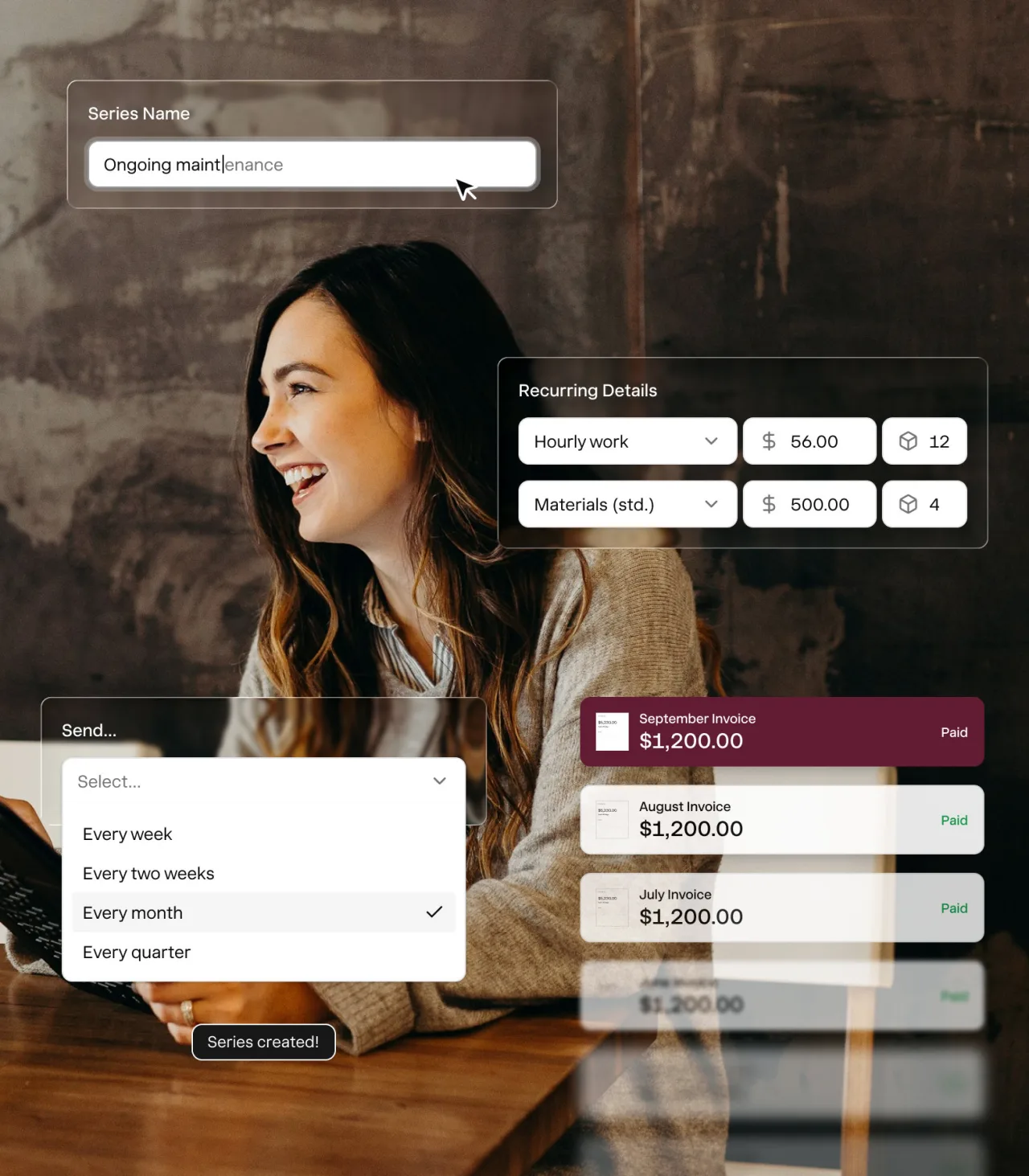


Create once. Get paid every time.
1. Create a series.
Start from scratch or turn an existing invoice into a recurring series.
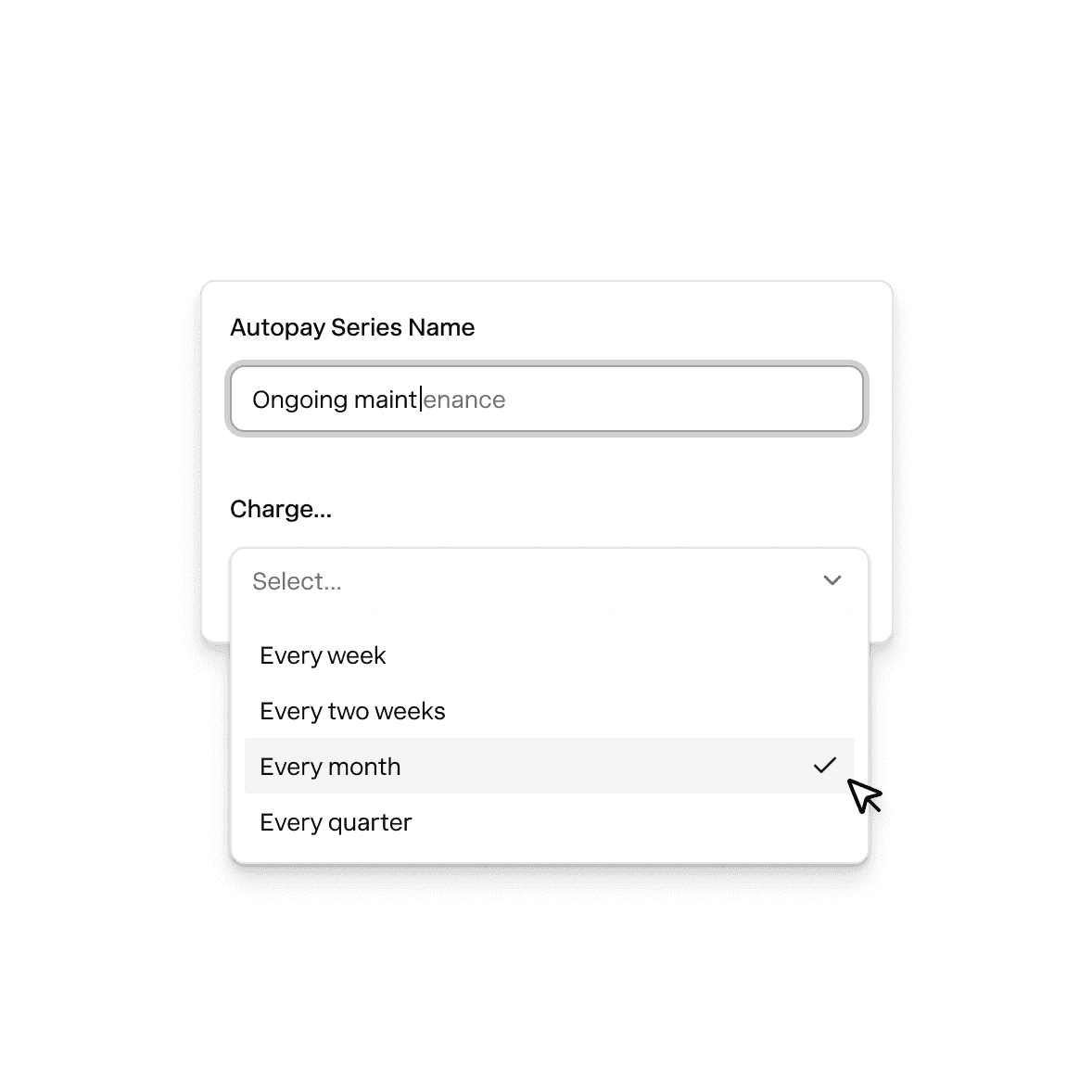
2. Set the cadence.
Pick between weekly, monthly, or custom, and when the series ends.
3. Pick what happens.
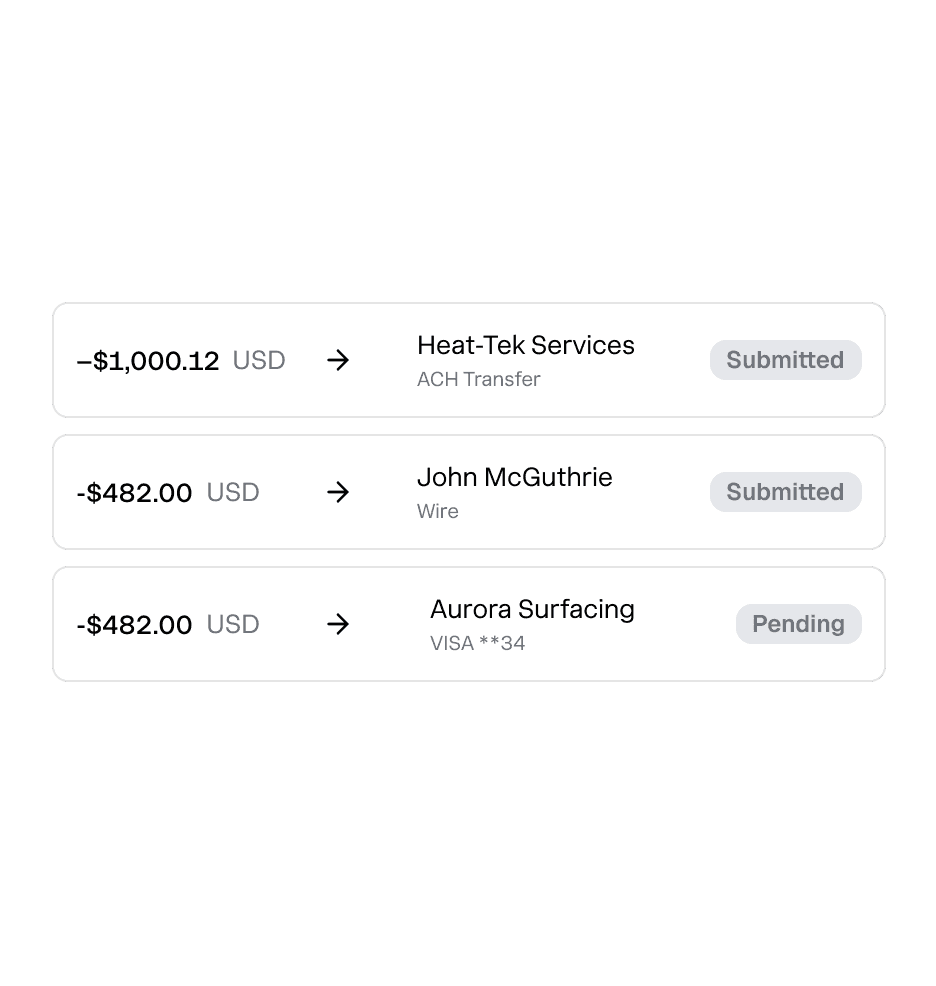
Charge a card or bank on file or send a request every cycle.
4. Money in. Books matched.
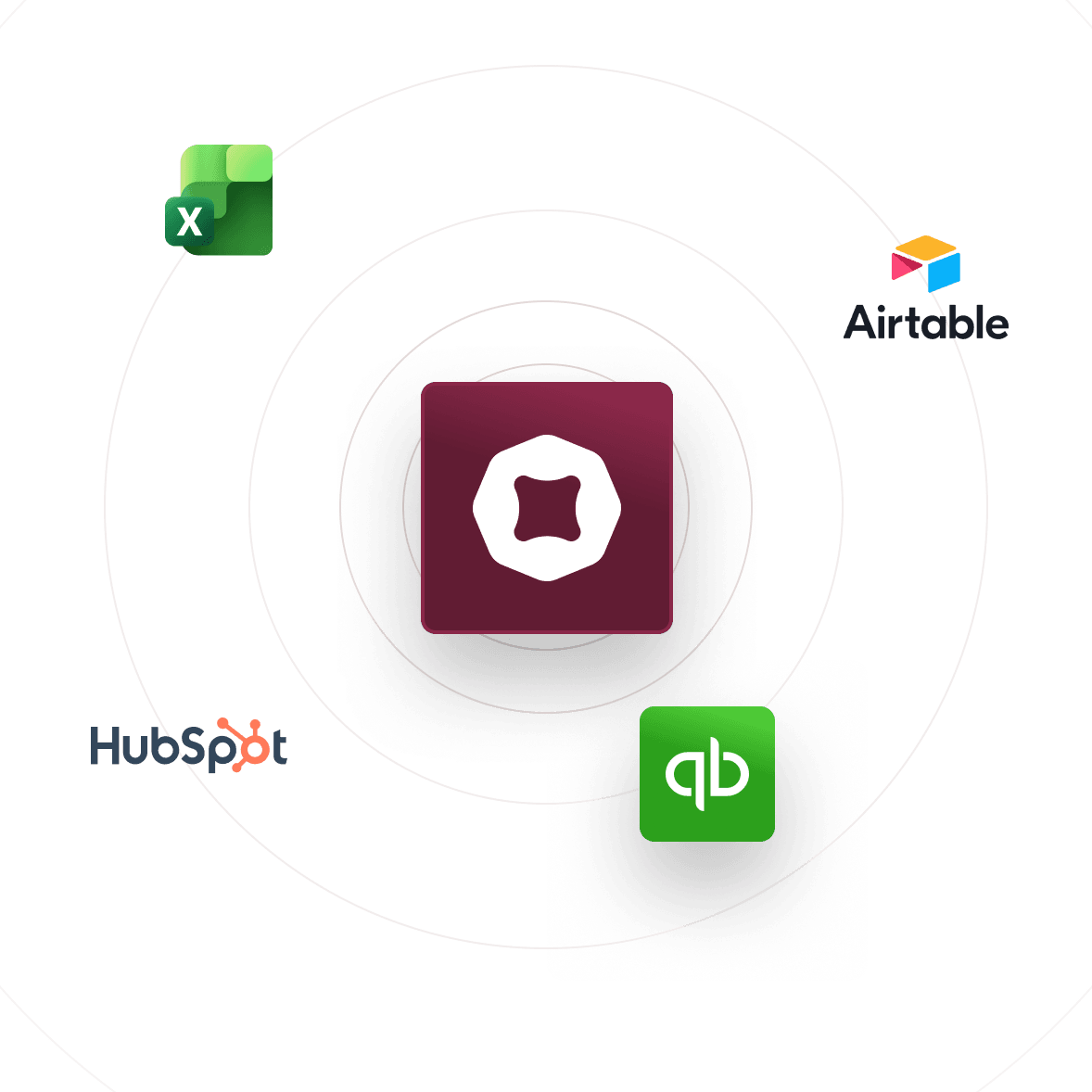
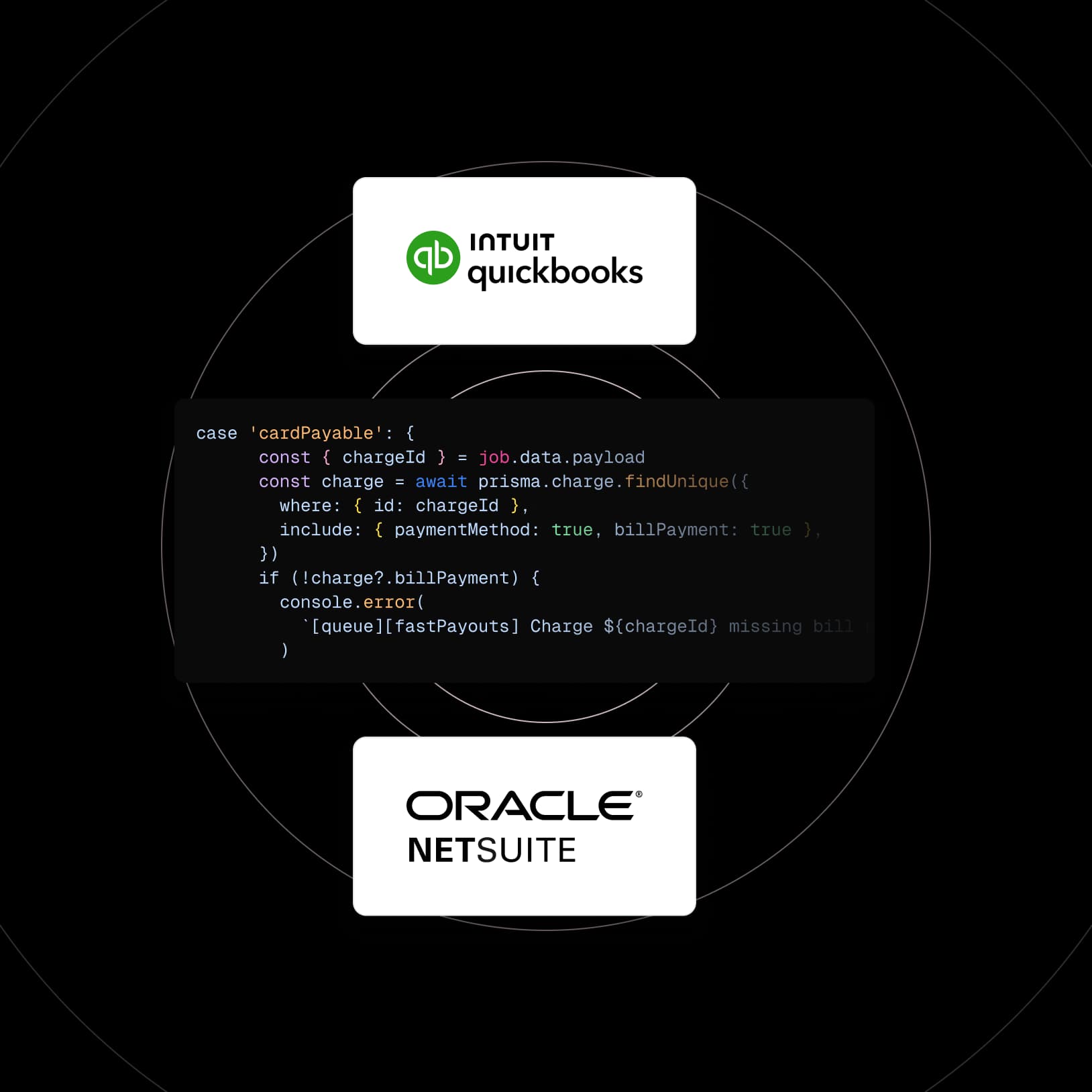
Every payment lands in your account and records in QuickBooks automatically.
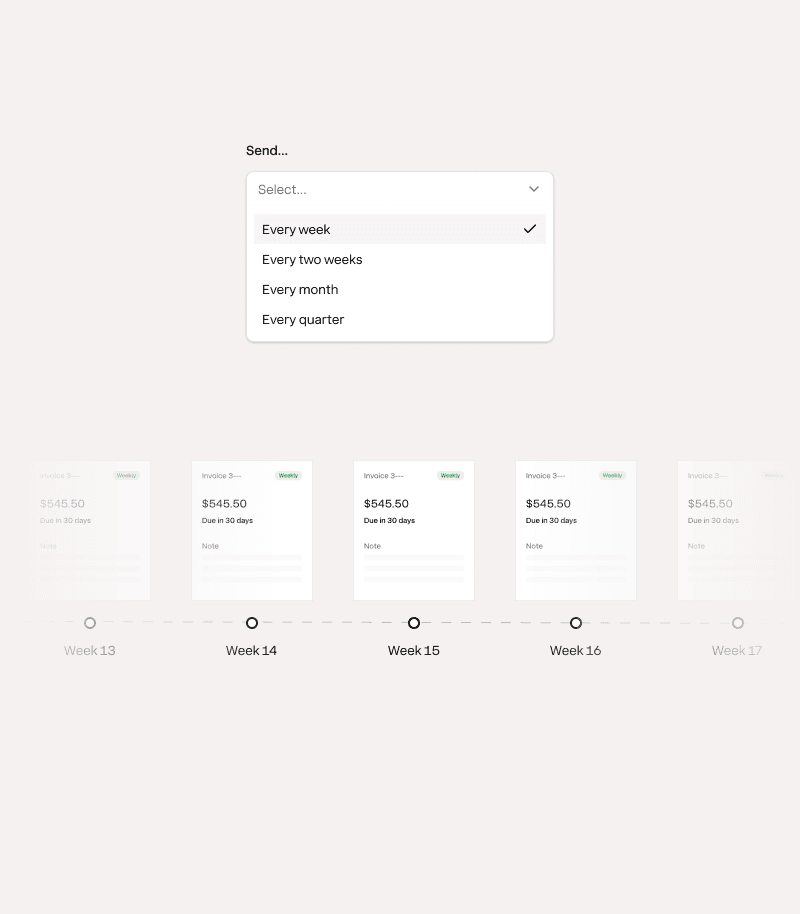
Never miss an invoicing cycle.
Automatically generate and send a repeat invoice every cycle. You'll never miss an invoicing date.

Recurring payments became critical as we grew. Nickel saves us hours every week setting up new clients in QuickBooks.
Tiffany Smith
Alliance Homecare
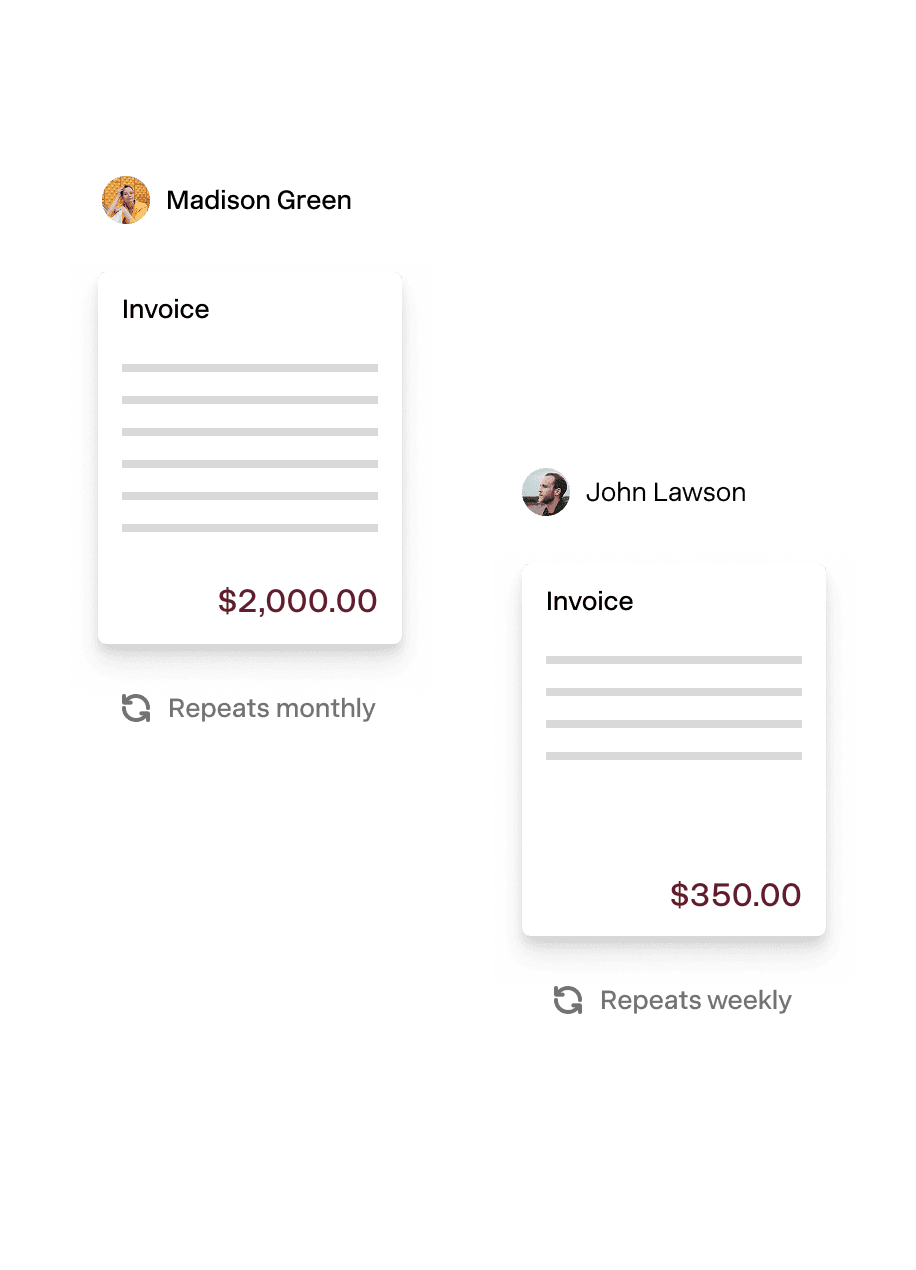
Tailor every recurring invoice to the customer.
Customize how each recurring invoice gets paid. Send a payment request or charge a payment method on file, you decide.
- Auto charge a payment method on file
- Send a request and let customers decide
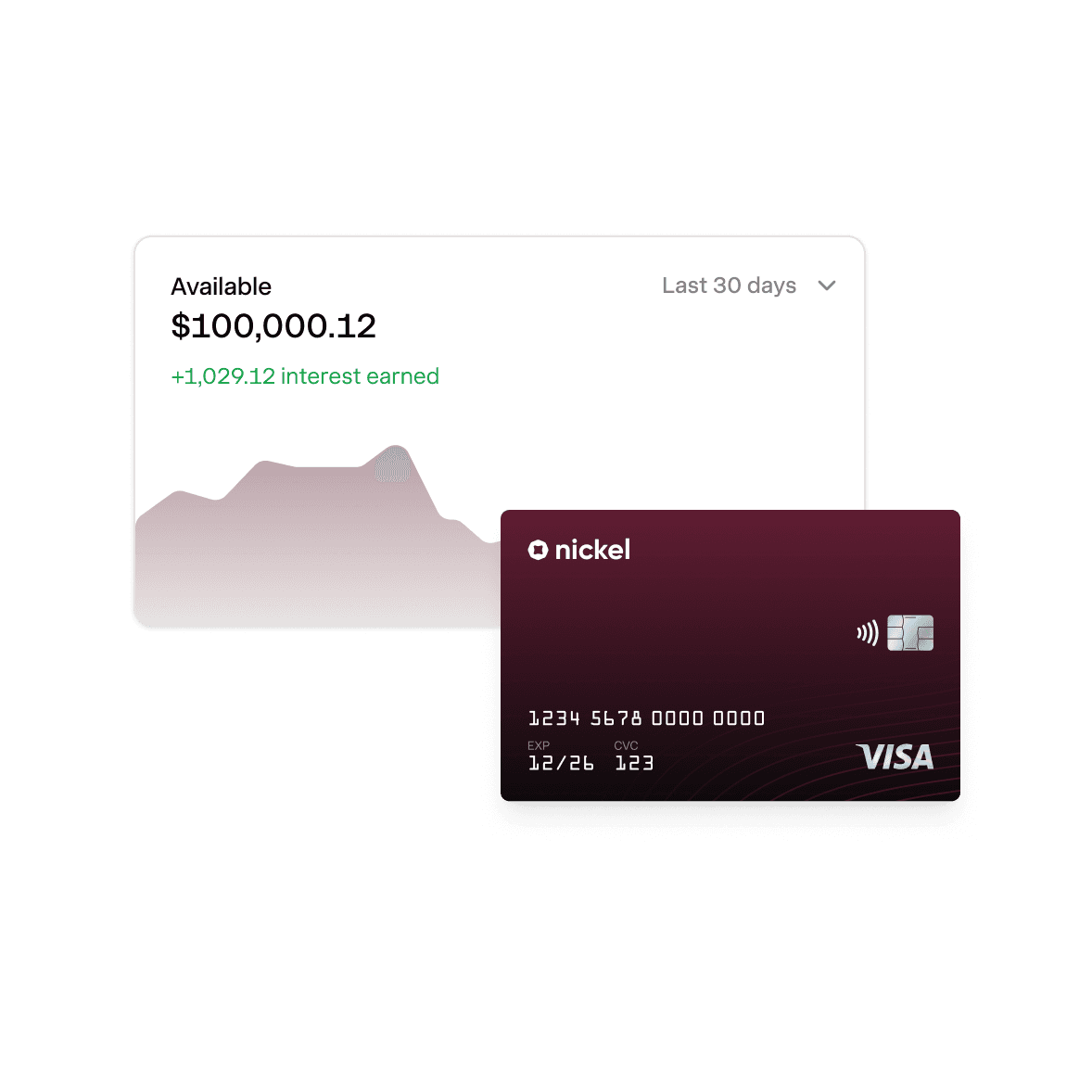
Instant payments. 2% APY on idle cash.
Explore Nickel Balance
Close the books without spreadsheets.
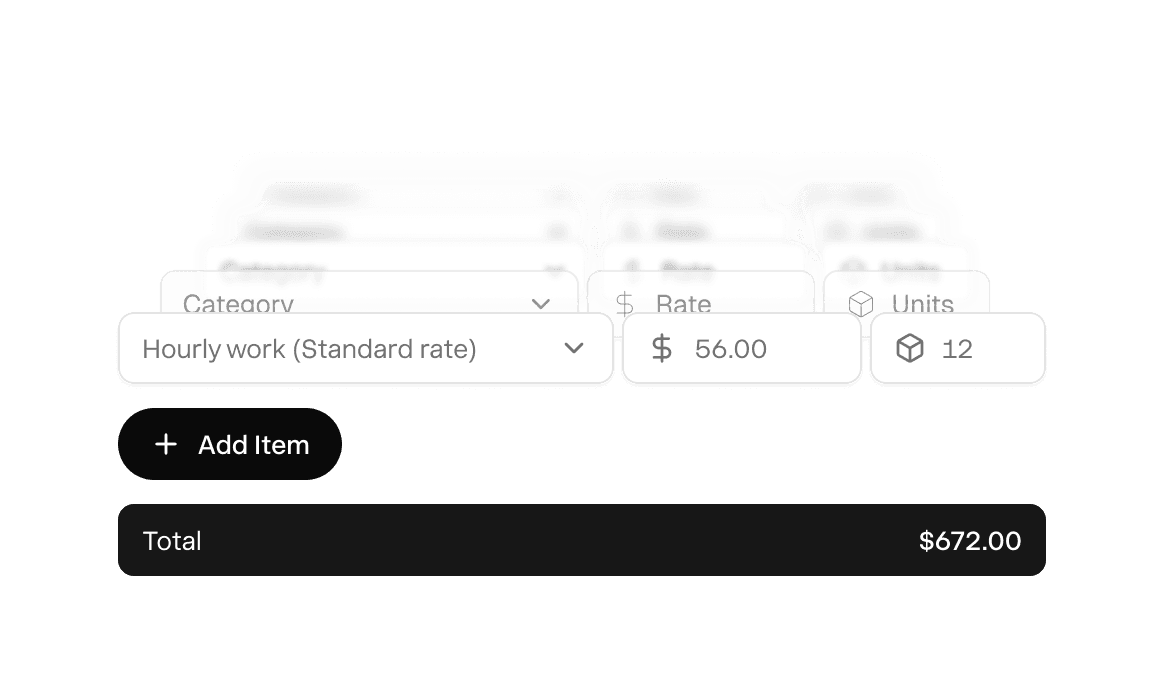
Fixed price products or services. You set the price in advance, customer pays.
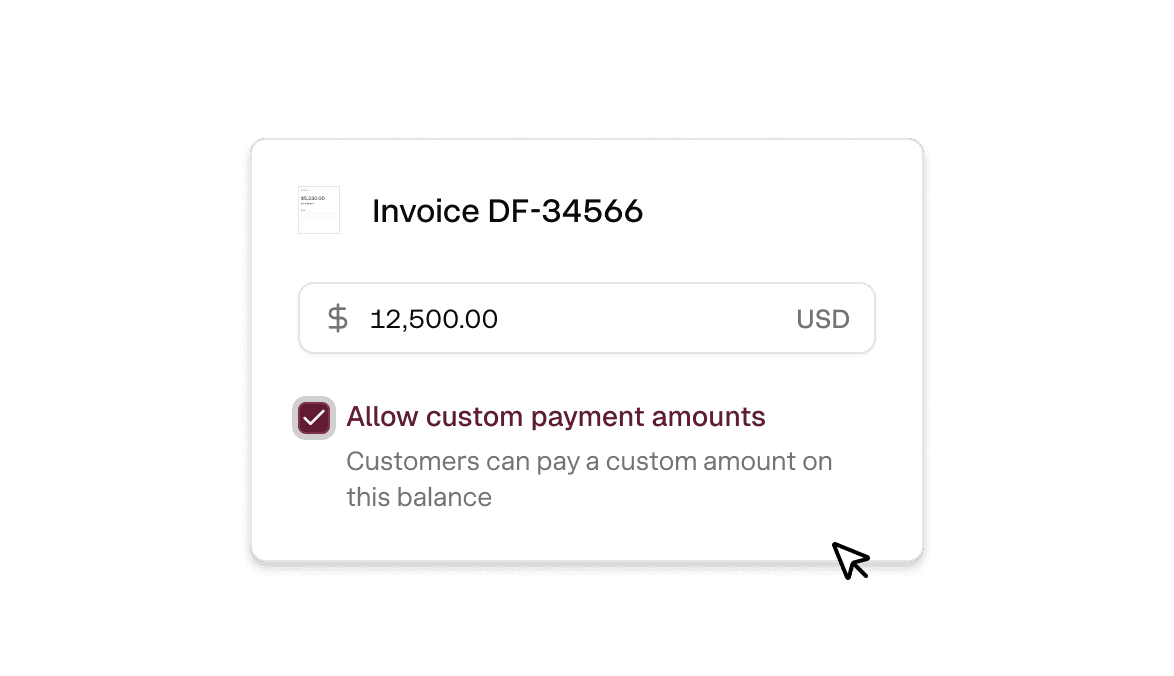
Variable cost projects. Customers enter the amount and pays it
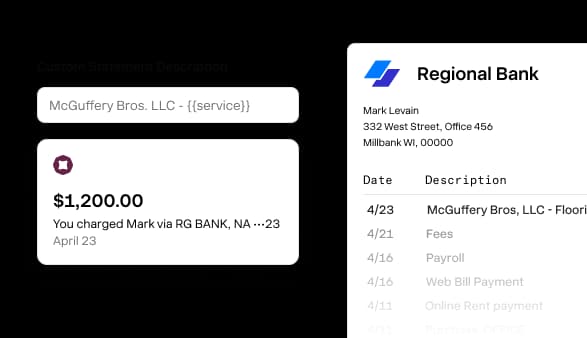
Custom statement descriptors. You decide what shows up on bank statements.
Time is money. Save both on every payment.
All series in one view
Every active series lives in one dashboard you can scan in seconds.
Apple and Google Pay
Available with no extra set up or transaction fees.
Live invoice tracking
See who's opened each invoice so you know exactly when to follow up
One click refund
Issue a refund on any card or bank transfer in one click.
Automated reminders
Set a reminder schedule and Nickel automatically chases every invoice.
Instant buyer receipt
Buyers get a receipt and can track their payment from send to received.
America's best way to automate invoicing.
Rated 4.9 across hundreds of G2 reviews from businesses sending recurring invoices with Nickel.

“Nickel makes payments to other businesses easy and offers amazing support.”

“Nickel is improving my relationship with clients.”

“I really appreciate the responsiveness of the support team — they're always available to answer my questions.”
Nickel holds the highest overall rating at 4.9 out of 5.Read G2’s Best Payment Processing Software roundup
Cash in. Cash out. Everything in between.
Can I set up recurring invoices where the amount changes each cycle?
Yes, you can adjust the amount on a recurring invoice before each cycle goes out. If your customer's order varies month to month, you update the line items and the next invoice reflects the new total.
How do I set up recurring invoices that sync to QuickBooks?
Create a recurring series in Nickel, set the schedule (weekly, monthly, or custom), and each invoice syncs to QuickBooks Online or QuickBooks Desktop when it's generated. Payments sync back when they clear.
What's the difference between a recurring invoice and autopay?
A recurring invoice sends your customer a new payment request on a schedule. They get a payment link and choose to pay each time. Autopay stores your customer's payment method on file and charges it automatically when the invoice is due. You can choose either approach per customer, or mix both depending on the relationship. If you collect the authorization on paper, a free recurring ACH authorization form does the job. Autopay requires Plus or Pro.
Can my customers opt out of auto-charge and pay manually instead?
Yes, if a customer is set up for auto-charge but prefers to pay manually, you can switch them to receive a payment request instead. They'll get the recurring invoice by email with a payment link, and they can pay when they're ready. You can mix auto-charge and manual payment across different customers in the same account.
What happens if a recurring charge fails?
If an auto-charge fails (insufficient funds, expired card, closed account), Nickel notifies you with the reason. The invoice stays open and you can send the customer a payment link so they can pay with a different method. Nickel doesn't charge you a fee for failed payments.
Do my customers need a Nickel account to pay recurring invoices?
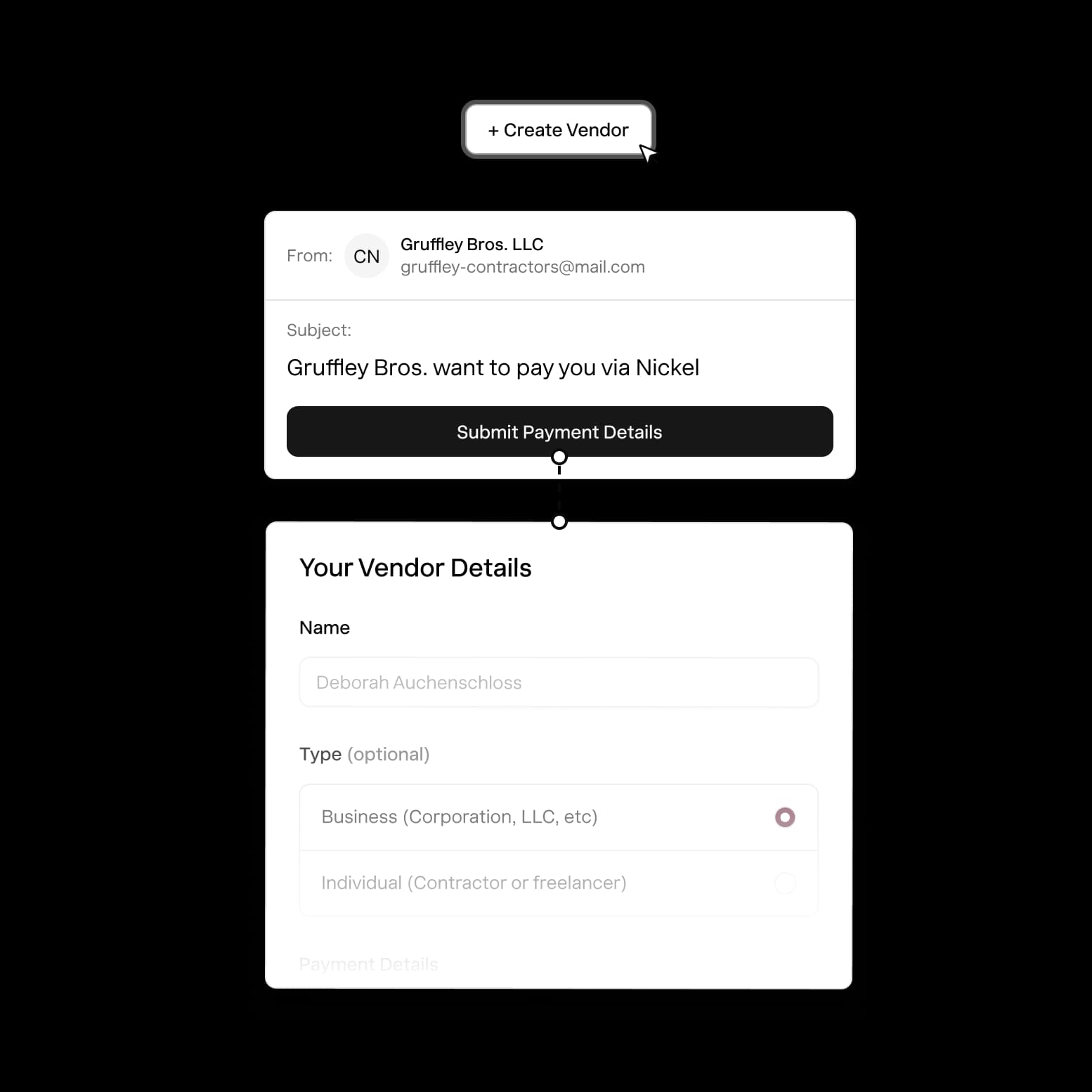
No, your customers don't need a Nickel account for recurring invoices. If they're paying manually each cycle, they get a payment link and pay as a guest. If they're on auto-charge, you store their payment method through a secure link they fill out once, and the charges happen automatically from there.
What's the difference between Nickel recurring invoices and a subscription tool like Stripe?
Stripe is built for software companies billing fixed monthly subscriptions at scale. Nickel is built for B2B businesses billing for ongoing services where the amount, scope, or schedule can change. If you're a contractor billing a property management company $4,200 one month and $6,800 the next, that's what Nickel recurring invoices are designed for. You don't need a developer to set it up, and there's no per-transaction ACH fee.
Can different customers have different billing schedules?
Yes, every customer can be on a different schedule. You can bill one customer weekly, another on the 1st and 15th, and a third on net 30.
Set up your first recurring invoice today.
See your ROI and savings using our calculator
Savings calculator →See a demo. See how Nickel can improve your cashflow in 30 minutes.
Talk to our experts →