Add a vendor. Not a todo list.
Collect and verify vendor bank, business and tax details with one secure link.
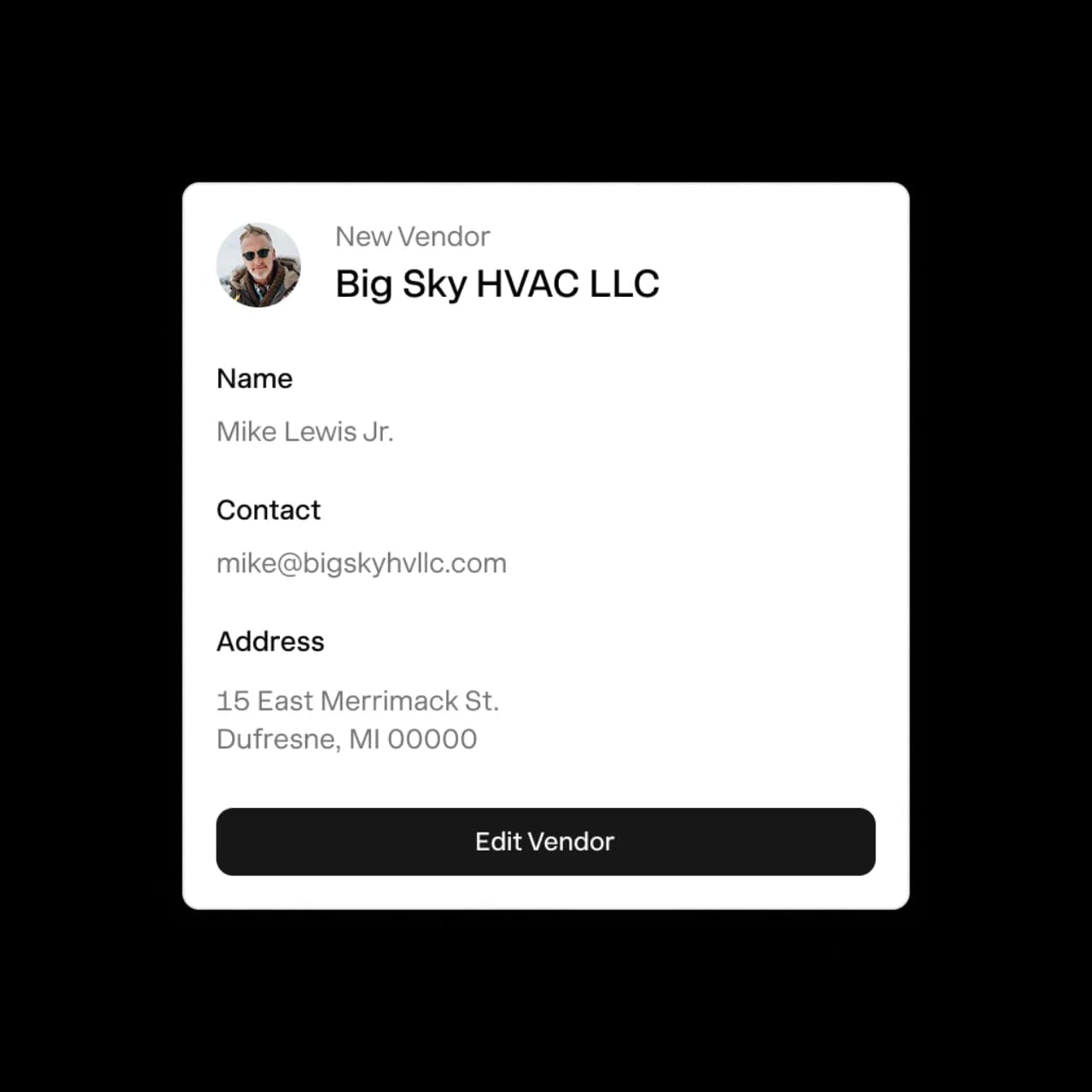


Vendors that onboard and verify themselves.
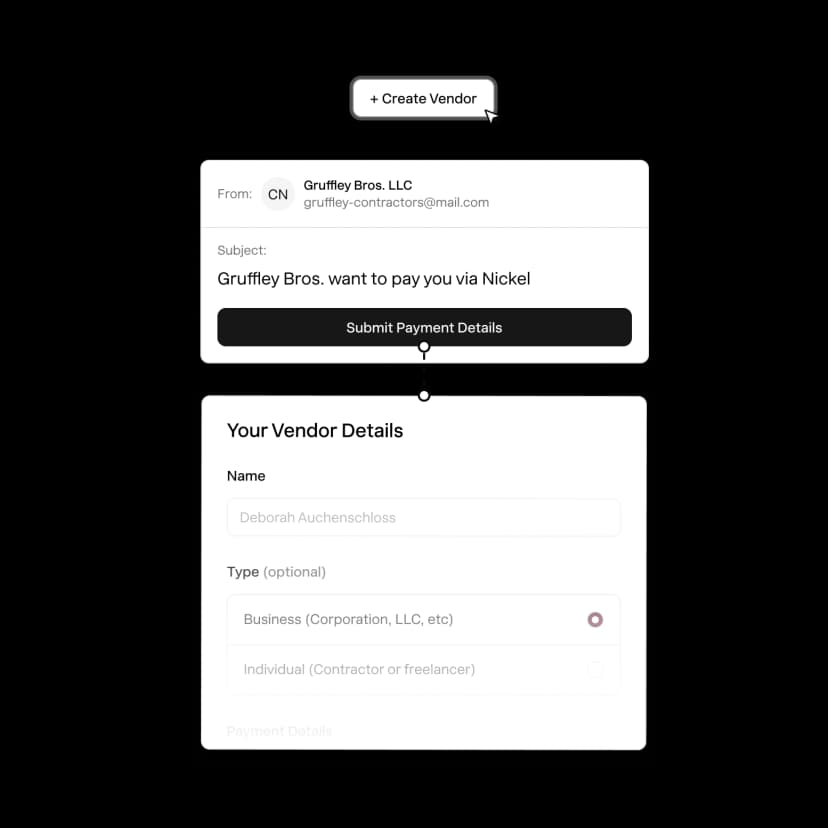
1. Send a secure link
Send a link, vendors don't need a Nickel account.
2. Vendors adds their info
Payment details, point of contact, and business and tax info.
3. Nickel confirms their details
Nickel verifies the business and their payment details.
4. Ready to pay
Send a payment to the right place without the back and forth.
Get details upfront, not when bills are due.
Collect everything from remittance details to tax documents without the usual back and forth.
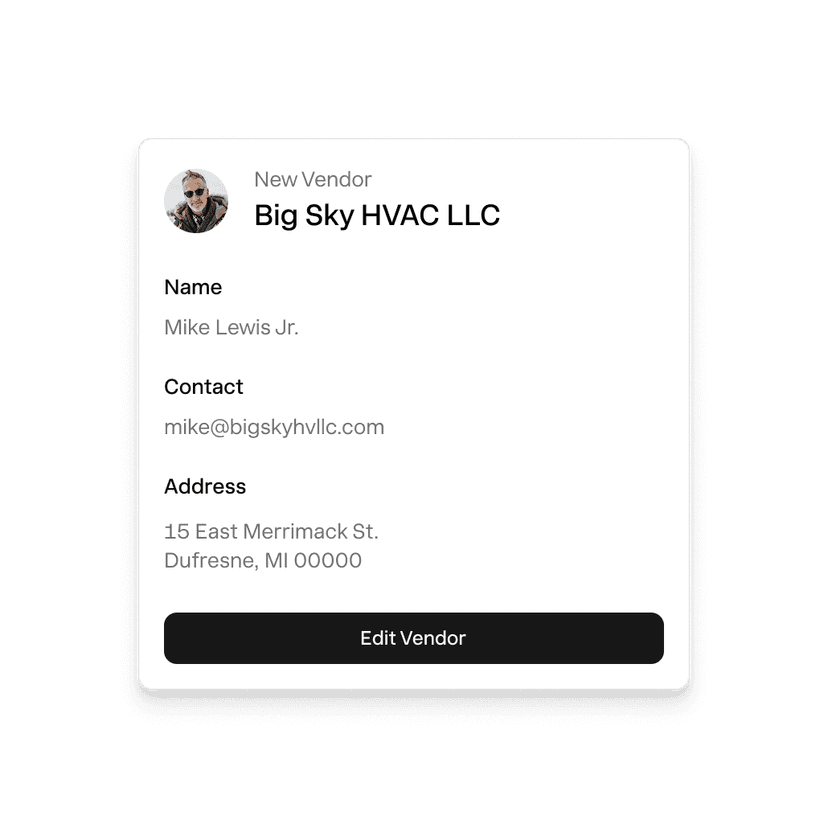
Business info
Legal name, billing address, and a point of contact, so the right people stay looped in.
Payment and remittance details
Know exactly how vendors want to get paid and save their bank details upfront.
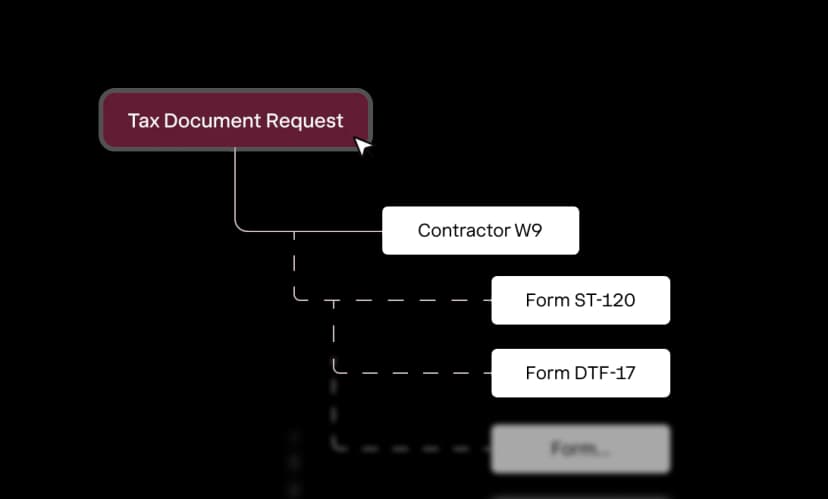
W-9 and tax documents
Request W-9 and tax documents on day one so you're ready come tax season.

Nickel helps us set up, verify and save hundreds of contractors. It saves me a dozen hours a week.
James Matthews
Axios Pro
Know who you're doing business with
Nickel verifies the identity of every vendor and their bank details so you never put your money at risk.
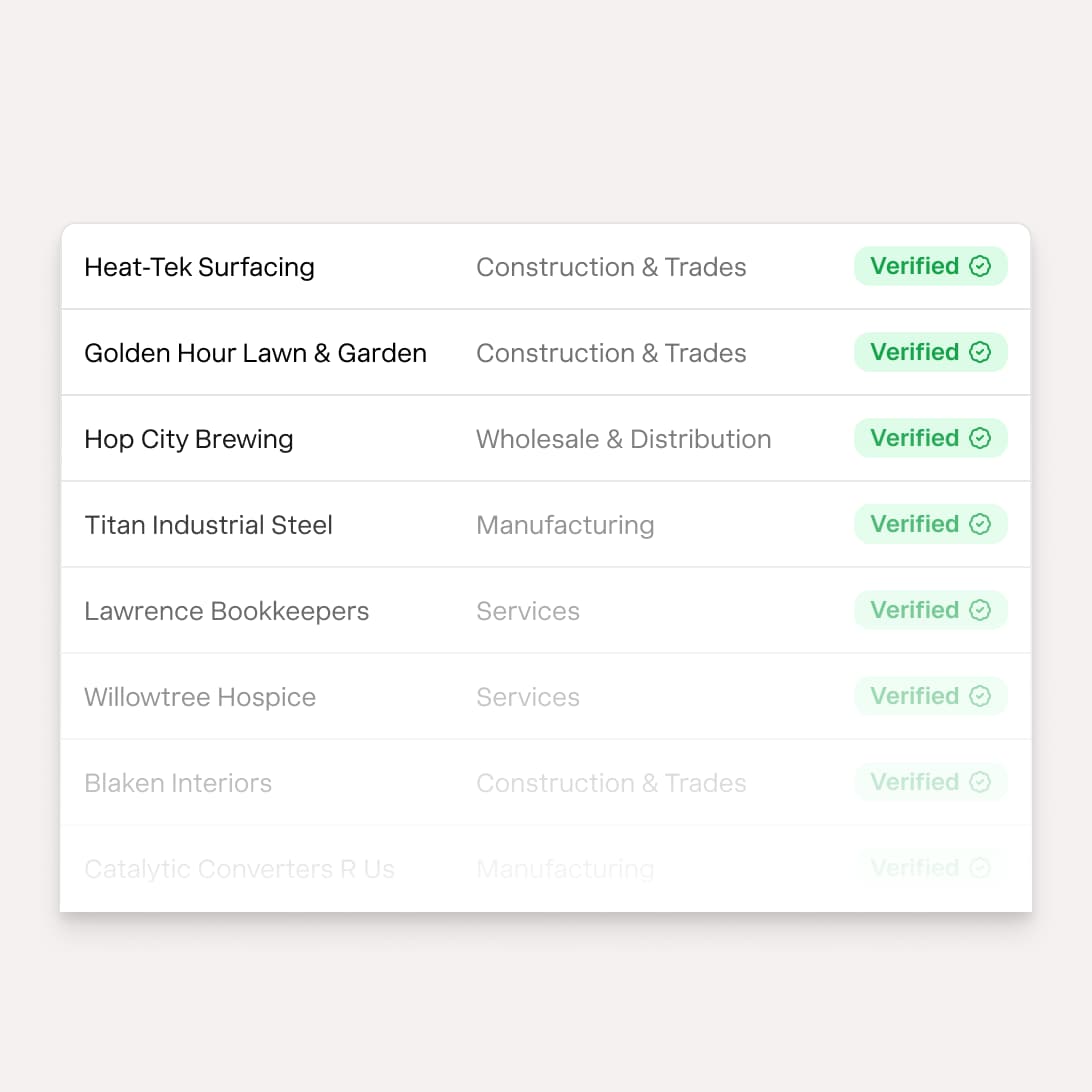
Business Verification. Nickel ensures you work with verified businesses in good standing.
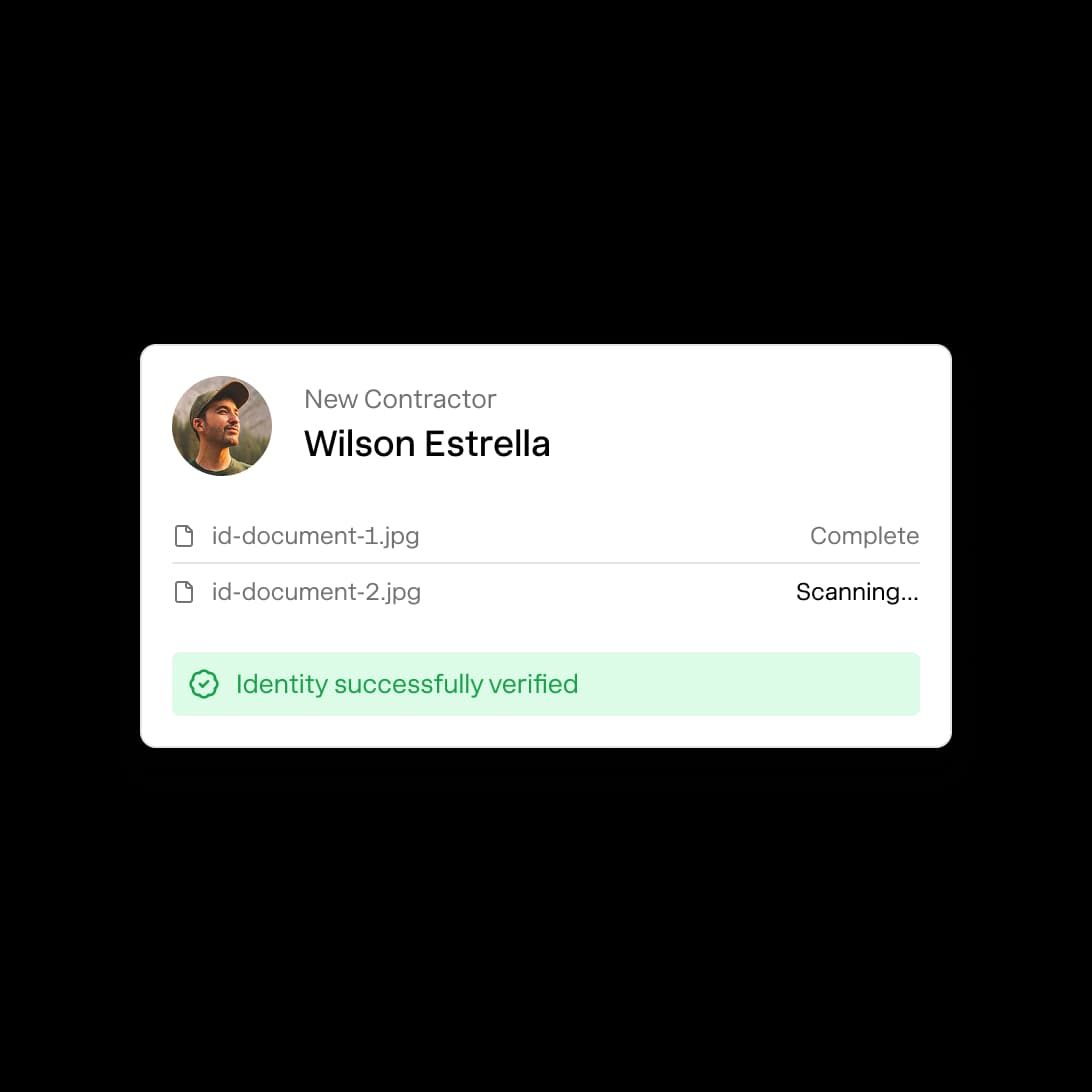
1099 Contractor Verification. Nickel confirms the identity of the person behind the name.
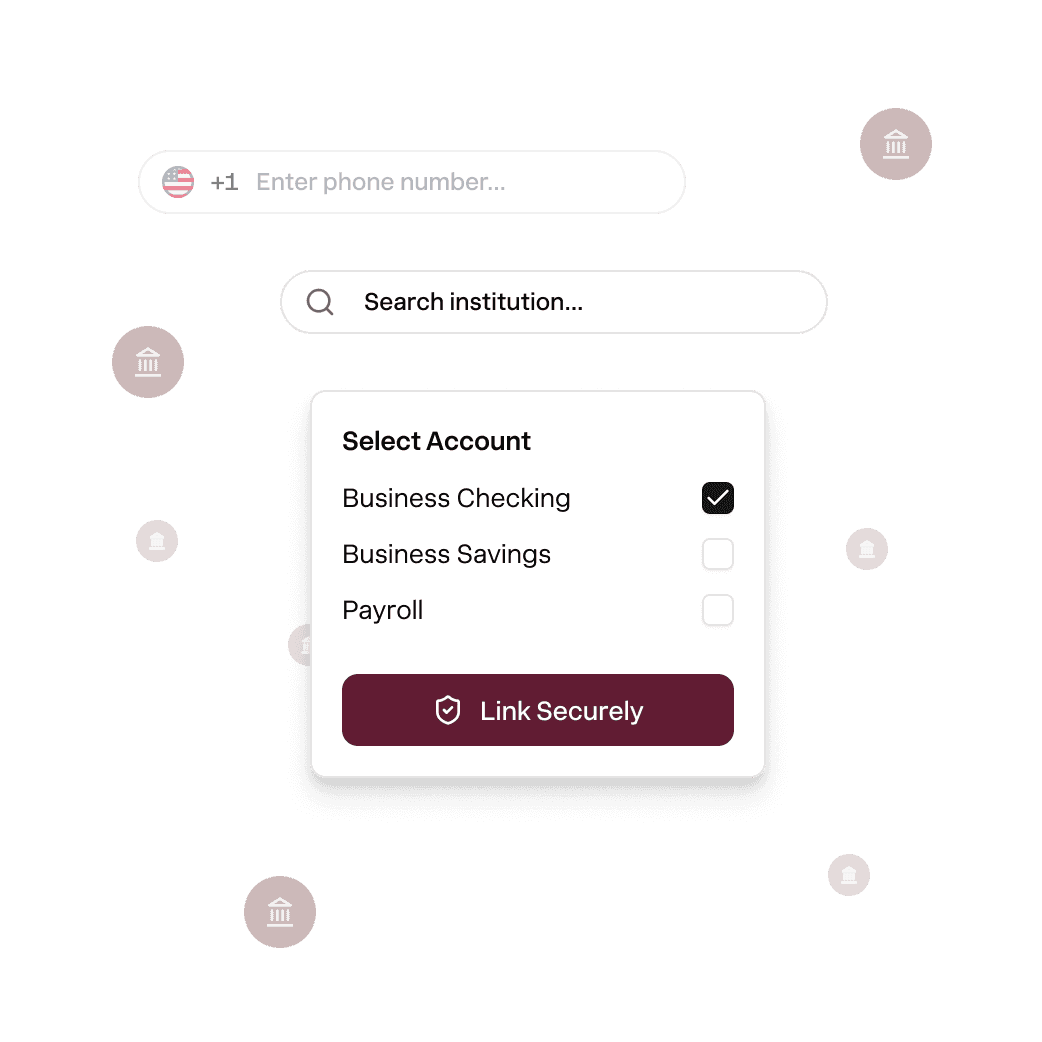
Bank Verification. Nickel protects you from failed payments to the wrong bank accounts.
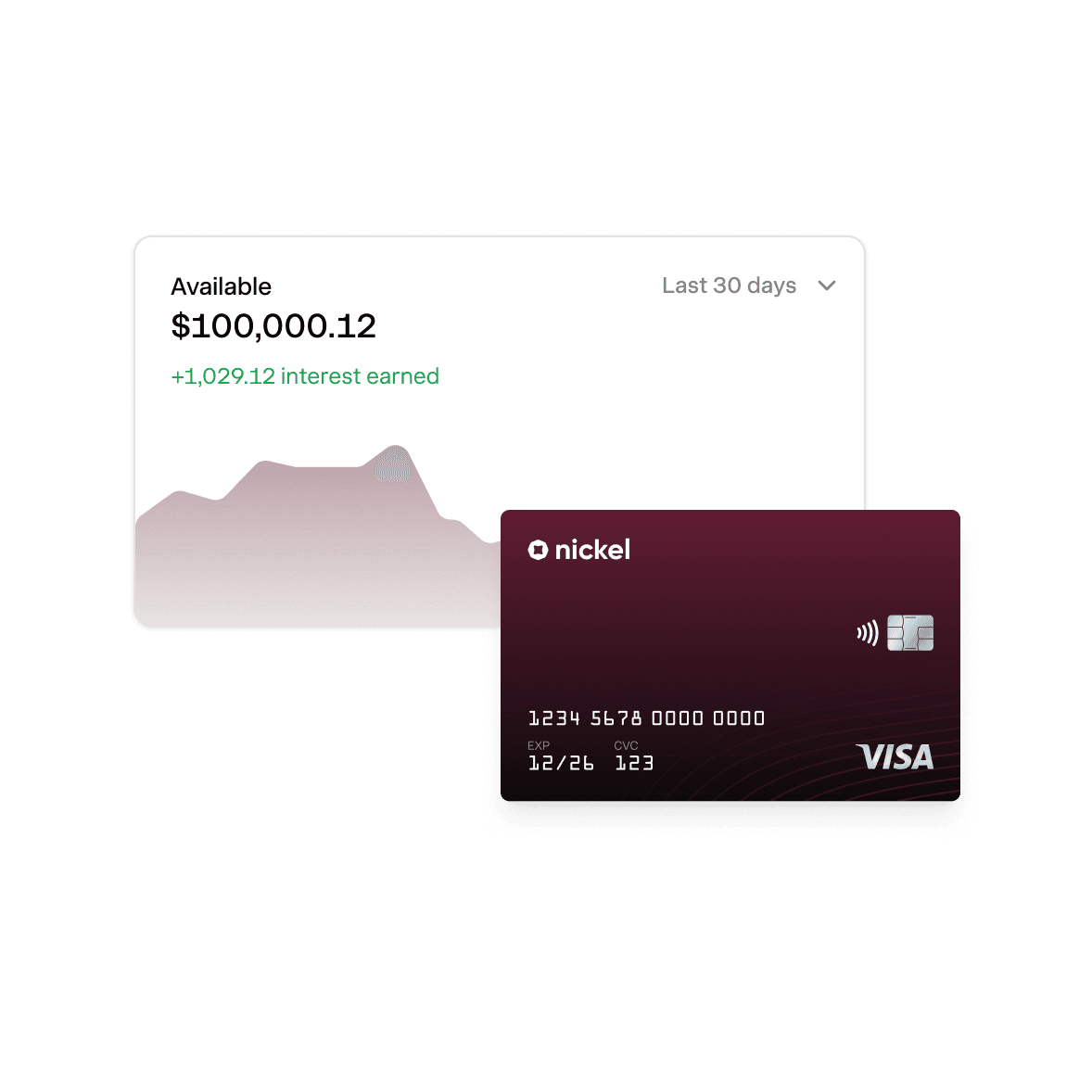
Instant payments. 2% APY on idle cash.
Explore Nickel Balance
Onboard. Pay. Books that match themselves.
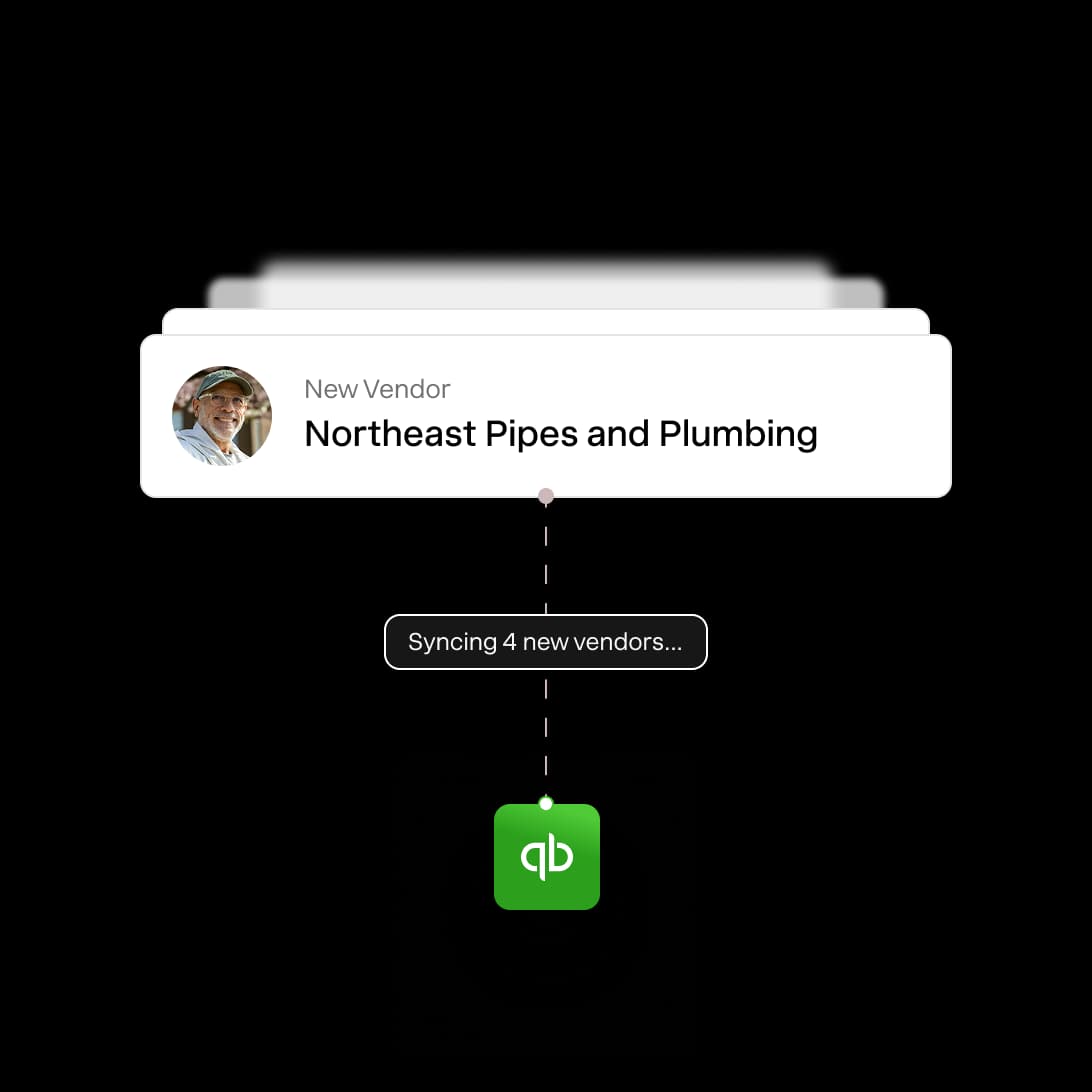
Instant Quickbooks Sync. Onboard a vendor and push their details to Quickbooks in real time.
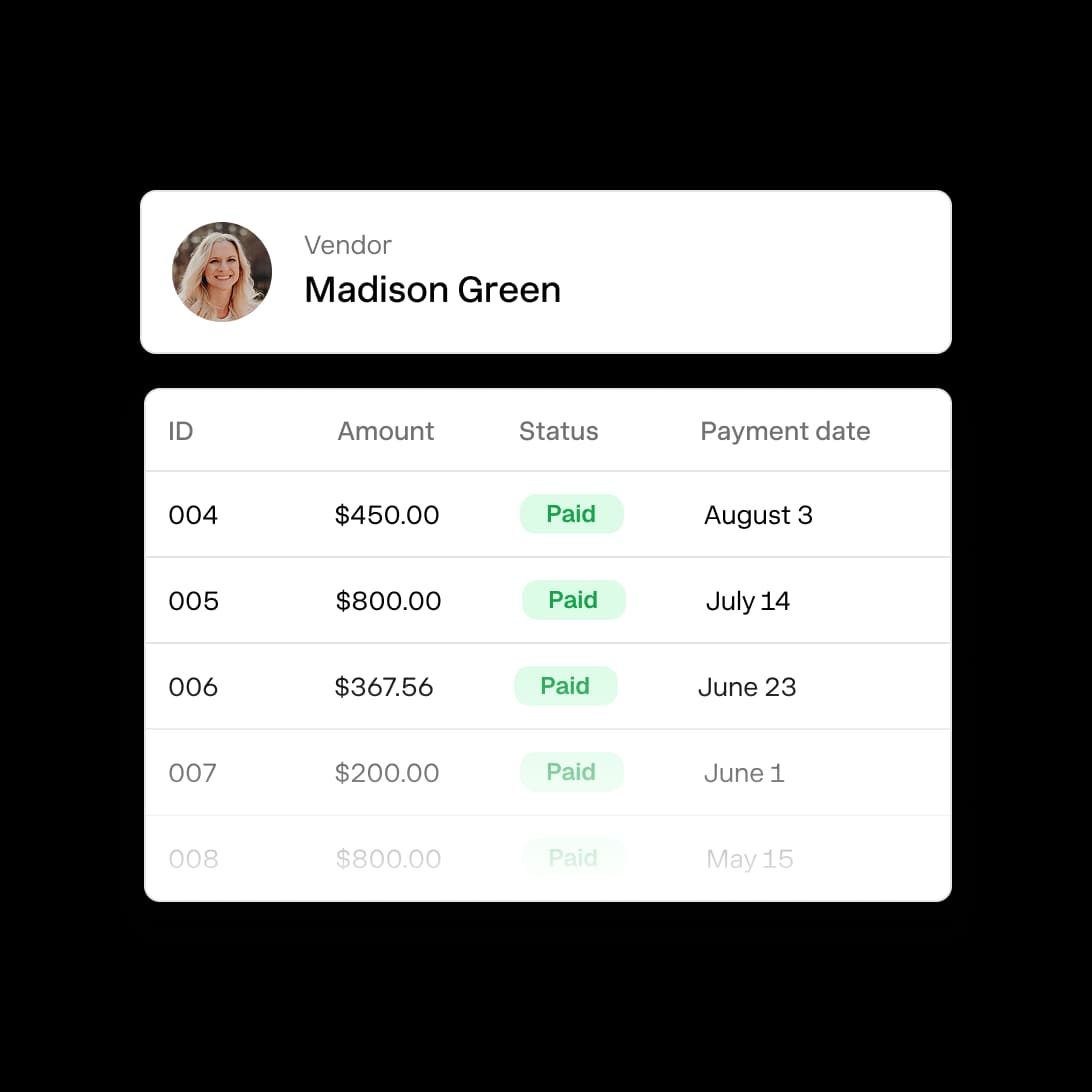
Consolidated Payments. Pull up every payment to a vendor for easy reporting and tax filings.
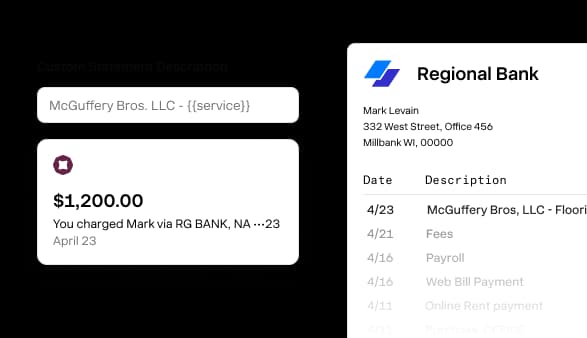
Custom Statement Descriptors. Choose what a vendor sees on their bank statement or checks.
America's best way to onboard vendors.
Rated 4.9 across hundreds of G2 reviews from businesses that manage vendors on Nickel.

“I really appreciate the responsiveness of the support team — they're always available to answer my questions.”

“The customer service is top-notch, with immediate responses.”

“I can process my contractor payments in less than an hour, versus QB or my bank which took far longer.”
Nickel holds the highest overall rating at 4.9 out of 5.Read G2’s Best Payment Processing Software roundup
Cash in. Cash out. Everything in between.

How do I onboard a new vendor for payment?
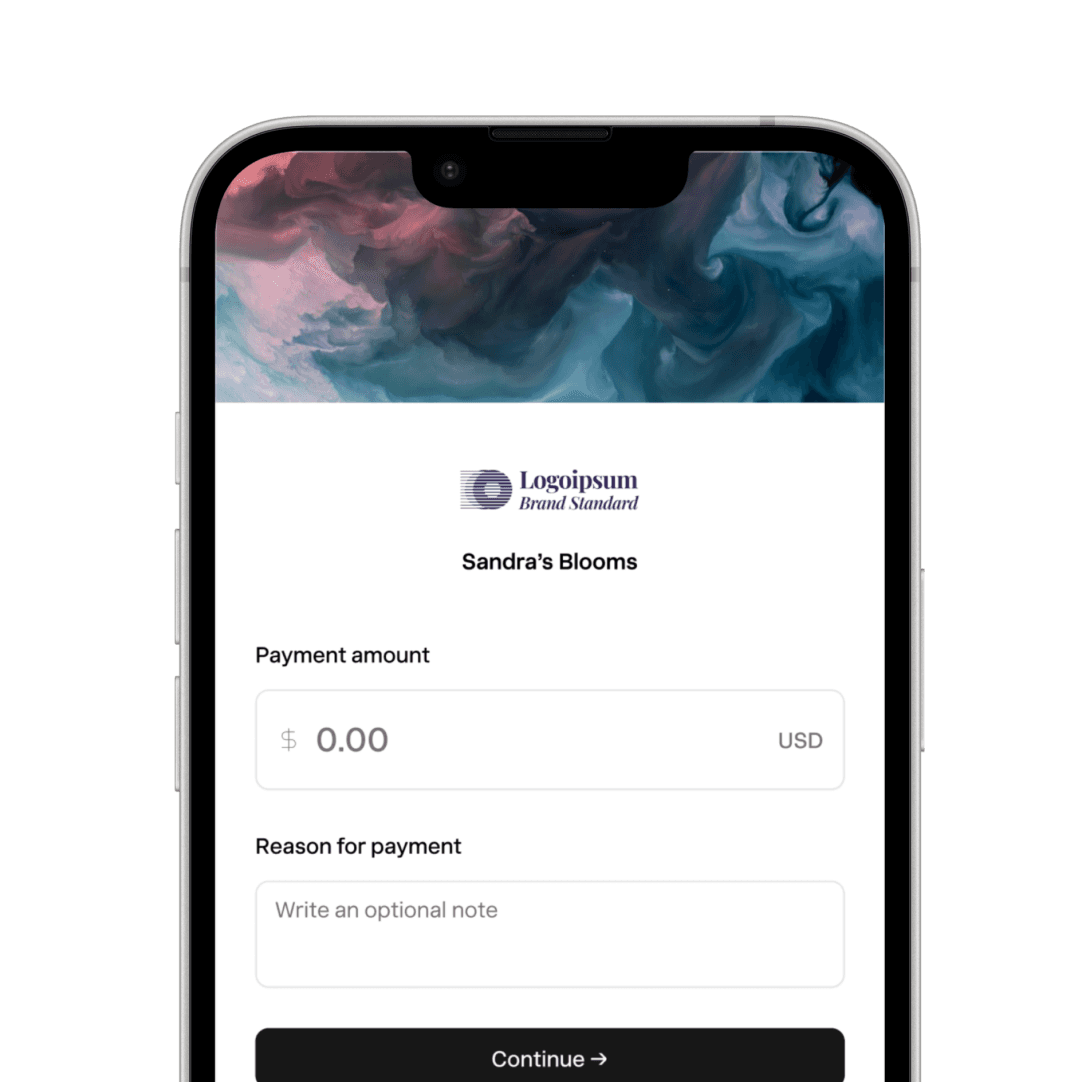
There are two ways. If you already have the vendor's banking information, you can create the vendor yourself in your Nickel account and send them money directly. If you don't have it, send them a secure request to add them as a vendor in Nickel. Either way, the vendor doesn't need a Nickel account.
Do vendors need a Nickel account to submit their details?
No, vendors don't need to create a Nickel account. They click the onboarding link, fill out the form, and submit.
What information does a vendor need to provide?
The onboarding form collects their legal business name, billing address, point of contact, and bank account and routing number for payments. If you need a signed authorization on file, you can generate a free ACH authorization form to send them.
Does vendor onboarding sync to QuickBooks?
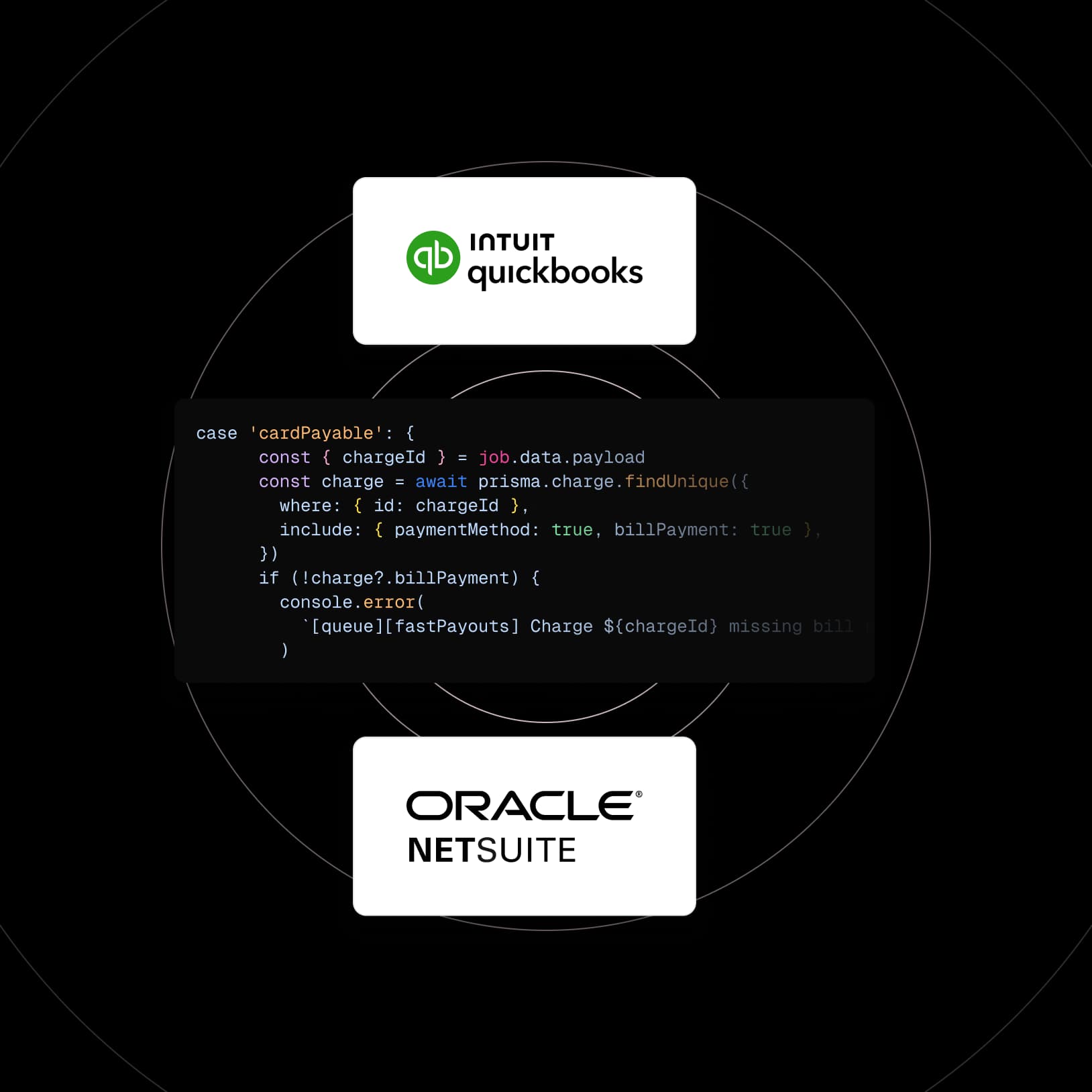
Yes, vendor records sync to QuickBooks Online and QuickBooks Desktop. When you onboard a vendor in Nickel, their record appears in QuickBooks. When you pay them, the payment syncs too. If you've already got vendors in QuickBooks, Nickel can pull those records in so you don't have to re-enter them.
Onboard all your vendors today.
See your ROI and savings using our calculator
Savings calculator →See a demo. See how Nickel can improve your cashflow in 30 minutes.
Talk to our experts →