Get paid on your schedule. Not theirs.
Save your customer's payment method and permissions on file. Charge it when the invoice is due.
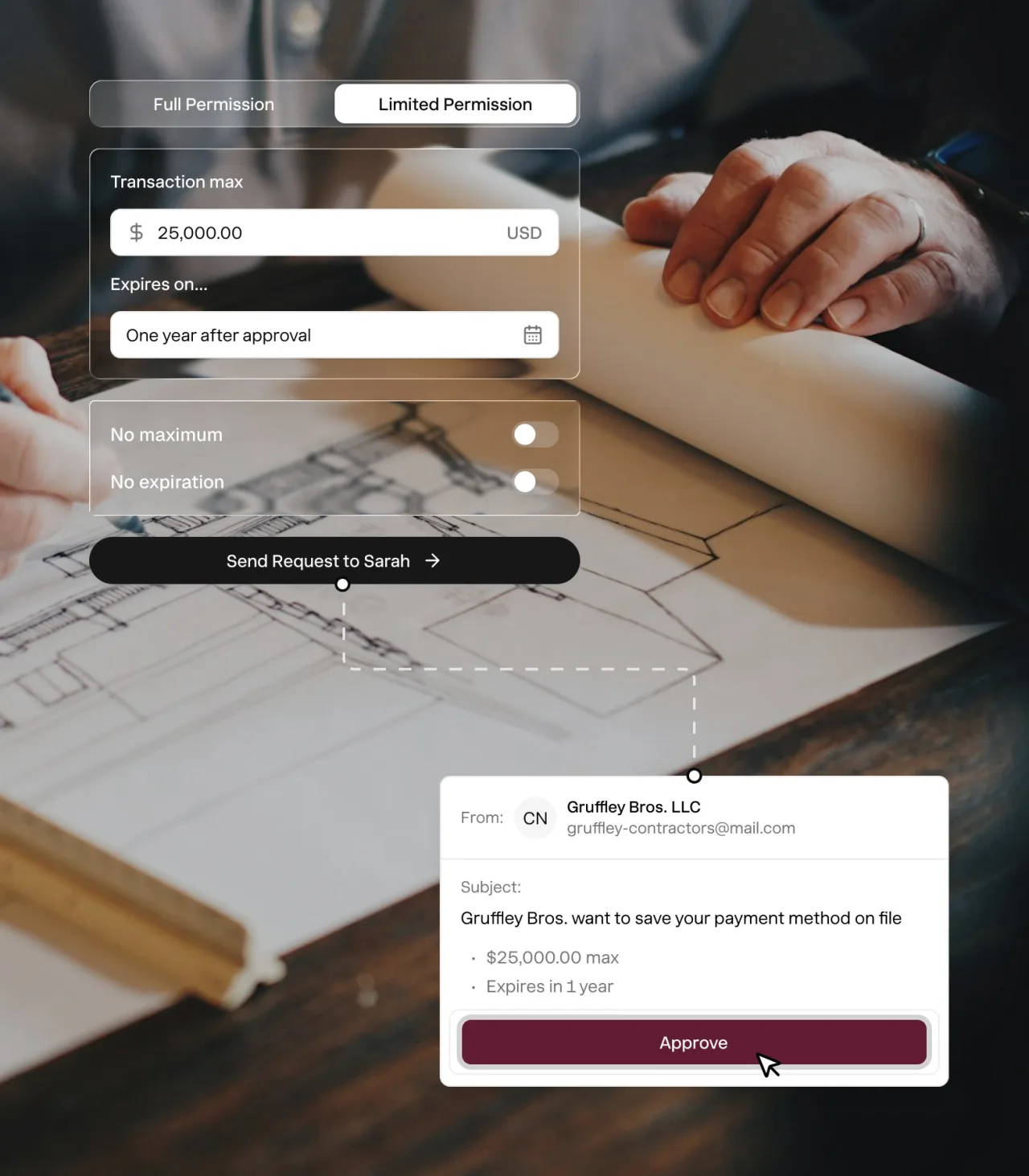


Save, charge, done.
1. Send a secure link.
Your buyers can save any credit card or bank details on file.
2. Grant permissions.
Your buyers can set an expiration date and how much you can charge at one time.
3. Charge method on file.
When invoices due, auto charge card or bank on file, putting you in control.
Save any card or bank account on file.
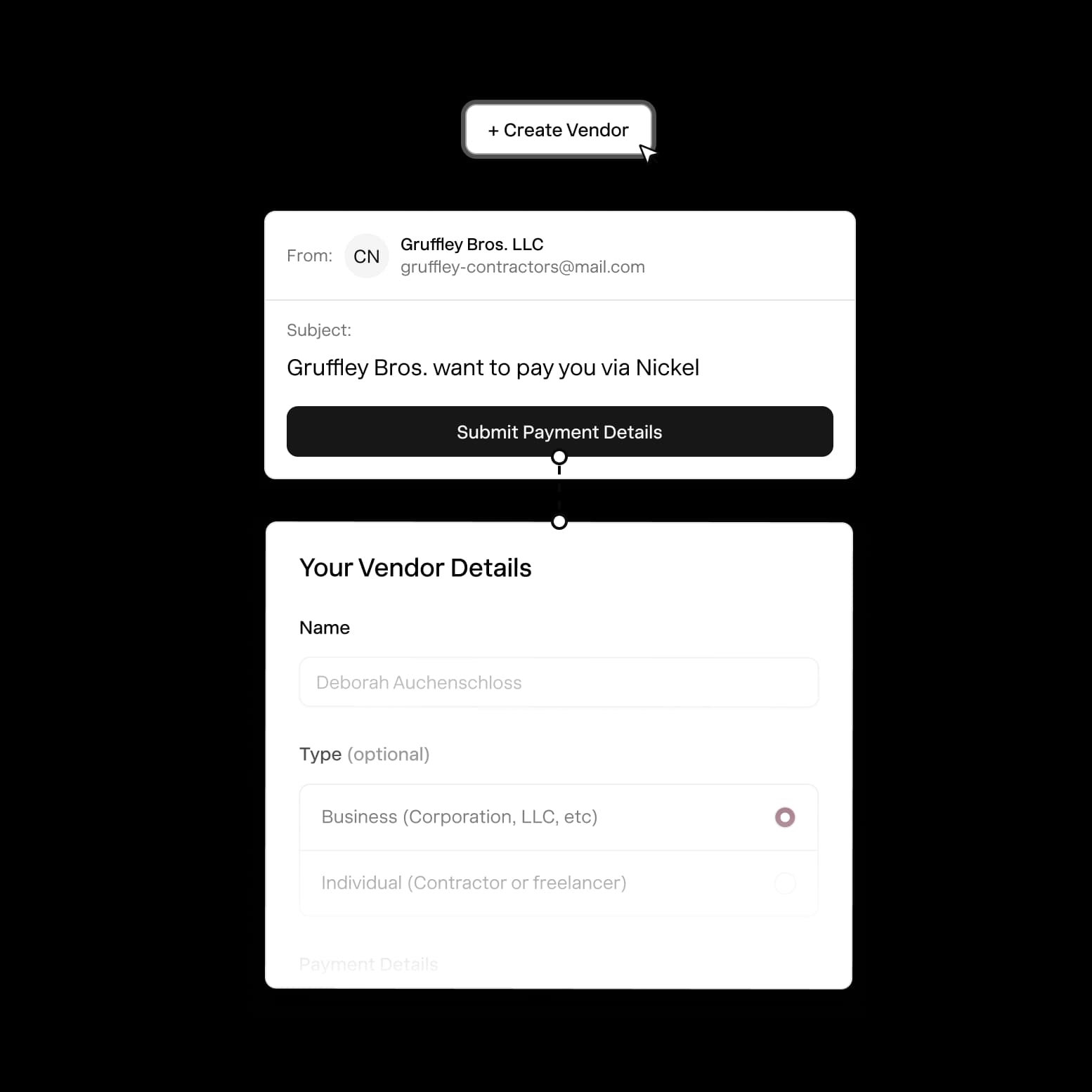
Securely add a payment method using Nickel's secure link or by uploading an existing authorization form.
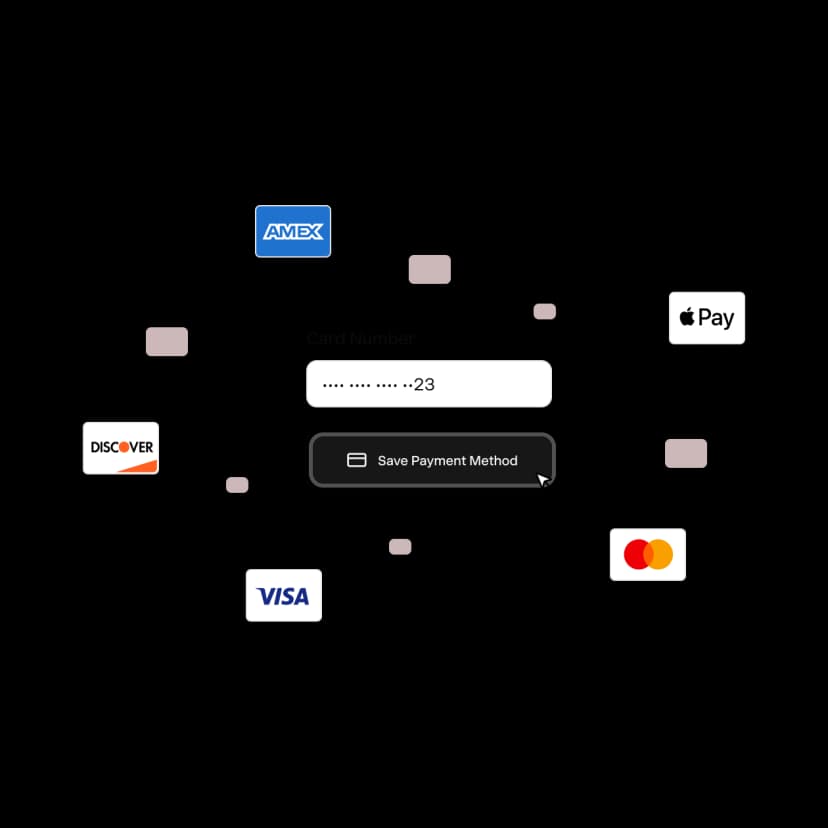
Domestic or international card
Save any credit or debit card across all major networks including Visa, Mastercard, Amex and Discover.
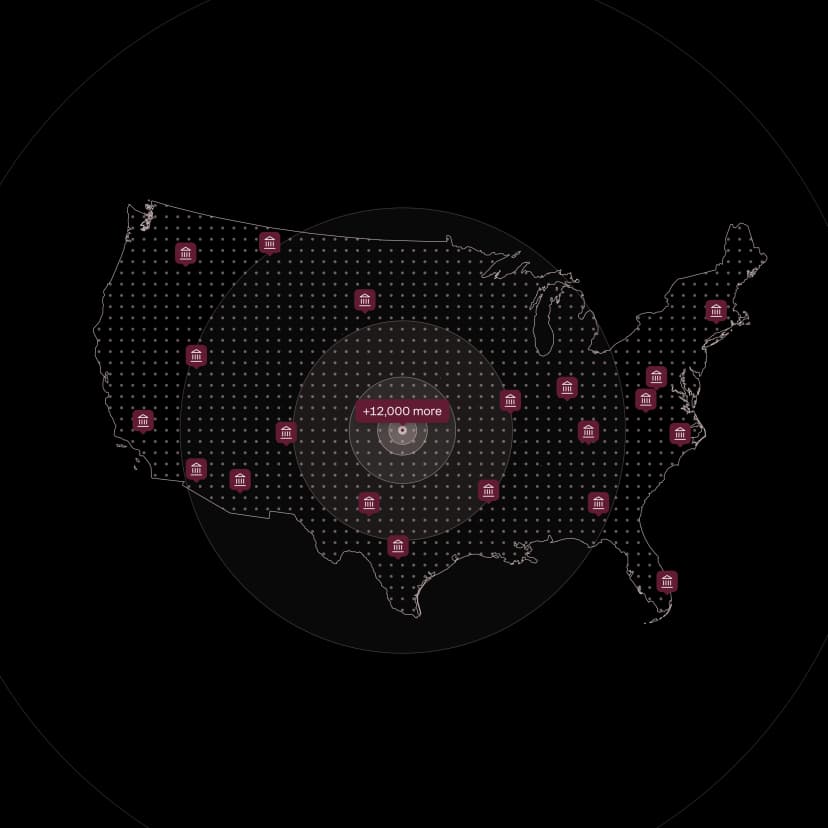
US based bank account
Save any checking or operating account with support across all major US banks and financial institutions.

Charging 300–400 cards by hand every month used to take our staff accountant two full days. Nickel just became her favorite tool.
Cole LaFave
Eyenavision
Get permissions. Charge with confidence.
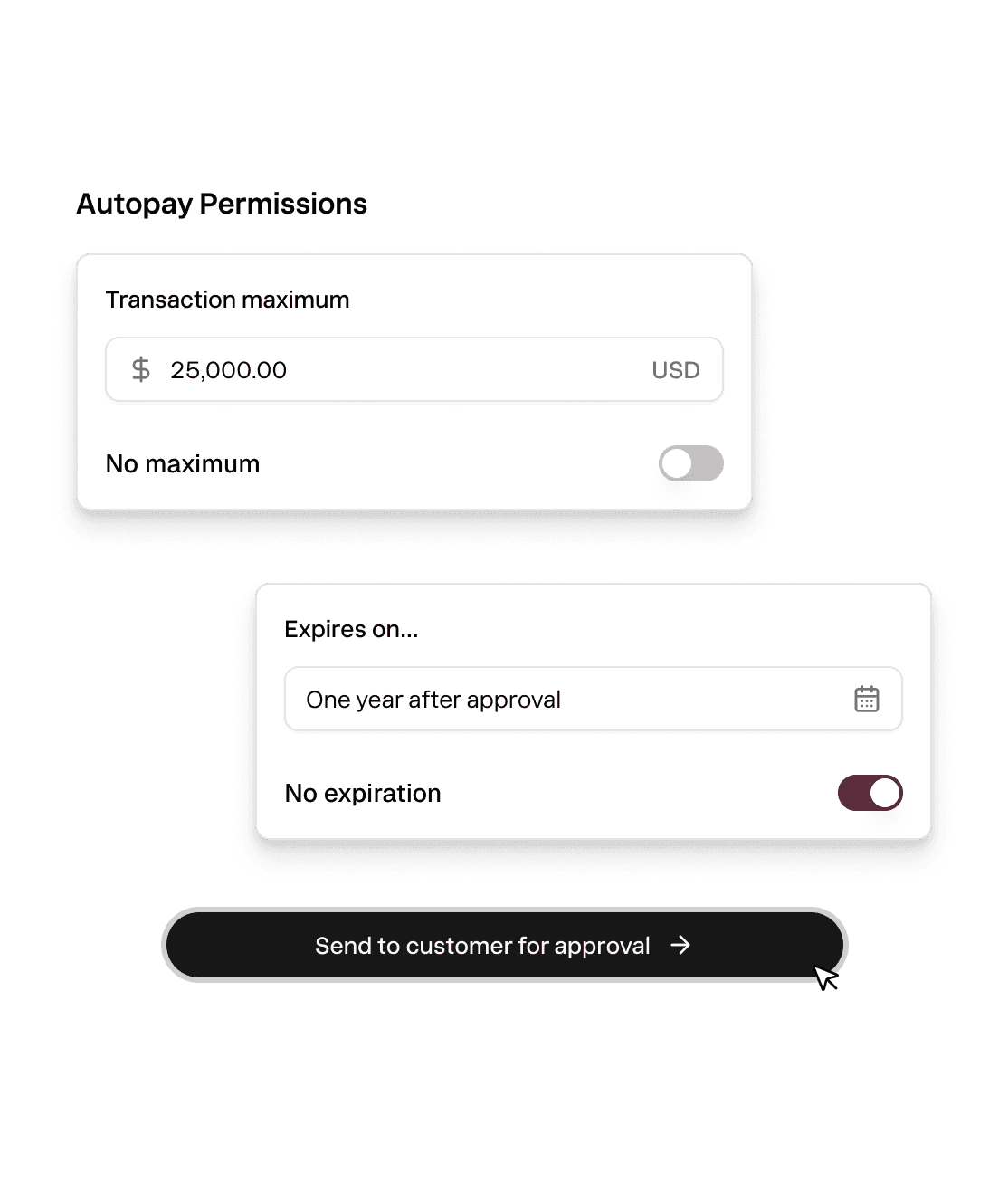
Buyers can customize permissions and what you're allowed to charge. So you never have to worry about disputes.
- Set an expiration date
- Cap each auto pay amount
- Limit the number of transactions
Bank grade security.
Nickel tokenized and stores every payment method in a bank grade vault. You never worry about security or compliance.
- SOC 2 Type II
- PCI-DSS
- Tokenized transactions

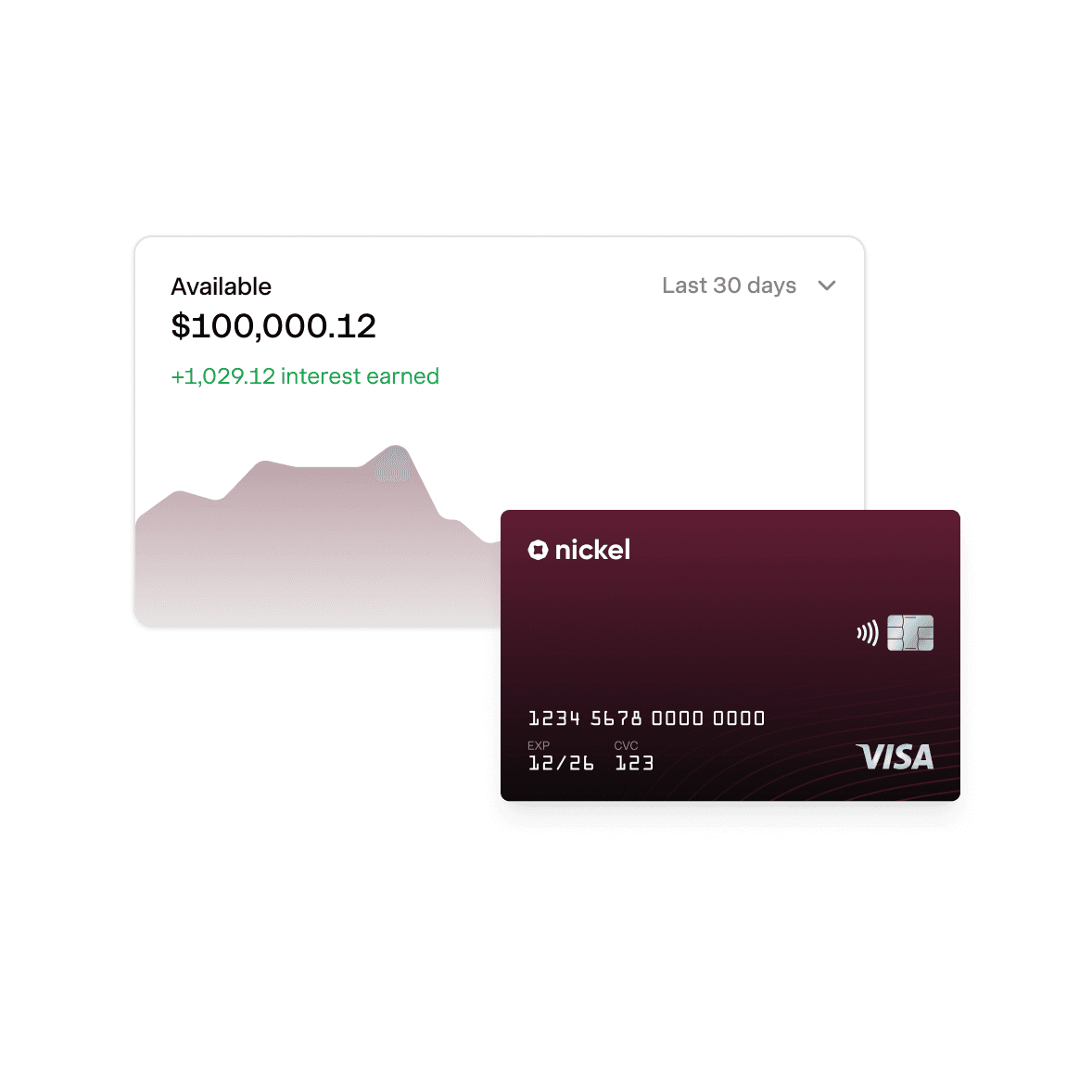
Instant payments. 2% APY on idle cash.
Explore Nickel Balance
America's best way to get paid on time.
Rated 4.9 across hundreds of G2 reviews from businesses putting customer payments on auto pay.

“Nickel doesn't charge hidden fees and links to Quickbooks seamlessly”

“Nickel is improving my relationship with clients.”

“I run over five different businesses and Nickel has made handling AP and AR way easier than it used to be.”
Nickel holds the highest overall rating at 4.9 out of 5.Read G2’s Best Payment Processing Software roundup
Close the books without spreadsheets.
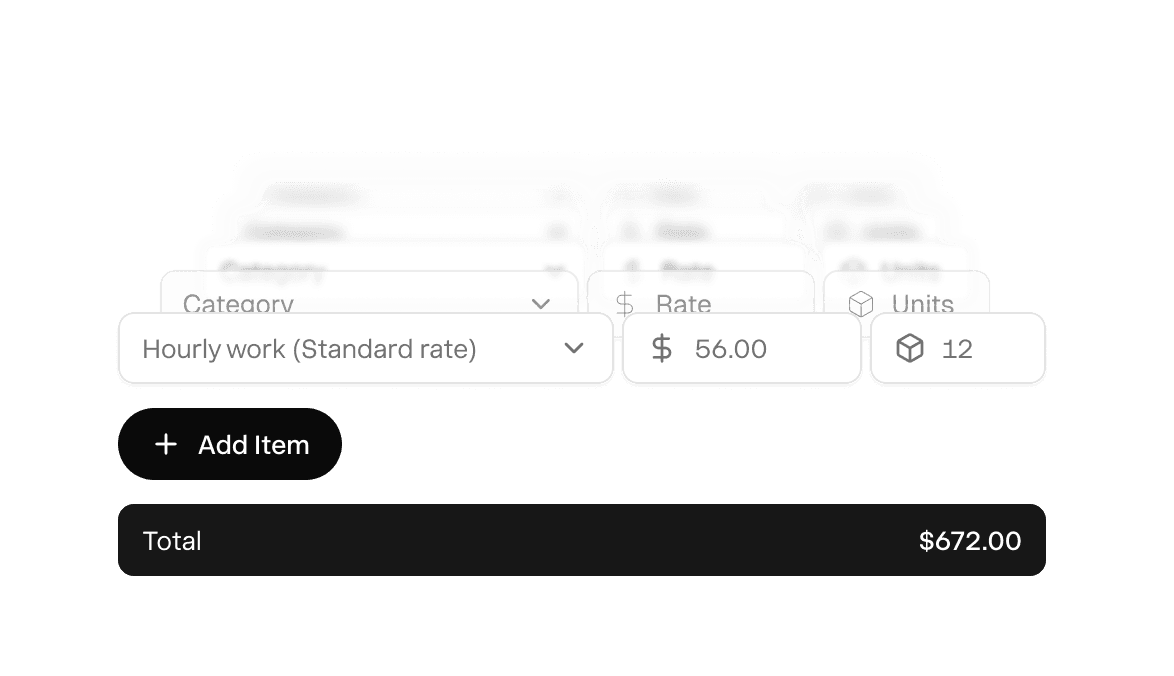
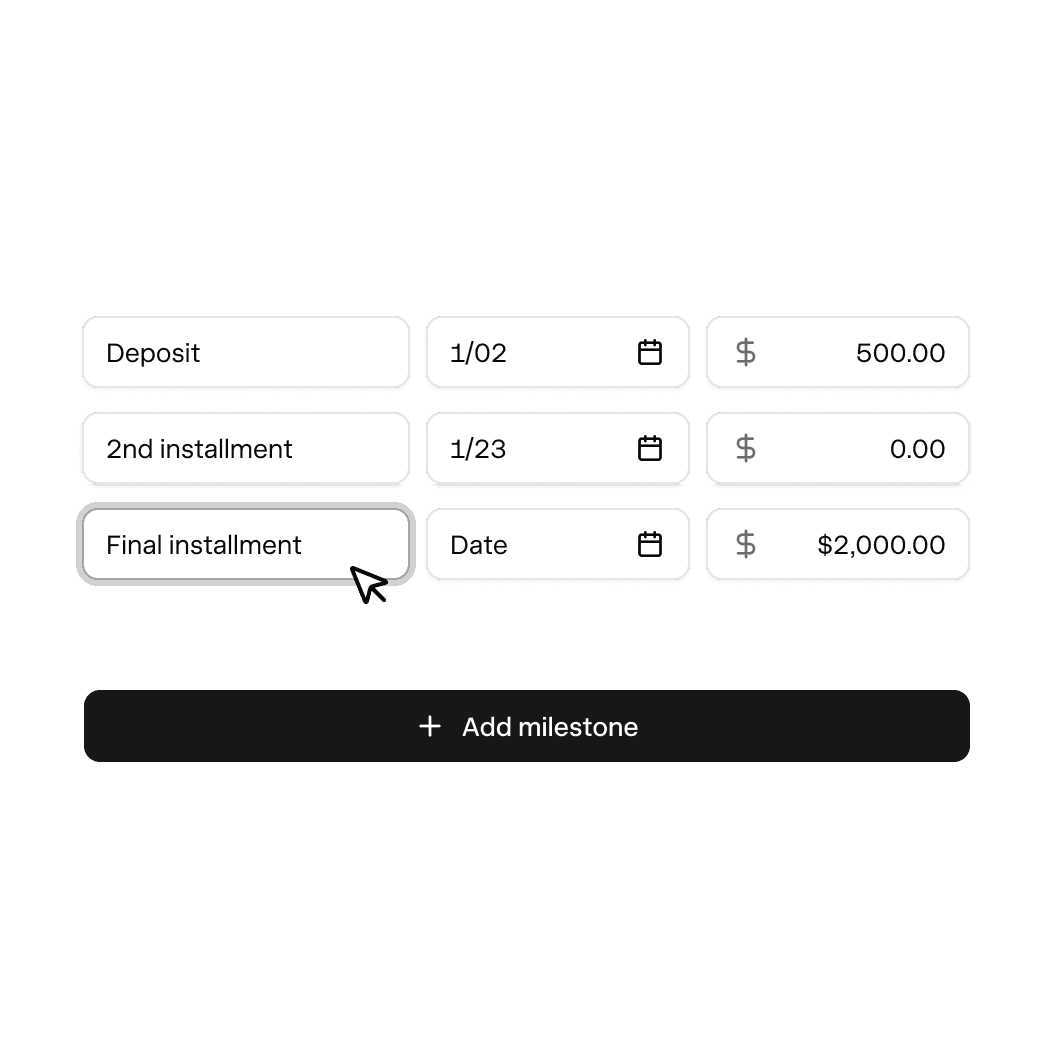
Fixed price products or services. You set the price in advance, customer pays.
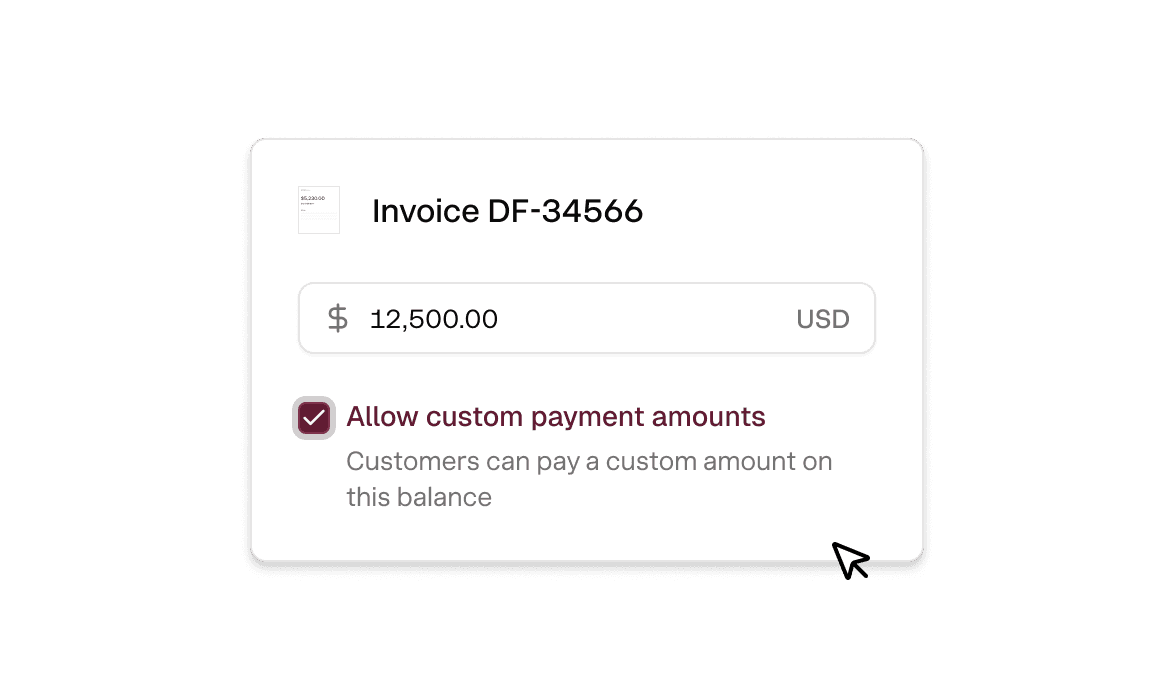
Variable cost projects. Customers enter the amount and pays it
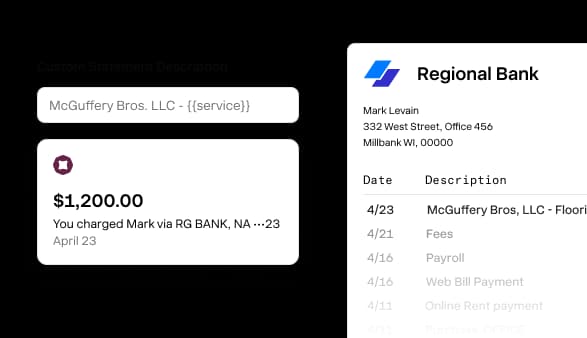
Custom statement descriptors. You decide what shows up on bank statements.
Cash in. Cash out. Everything in between.
How do I set up autopay so customers pay when invoices are due?
Send your customer a secure link where they enter their bank account or card info and set their permissions (expiration date, amount cap, transaction limit). Once they've authorized it, Nickel charges their payment method automatically whenever an invoice is due. Prefer paper? Upload a signed ACH authorization form to save a bank account on file. Autopay requires Plus or Pro.
Can my customers set limits on how much I can auto-charge?
Yes, your customer controls their own permissions when they authorize autopay. They can set a maximum amount per charge, an expiration date on the authorization, and a limit on the total number of transactions. If an invoice exceeds their cap, it won't auto-charge, and you'll send them a payment link instead.
What happens if an autopay payment fails?
If a payment fails, Nickel notifies you with the specific reason (insufficient funds, expired card, closed account). The invoice stays open so your customer can pay through a different method using the payment link. There's no fee for failed autopay attempts.
Does autopay work with both credit cards and bank accounts?
Yes, your customers can save a credit card (Visa, Mastercard, Amex, Discover) or a US bank account for autopay. They authorize the method through a secure link, and Nickel charges whichever one they've set up when the invoice is due. ACH autopay is free. Card autopay is 2.9%.
What if some customers aren't set up for auto-pay yet?
You can have some customers on autopay and others on manual payment requests at the same time. For customers who haven't authorized autopay yet, you send them a regular invoice with a payment link.
Can I auto-charge some customers and send payment requests to others?
Yes, you can mix both approaches across your customer base. Set up autopay for the customers who want it, and send regular invoices with payment links to everyone else.
How does auto-charging record in QuickBooks?
When an autopay charge clears, it records in QuickBooks Online or QuickBooks Desktop the same way any other Nickel payment does. The invoice closes, the payment posts, and your books stay current without manual entry.
Is customer payment data secure on Nickel?
Yes, Nickel is SOC 2 Type II certified and PCI-DSS compliant. Customer payment data is tokenized, which means the actual bank account or card number is replaced with a secure token the moment it's entered. Nickel never stores raw card numbers or bank credentials. You can read more about our security standards on the security page.
Turn on auto-pay today.
See your ROI and savings using our calculator
Savings calculator →See a demo. See how Nickel can improve your cashflow in 30 minutes.
Talk to our experts →