Send invoices, not follow ups.
Send a secure payment link for every invoice. Accept card, ACH, wire and checks in one place.

Pay by link. Buyers don't need a Nickel account to pay.
$1M per transaction. Get paid on your biggest jobs without limitations.
Free ACH for you and your customers. Full stop.
2.9% flat credit card fees. You decide who pays it.


Set, send, paid.
1. Issue an invoice
Upload a PDF or pull invoices straight from QuickBooks.
2. Set your terms
Choose paid in full or split it into milestone payments.
3. Send a request
Your buyer gets a secure link. Nickel handles every reminder from there.
4. Money in, books matched.
Buyers pay how they want. Money lands directly in your account.
Set terms that match every order and project.
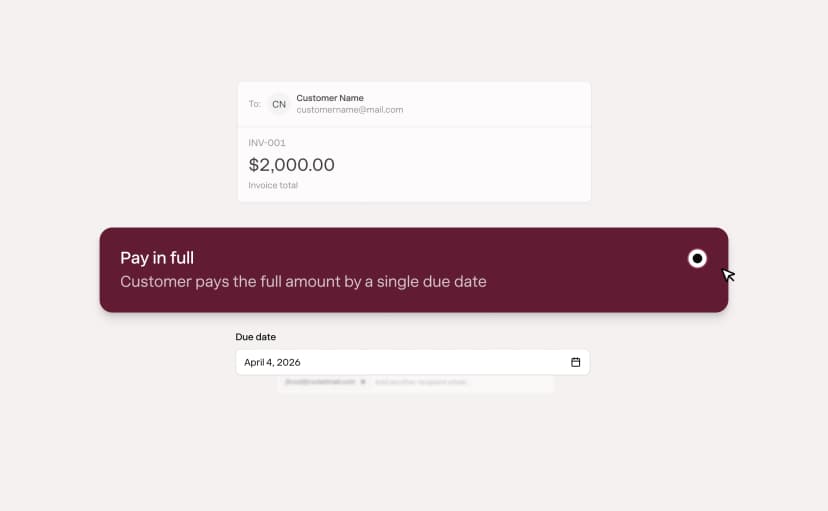
Pay in full
One invoice, one due date. Your customer pays the balance in full.
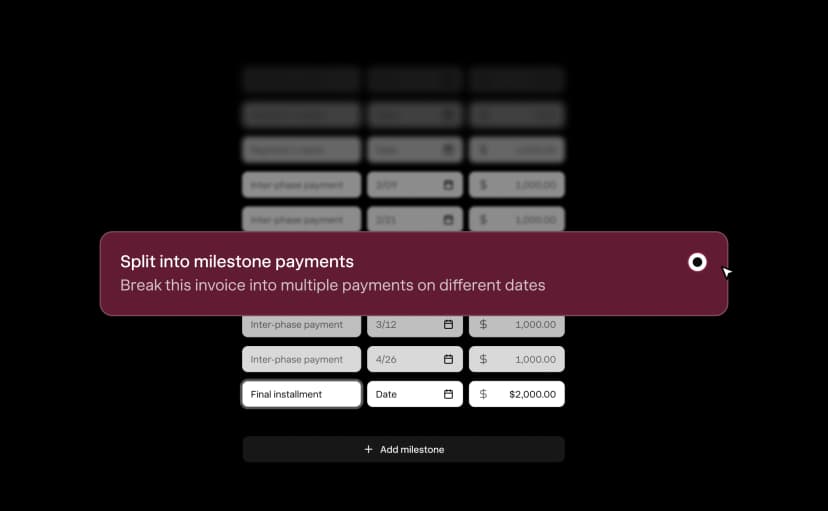
Deposit and milestone payments
Split an invoice into deposit and milestone payments, each with a unique due date.
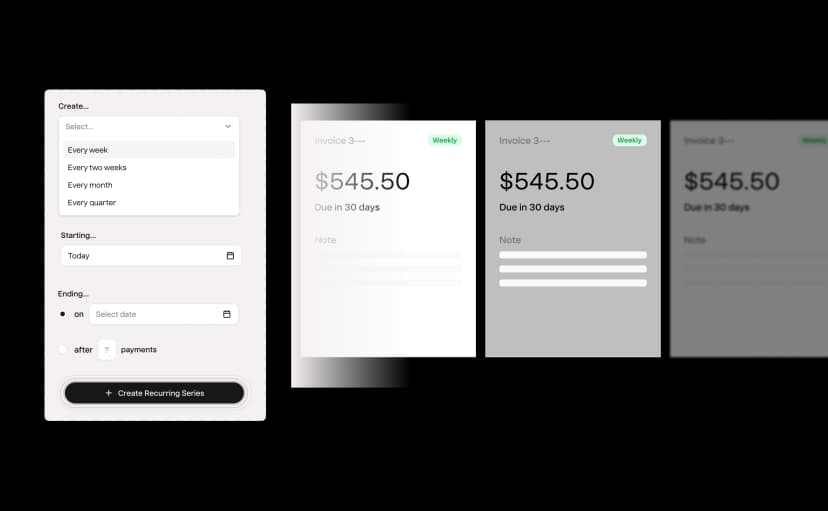
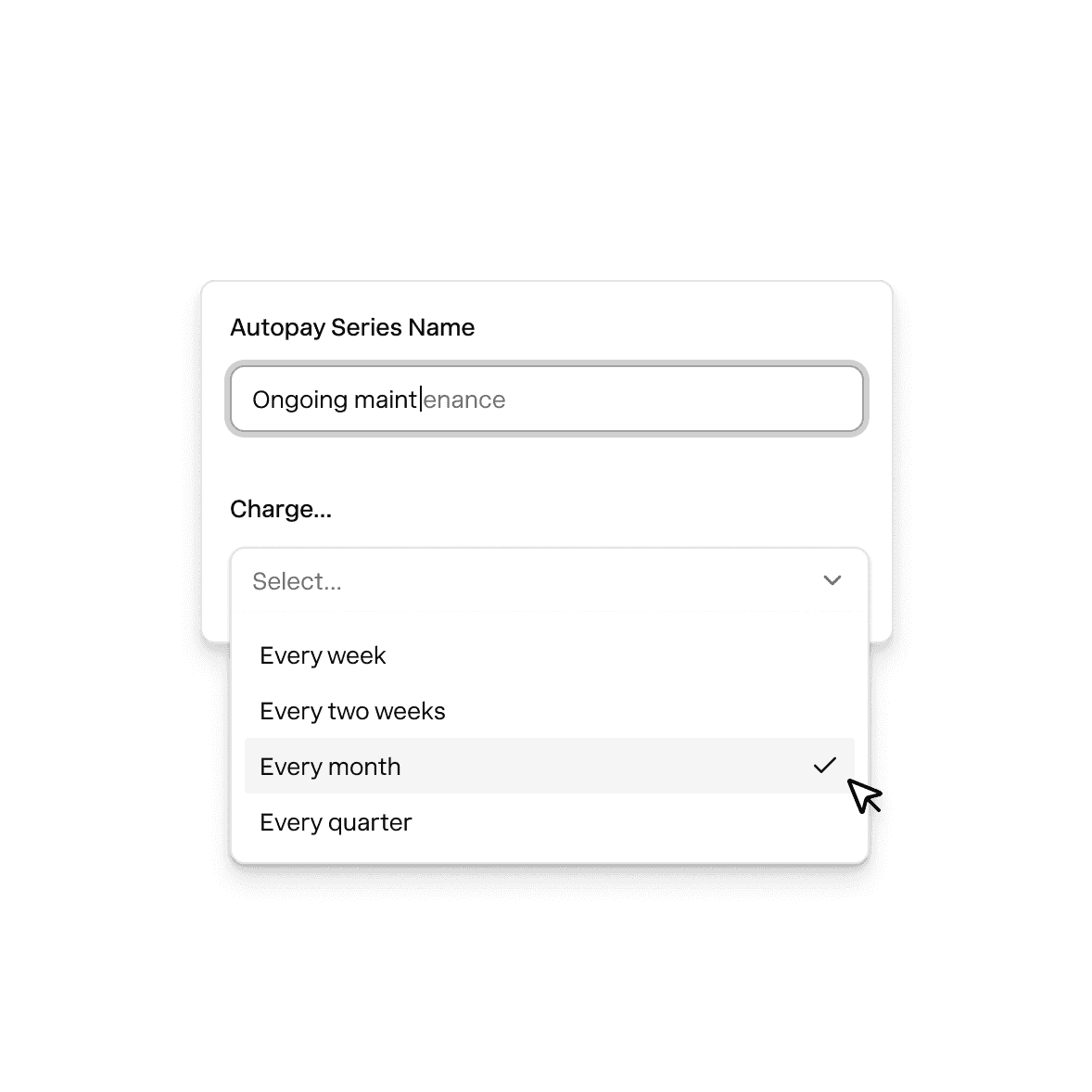
Recurring payments
Request payment on a set schedule for repeat order or ongoing services.

My customers tell me they wish more businesses had Nickel. I'm not chasing checks and they pay me in a click.
Ben Pomykala
Pomykala Vegetable Farm
However they pay, you get paid.
ACH Bank Transfer
Pull funds directly from your buyer's bank account
Free2-3 business daysCredit & Debit Card
Accept US and global cards and decide who pays the fees
2.9%1-2 business daysWires
Receive wire transfers without sharing your bank details.
Free1-2 hoursPhysical Checks
Deposit checks without running to the bank.
Free2 business days
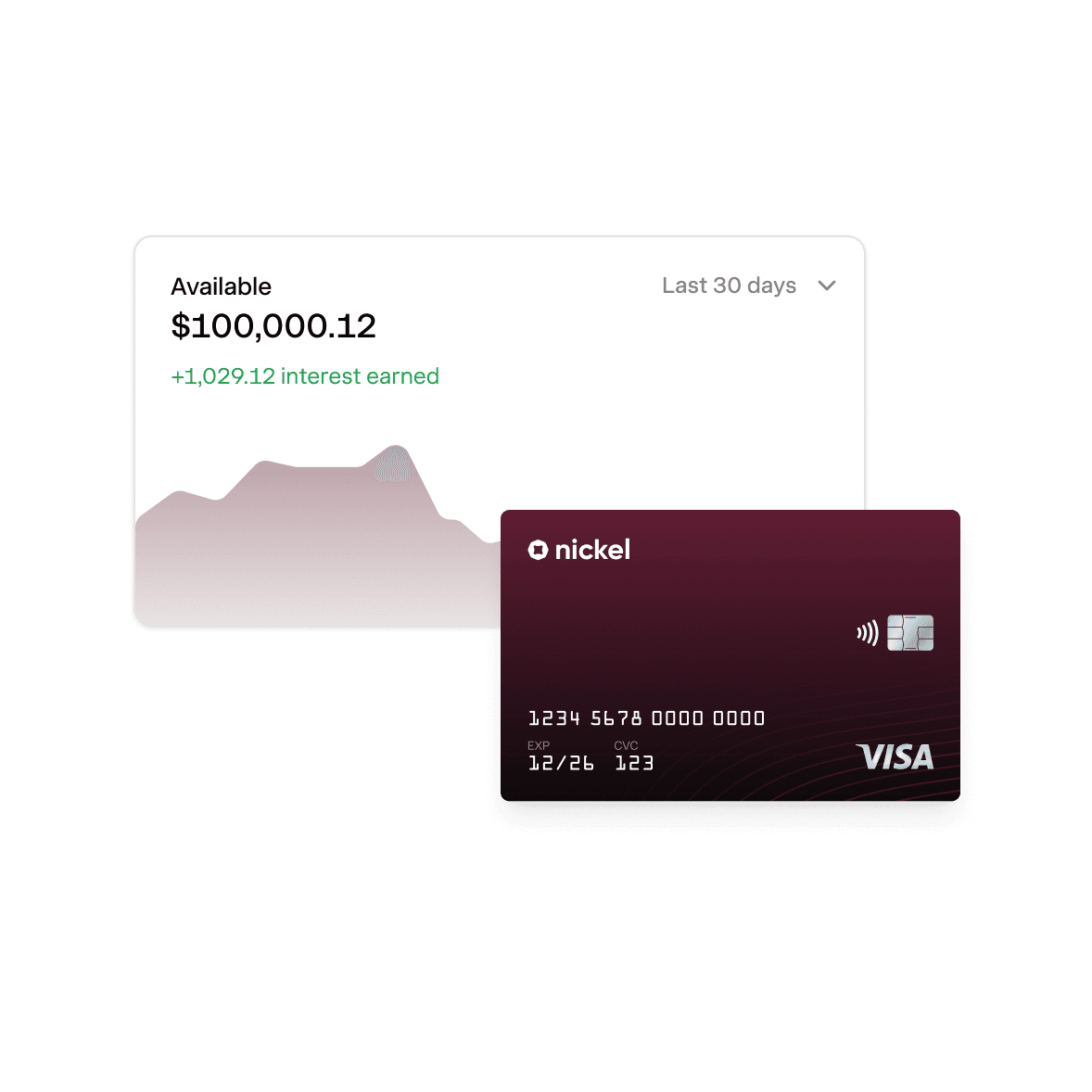
Instant payments. 2% APY on idle cash.
Explore Nickel Balance
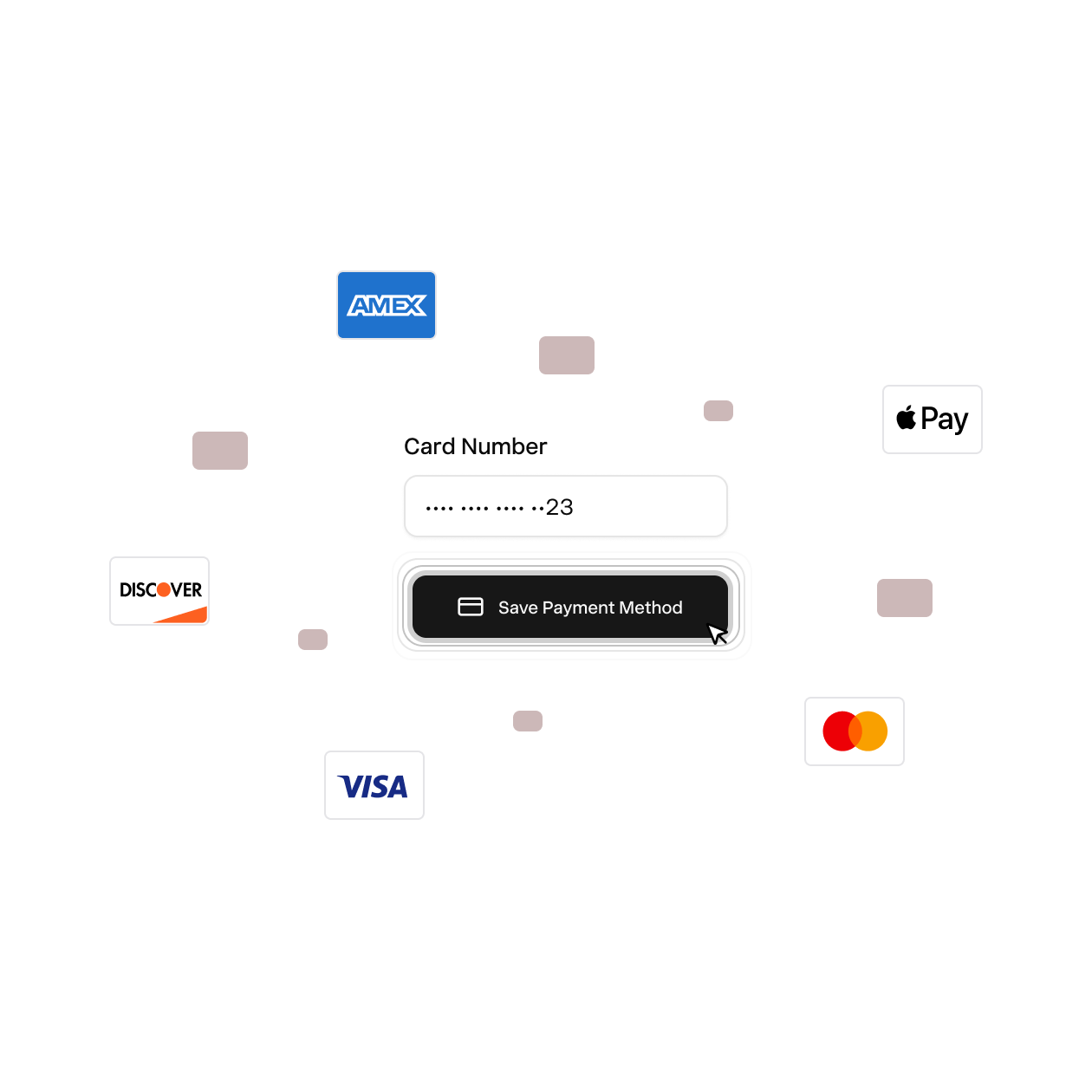
Charge a card or bank account on file.
Securely save your buyer's payment details. Charge them when invoices are due, not when they remember to pay.
- Store any card or bank account
- Customers can set limits and expirations
- Nickel handles security and compliance
America's best way to get paid.
Rated 4.9 across hundreds of G2 reviews from businesses collecting invoice payments on Nickel.

“The customer service is top-notch, with immediate responses.”

“Nickel saved the day, and has been incredibly easy to use”

“The setup was remarkably quick, and we had it up and running in less than an hour.”
Nickel holds the highest overall rating at 4.9 out of 5.Read G2’s Best Payment Processing Software roundup
Close the books without spreadsheets.
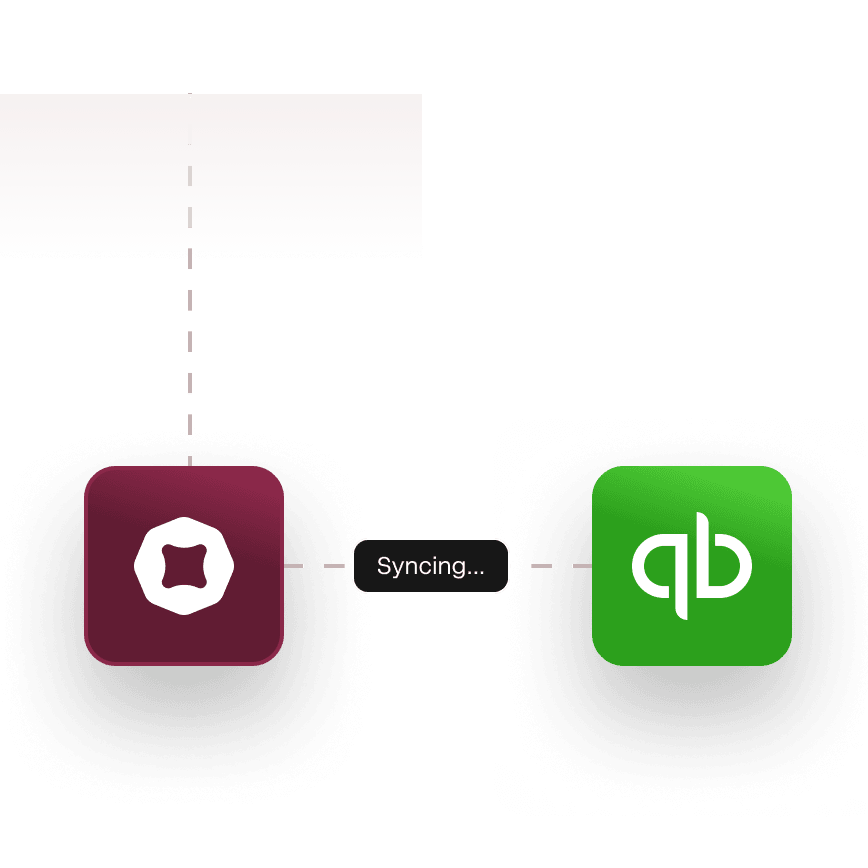
Instant QuickBooks sync. Push payments to QuickBooks Online or Desktop in real time.
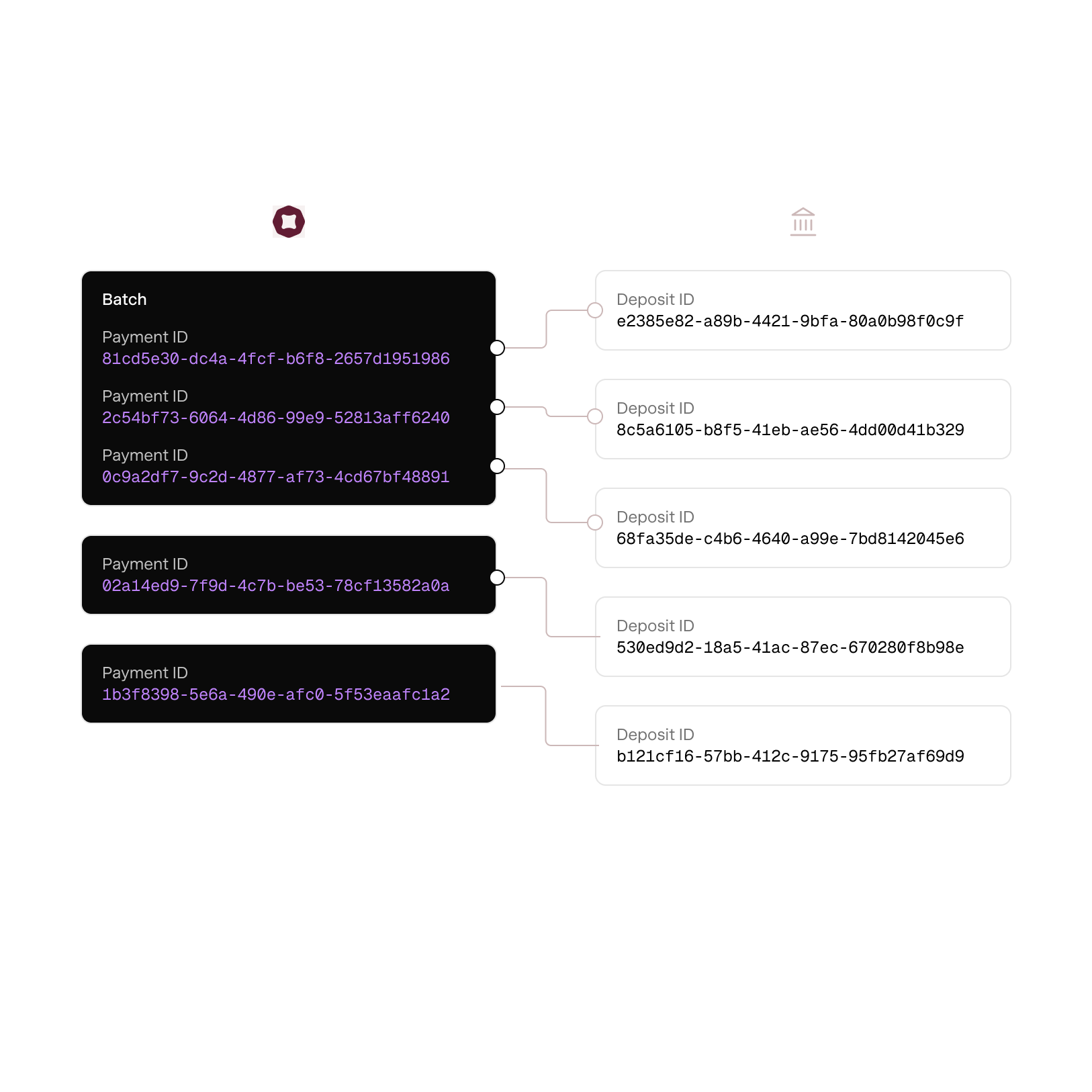
One deposit per payment. Say goodbye to batch deposit reports.
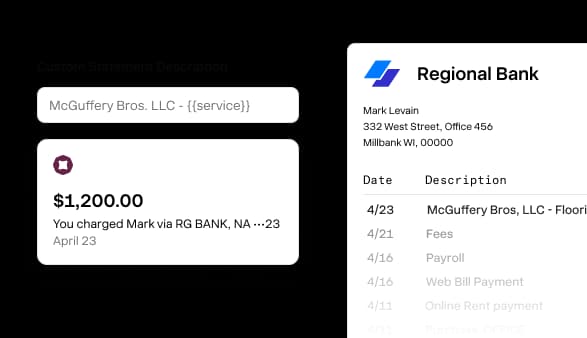
Custom statement descriptors. You decide what shows up on bank statements.
Time is money. Save both on every payment.
Apple and Google Pay
Available with no extra set up or transaction fees.
Live invoice tracking
See who's opened each invoice so you know exactly when to follow up
Partial payments
Buyers can pay towards their balance now and settle the rest later.
One click refund
Issue a refund on any card or bank transfer in one click.
Automated reminders
Set a reminder schedule and Nickel automatically chases every invoice.
Instant buyer receipt
Buyers get a receipt and can track their payment from send to received.
Cash in. Cash out. Everything in between.
How do I send an invoice and get paid online?
Create an invoice in Nickel or sync one from QuickBooks. Add your line items, set payment terms (pay in full, deposit and milestone, or recurring), and send it. Your customer gets a secure payment link by email where they can pay by ACH, credit card, debit card, or check. You'll see when they open it, when they pay, and the payment posts to your dashboard and syncs back to QuickBooks automatically.
Can I split an invoice into a deposit and milestone payments?
Yes, you can split any invoice into a deposit and one or more milestone payments, each with its own due date. So if you're doing a $30,000 kitchen remodel, you can bill $10,000 upfront as a deposit, $10,000 at rough-in, and $10,000 at completion.
Can my customer pay a partial amount on a larger invoice?
Yes, Nickel supports partial payments as an option you can enable on a per-invoice basis. If your customer can't pay the full amount right away, they can pay what they're able to through the payment link, and the remaining balance stays open on the invoice.
What does my customer see when they get a Nickel payment link?
Your customer gets an email with a link to a secure payment page. When they click it, they enter their email address, see the invoice amount and line items, and choose a payment method: ACH (free), credit card, debit card, or check. For ACH, they enter their account and routing number right in the link. They confirm the amount and pay. They get a receipt by email right away. No login, no account creation, no app download.
Is there a fee for my customers to pay invoices by ACH?
No, there's no fee for your customer to pay by ACH, and there's no fee for you either. ACH is free for both sides on every Nickel plan, including Core at $0/month. If your customer pays by credit card instead, the fee is 2.9% flat, and you choose whether you absorb it or pass it through to them on a per-invoice basis.
Do my customers need to create an account to pay a Nickel invoice?
No, your customers don't need a Nickel account, a login, or an app. They click the payment link in their email, pick a payment method, enter their info, and pay. They get a receipt instantly.
Does Nickel send payment reminders automatically?
Yes, Nickel sends automated payment reminders on whatever schedule you set.
Can I accept payment on my phone?
Yes, share a payment link or QR code from your phone and your customer pays on theirs, or enter their banking or card information into the payment link yourself, right on site. Nickel doesn't have a POS terminal.
Does Nickel sync invoice payments to QuickBooks?
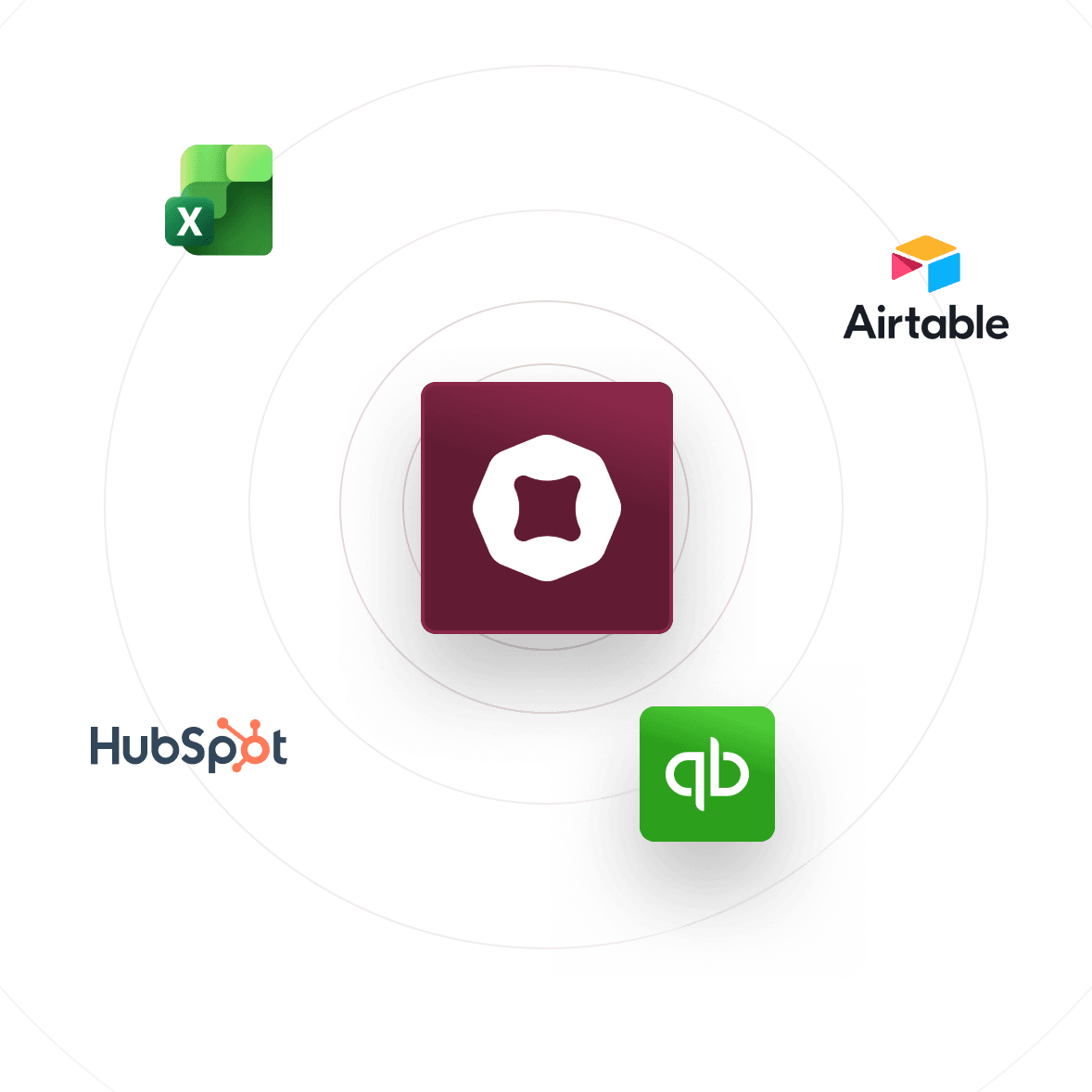
Yes, when your customer pays an invoice, Nickel syncs the payment to QuickBooks Online in real time. The invoice closes, the payment records, and your books match without any manual entry. The same sync is available for QuickBooks Desktop through the Web Connector. There's no extra fee for either integration.
Send your first invoice today.
See your ROI and savings using our calculator
Savings calculator →See a demo. See how Nickel can improve your cashflow in 30 minutes.
Talk to our experts →