Do more on Quickbooks Desktop with Nickel
Sync QuickBooks Desktop records and start requesting payments and paying vendors without the manual entry


Set up in 5 minutes without IT.
1. Download Nickel's Web Connector
Install in 5 minutes with no IT required.
2. Test the transaction
Open the Web Connector and verify the connection
3. Choose records to sync
Select only the records and fields you want to be synced.
4. Sync your records
Sync records automatically or initiate a manual sync any time.
Stay in control and close your books faster.
Quickbooks Desktop integration is available with no additional fees or usage restrictions.
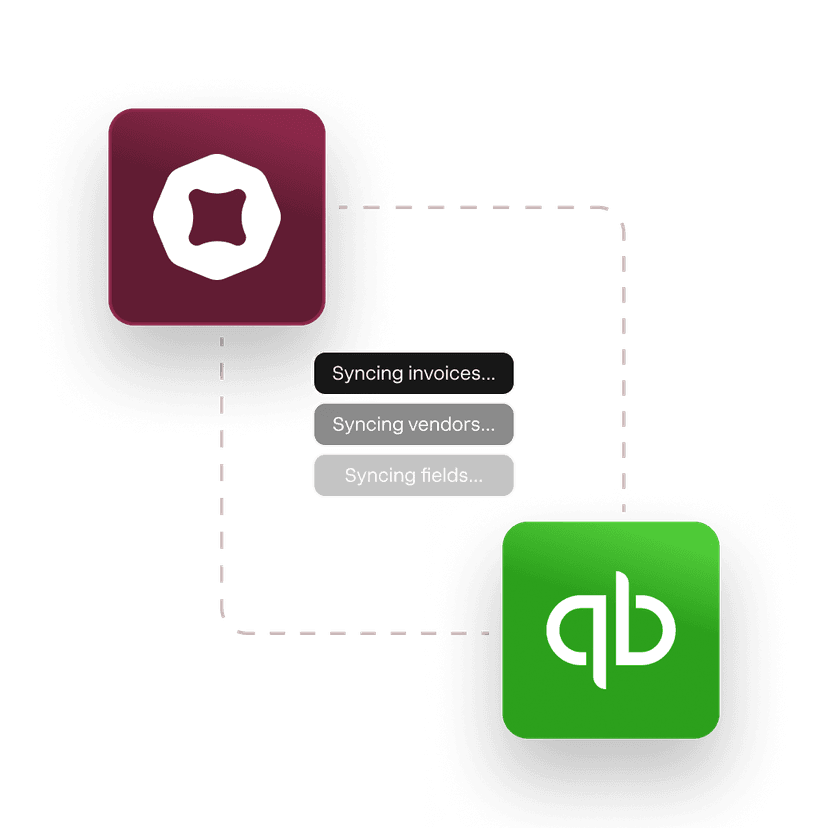
Bi-directional sync
Enter once and sync all invoices, bills, vendors, customers and payment fields.
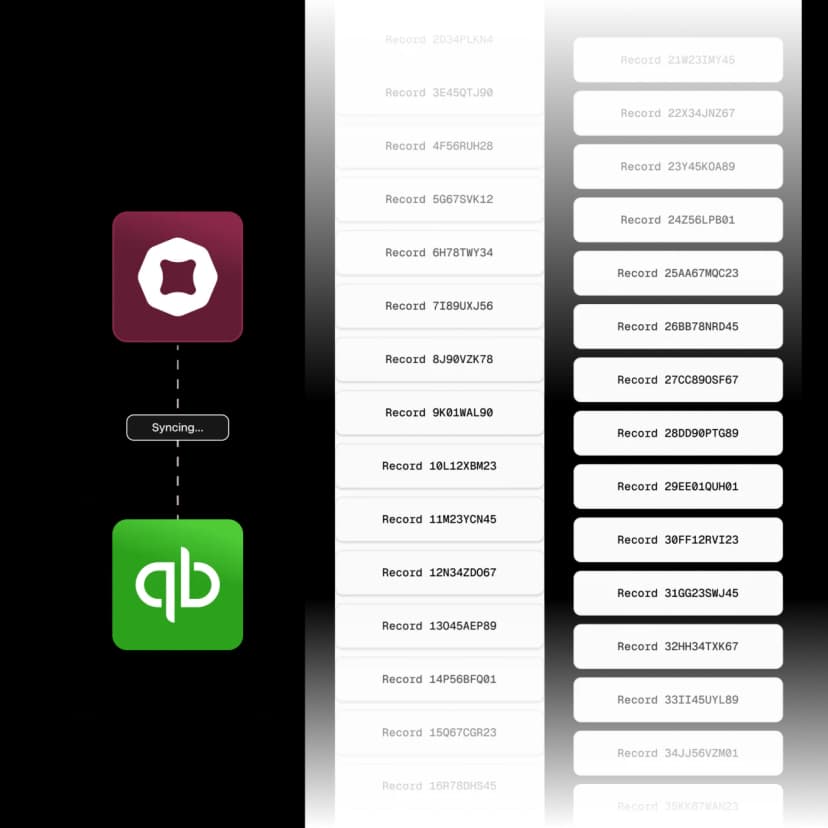
Real time sync with no usage limits
From 100 records to 100,000. Stay updated in real time with no restrictions.
Full control of what syncs over
Customize how records are synced to matches your unique workflows.
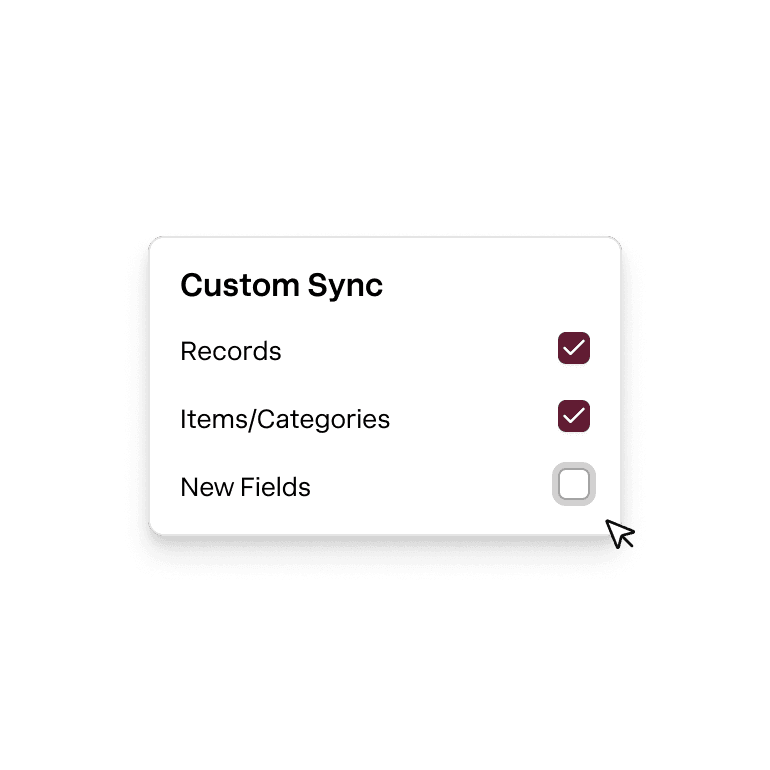
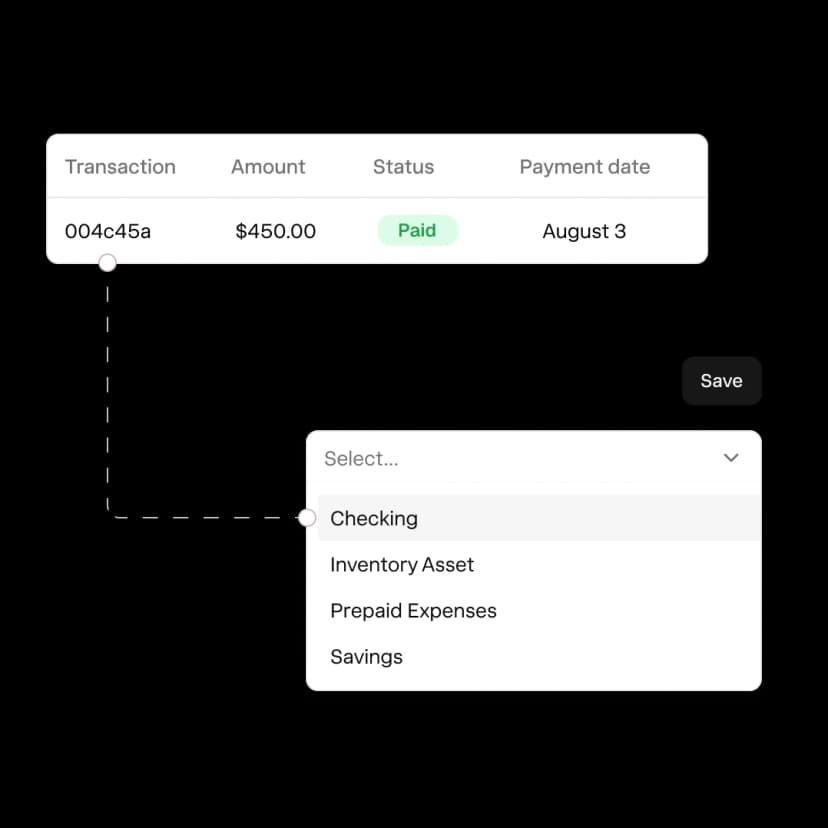
Chart of accounts
Attribute every transaction to the correct payment method and operating accounts.
Support to help you get set up
America's best QuickBooks integration.
Rated 4.9 across hundreds of G2 reviews from businesses syncing payments with QuickBooks Desktop.

“I can process my contractor payments in less than an hour, versus QB or my bank which took far longer.”

“Nickel makes payments to other businesses easy and offers amazing support.”

“I really appreciate the responsiveness of the support team — they're always available to answer my questions.”
Nickel holds the highest overall rating at 4.9 out of 5.Read G2’s Best Payment Processing Software roundup
Every field. Synced both ways.
See which fields Nickel pulls and pushes to QuickBooks Desktop.
Invoices
Bills
Vendors
Customers (coming soon)
Cash in. Cash out. Everything in between.
Can I process payments through QuickBooks Desktop with Nickel?
Yes, Nickel connects to QuickBooks Desktop through the Web Connector. You can sync invoices, send payment links to your customers, collect payments by ACH (free) or card (2.9%), and have everything record in QuickBooks Desktop automatically. It works with QuickBooks Pro, Premier, and Enterprise. If you need signed permission to debit a customer's bank account, generate a free ACH authorization form and keep it on file.
Is QuickBooks Desktop being sunset? Does Nickel still support it?
Yes, Nickel fully supports QuickBooks Desktop and has no plans to drop the integration. Intuit ended new license sales for some Desktop versions, but existing users can keep using the software. If you're on Desktop and don't want to switch to Online, Nickel works with your current setup.
Do I need IT to install the QuickBooks Desktop connector?
No, you don't need IT. The Web Connector is a lightweight download that takes about 5 minutes to install and configure. Nickel provides step-by-step instructions, and there's no server infrastructure to set up.
How often does the sync run?
The sync runs on a regular schedule through the Web Connector. Records update automatically each time the sync runs. The exact frequency depends on your Web Connector settings, but most businesses have it syncing multiple times per day.
Which versions of QuickBooks Desktop does Nickel support?
Nickel supports QuickBooks Pro, Premier, and Enterprise editions of QuickBooks Desktop.
What's the difference between the QBO and QBD integrations?
The core functionality is the same: invoices, payments, vendors, bills, and chart of accounts sync between Nickel and QuickBooks. The QBO integration runs in real time through a cloud connection. The QBD integration runs through the Web Connector on a scheduled sync. QBO also includes class and location tracking out of the box, while those are available on request for QBD.
Are there extra fees for the QuickBooks Desktop integration?
No, the QuickBooks Desktop integration is free on every plan, including Core at $0/month. There's no per-sync charge and no transaction markup. ACH through the integration is also free.
Can I sync both AR and AP through QuickBooks Desktop?
Yes, you can sync both accounts receivable and accounts payable through the QuickBooks Desktop integration. Invoices you send, payments you collect, bills you pay, and vendor records all flow between Nickel and QuickBooks Desktop through the same Web Connector.
Ready to connect QuickBooks Desktop?
See your ROI and savings using our calculator
Savings calculator →See a demo. See how Nickel can improve your cashflow in 30 minutes.
Talk to our experts →