Two way Quickbooks Online sync in real time.
Eliminate manual entry and close your books faster with Nickel's native integration with Quickbooks Online.
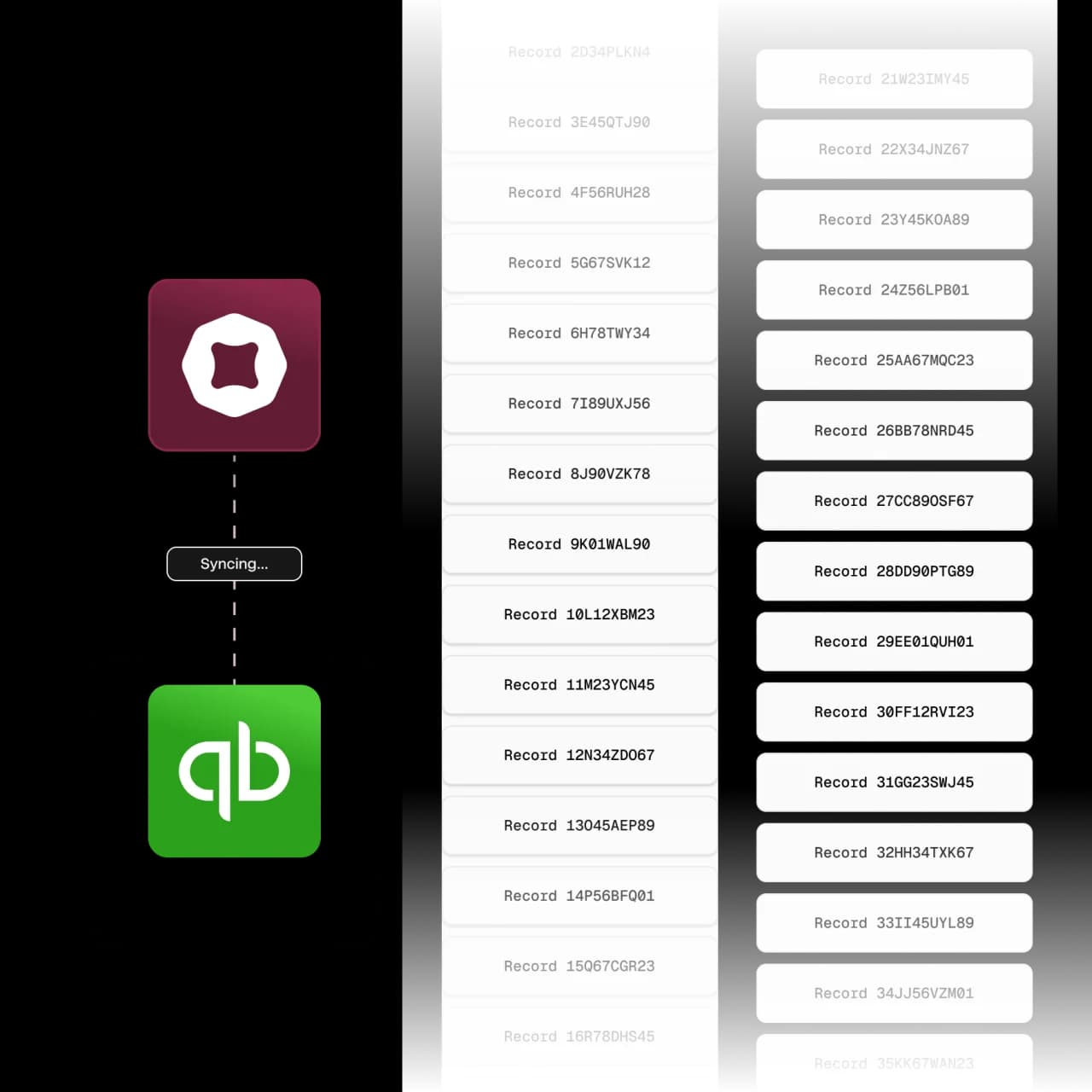


Login, save, sync.
1. Sign into QuickBooks
Sign into Quickbooks in Nickel to link the two accounts.
2. Choose records to sync
Select only the records and fields you want to be synced.
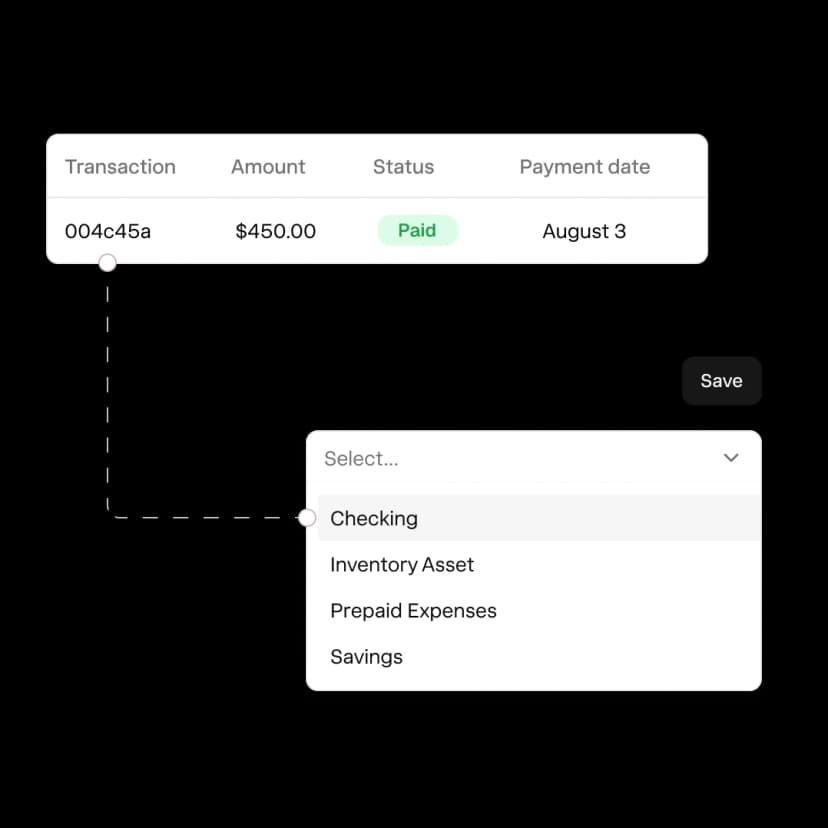
3. Link chart of accounts
Map every chart of accounts so payments are recorded accurately.
4. Sync automatically
Records sync in real time and automatically and without restrictions.
Sync any time, close the books in no time.
Quickbooks Online integration is available with no additional fees or usage restrictions.
Bi-directional sync
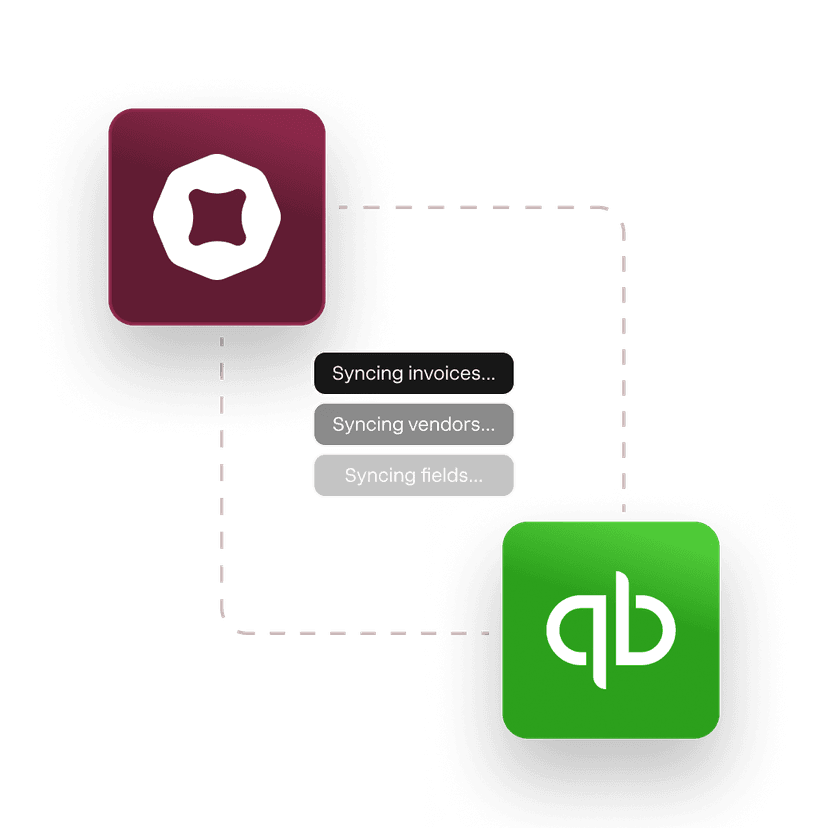
Enter once and sync all invoices, bills, vendors, customers and payment fields.
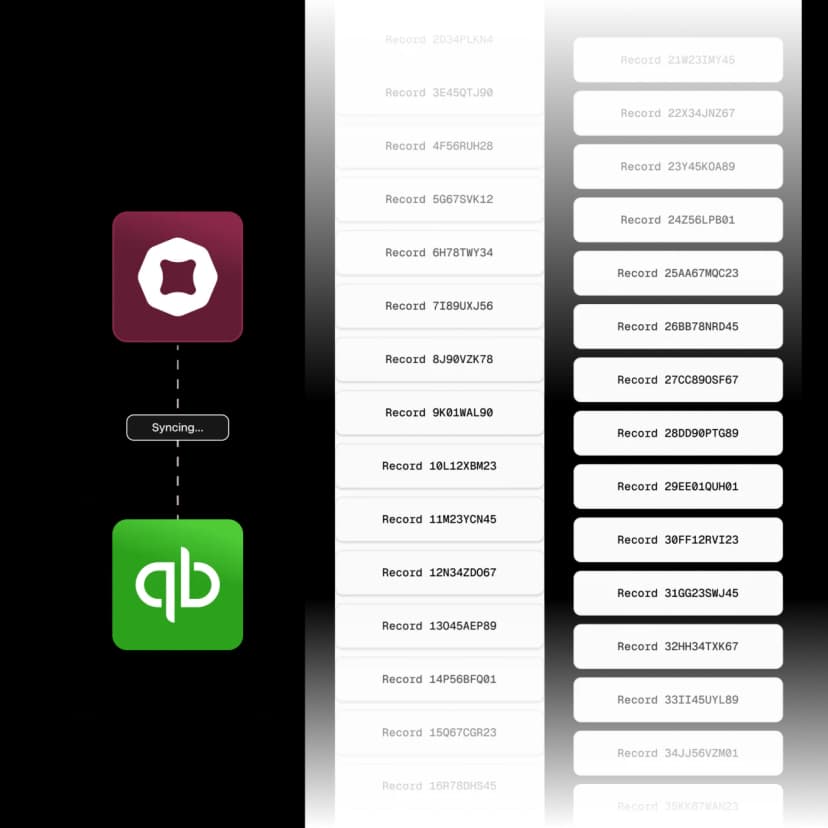
Real time sync with no usage limits
From 100 records to 100,000. Stay updated in real time with no restrictions.
Full control of what syncs over
Customize how records are synced to matches your unique workflows.
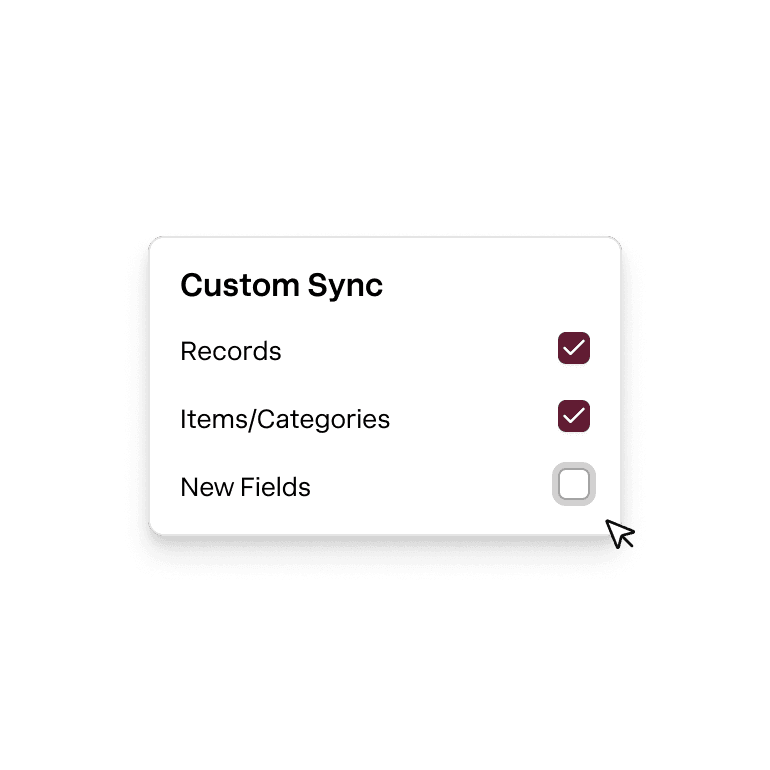
Chart of accounts
Attribute every transaction to the correct payment method and operating accounts.
America's best QuickBooks integration.
Rated 4.9 across hundreds of G2 reviews from businesses syncing payments with QuickBooks Online.

“Clients love paying us with Nickel's QR code. It's easier than Venmo or Zelle.”

“User-friendly and efficient — the integrations work smoothly and support answers every issue quickly.”

“Nickel saved the day, and has been incredibly easy to use”
Nickel holds the highest overall rating at 4.9 out of 5.Read G2’s Best Payment Processing Software roundup
Every field. Synced both ways.
See which fields Nickel pulls and pushes to QuickBooks Online.
Invoices
Bills
Vendors
Customers
Cash in. Cash out. Everything in between.
How much does QuickBooks charge for invoice payments vs. Nickel?
As of June 2026, QuickBooks Payments charges 1% per ACH payment and 2.99-3.5% for invoiced card payments. Current rates are on their pricing page. Nickel charges $0 for ACH and 2.9% flat for credit cards. The QuickBooks integration itself is free on all Nickel plans.
Can QuickBooks generate an ACH authorization form?
No. QuickBooks Payments collects ACH authorization inside its own checkout, but it does not generate a standalone form you can send to a customer or keep on file. You can create one in about a minute with Nickel's free ACH authorization form generator.
What records sync between Nickel and QuickBooks Online?
Nickel syncs customers, vendors, invoices, bills, payments, refunds, credits, chart of accounts, classes, locations, and projects. Line items and partial payments carry over. The sync runs both ways and in real time, with no limits on the number of records.
Is the sync one-way or two-way?
The sync is bi-directional. Create an invoice in Nickel and it appears in QuickBooks. Create one in QuickBooks and it appears in Nickel. Payments, customers, vendors, and chart of accounts all sync both ways.
Can I connect multiple QuickBooks files to one Nickel account?
Yes, on Enterprise plans. If you manage multiple entities or businesses, talk to Nickel's sales team about connecting multiple QuickBooks files. It's a common setup for accounting firms managing several clients.
Does Nickel sync chart of accounts and class tracking?
Yes, Nickel syncs your chart of accounts, GL code mapping, classes, locations, and projects from QuickBooks Online. When you set up the integration, you map your accounts once, and every payment that flows through Nickel posts to the right GL code automatically.
Do I create invoices in Nickel or in QuickBooks?
Either one. The sync runs both ways, so an invoice created in Nickel appears in QuickBooks and vice versa. Most businesses keep creating invoices wherever they're used to working.
How long does QuickBooks Online setup take?
The integration takes about 5 minutes. You sign into your QuickBooks account from Nickel, choose which records to sync, map your chart of accounts, and you're live. There's no IT involvement and no configuration file to manage.
Are there extra fees for the QuickBooks integration?
No, the QuickBooks Online integration is free on every Nickel plan, including Core at $0/month. There's no per-sync charge, no transaction markup, and no limit on how many records sync. ACH through the integration is also free.
Ready to connect QuickBooks Online?
See your ROI and savings using our calculator
Savings calculator →See a demo. See how Nickel can improve your cashflow in 30 minutes.
Talk to our experts →