
The Short Answer: Nickel is the only payment processor committed to unlimited free ACH transfers forever. We offer unlimited ACH transactions for all users, and Nickel Plus users can conduct transfers of up to $1 million.
If you're searching for “alternatives to Melio with free ACH,” then you're likely aware that as of this writing, Melio has shifted away from its position of offering unlimited free ACH on its free tier. Nickel offers free ACH up to on transfers up to $25k on its free tier (and up to $1m on Nickel Plus) as a core founding business principle.
For this article, we researched 13+ payment platforms to see what free ACH alternatives exist. Except for Nickel, all the Melio alternatives we compared either charge per-transaction ACH fees or require subscriptions to get unlimited ACH access. Nickel is the only payment platform offering truly unlimited free ACH with no monthly subscription and no per-transaction fees.
What Is Melio?
Melio is a B2B payment platform for small businesses to manage accounts payable and receivable. Founded in 2018, it became popular by offering free ACH transfers.
Melio built a following by providing lots of services on its free tier. In 2024, the company announced a new pricing model that severely cut back what users could do without paying for a subscription. Under the new plan, users are limited to 5 free ACH payments per month, QuickBooks syncs were curtailed and ACH transaction time increased.
The platform still offers relatively low subscription costs compared to other services. (For a fuller breakdown of who Melio is good for, see our blog post comparing Bill.com to Melio.)
Key Melio services:
- Bill Pay (AP): Pay vendors, contractors, and suppliers via ACH, check, or card
- Invoice Collection (AR): Send payment links to customers
- QuickBooks/Xero Sync: Real-time two-way accounting integration
- Vendor Management: Store payment details, schedule payments
A Head to Head Comparison of Payment Processors
Let’s take a quick look at how ten alternatives to Melio stack up against each other. Below, we’ll dive deeper on who each platform is best for.
Disclaimer: The details about the payment platforms listed in this article are for informational purposes only. Pricing and services may have changed since article publication. Consult each platform’s website for the most current information on pricing, tools and functionality.
The Free Option
#1 Nickel (Truly Free ACH)
Nickel was built for: Small businesses that need free ACH payments without subscription fees. Our platform is built to make B2B transactions easy and automate your AP/AR processes to improve your cash flow. Our free users get core services that other payment processors charge for: multiple users, unlimited QBO sync and approvals workflows, among other features.
Pricing:
- Core (Free): Unlimited free ACH for transactions up to $25,000, no monthly fee, no per-transaction fee
- Plus ($35/mo, paid annually): unlimited free ACH for transactions up to $1M, payment authorization, unlimited active users, recurring and scheduled payments
What Nickel Offers
- Truly unlimited free ACH — Nickel's free ACH has no cap, no subscription required.
- Universal payment acceptance — Let customers pay how they want: by card or ACH, all through our simple payment link.
- QuickBooks integration quality — Nickel offers unlimited online sync for all users.
- Simple pricing structure — Nickel: Free (unlimited ACH) or $35/mo (paid annually) for Plus features.
- Phone support with fast response — Nickel offers industry-leading support. You won’t have to fight with chatbots or lengthy delays to get your issues resolved.
- Credit card surcharge control — Nickel lets you pass 100% of credit card fees to customers.
Choose Nickel If
- ✅ Free ACH is your #1 priority
- ✅ You primarily conduct B2B payments, with large sums of money
- ✅ You value a simple interface that allows your customers to pay you with a simple link
- ✅ You're processing 20+ ACH payments/month (where Melio fees add up)
- ✅ Phone/live support is important to you
The Low Cost Options
#2 Forwardly
Forwardly was built for: Businesses that prioritize payment speed over cost and are willing to pay 1% (capped at $20) for same-day ACH transfers. Their platform helps companies speed up vendor payments, reduce fees and automate AR/AP processes (For more on how AR/AP practices are crucial to your business, see our complete guide.)
But Forwardly’s service will cost you. They offer 5 free outgoing and 5 free incoming standard ACH payments per month. After that, each transaction costs $.50.
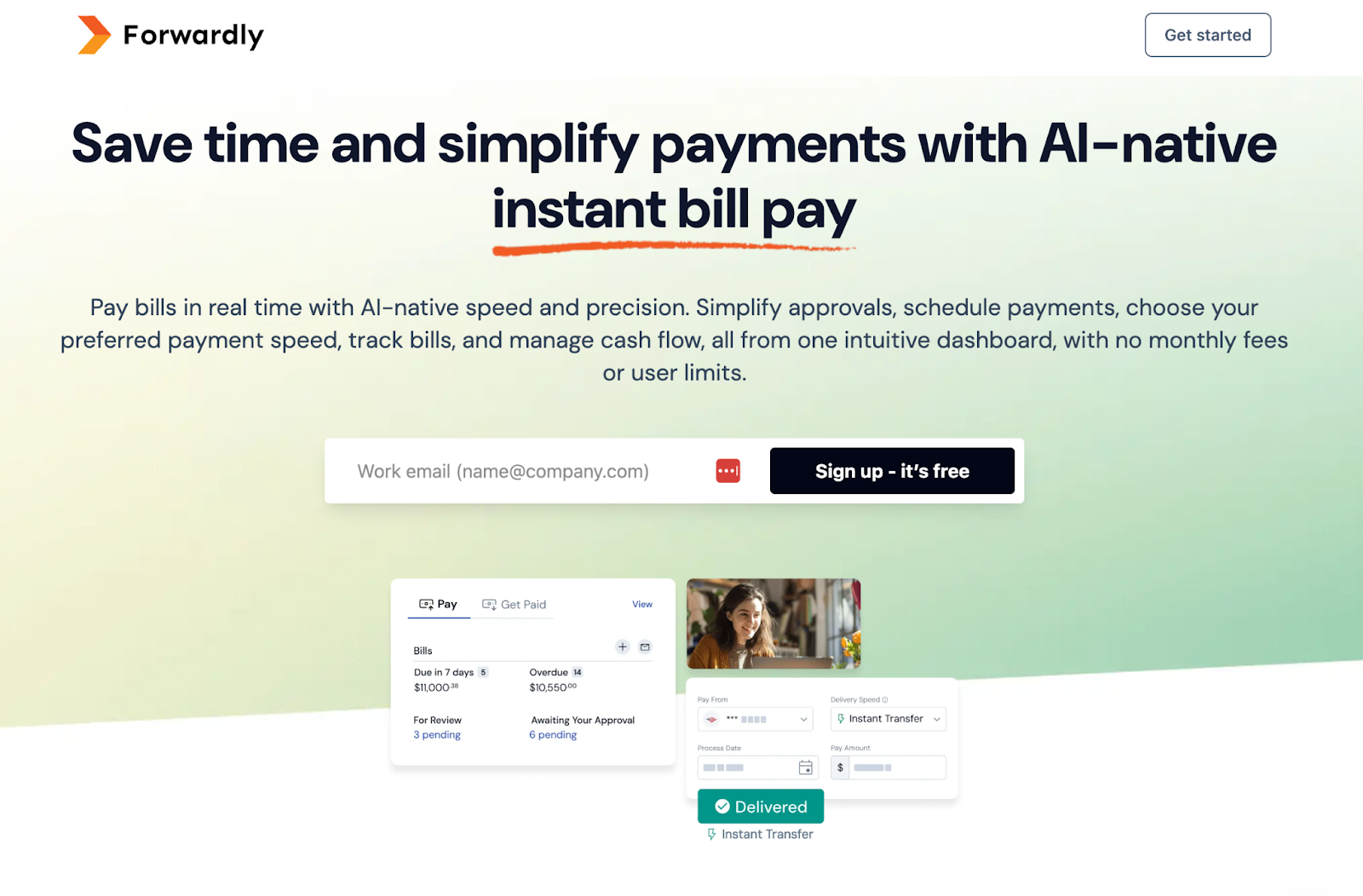
What they advertise: "Free same-day ACH transfers"
What actually happens:
- "Free same-day ACH" only kicks in when your bank doesn't support instant payments
- Most banks support instant - so most users pay 1%
Pricing breakdown:
- Instant ACH (default): 1% fee
- Same-day ACH: Free (only when instant unavailable)
- Monthly subscription: Free (no platform fee)
Why this matters: Forwardly's marketing creates the impression of free payments, but the default experience for most users includes a 1% fee. If you're leaving Melio to avoid fees, Forwardly may not deliver on that promise.
When Forwardly makes sense:
- ✅ You specifically need instant/same-day payments
- ✅ You're okay paying 1% for speed
- ✅ Your bank doesn't support instant (rare)
When to skip Forwardly:
- ❌ You want truly free ACH
- ❌ You're leaving Melio specifically to avoid fees
- ❌ Speed isn't worth 1% to you
#3 Helcim
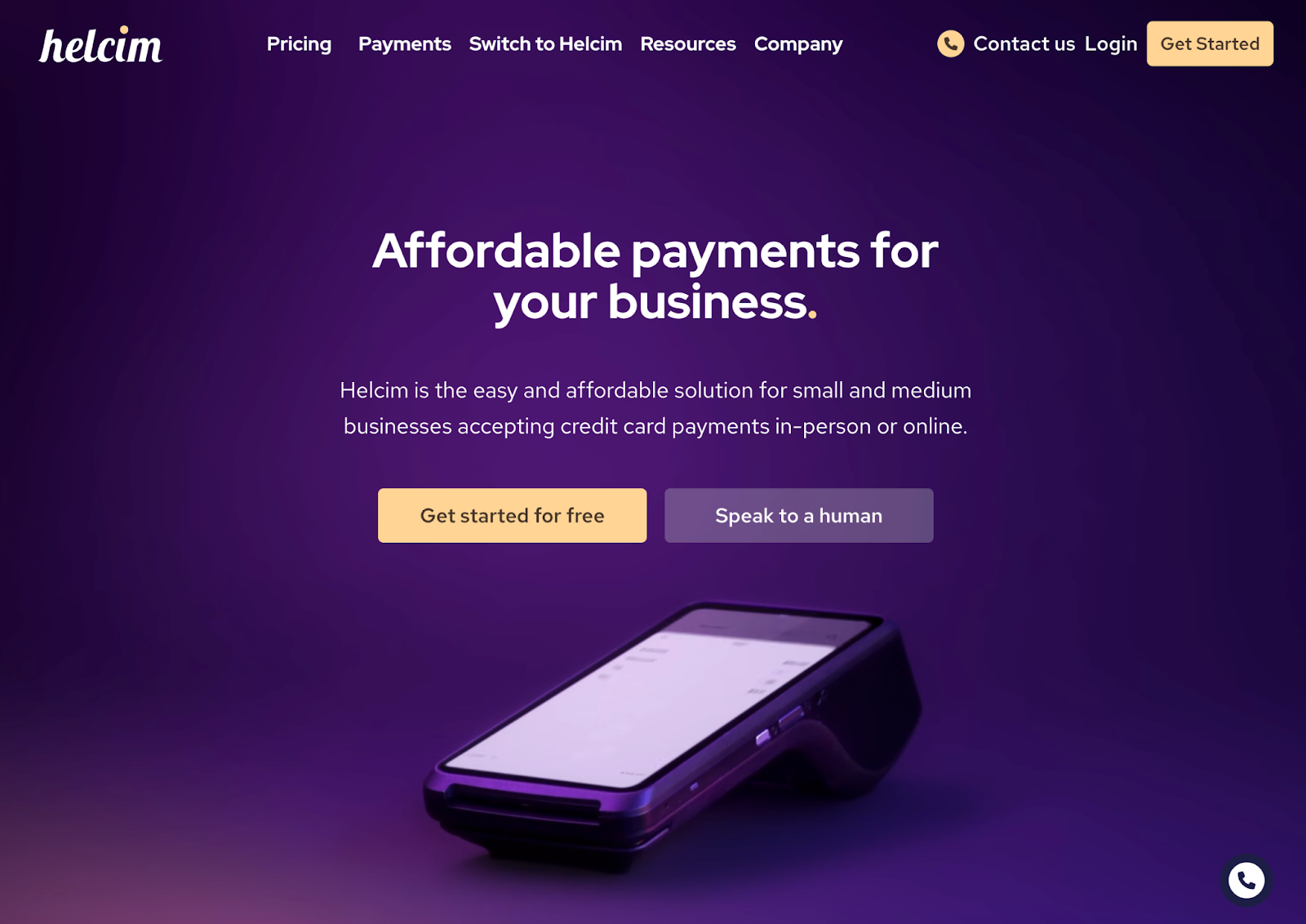
Helcim was built for: Growing businesses wanting transparent, interchange-plus pricing with the option to pass payment processing fees to customers. Not free ACH, but lower cost than many competitors with unique fee pass-through capabilities.
What Helcim Does Best
- Interchange-plus pricing — Pay actual card network costs plus small markup. More transparent than flat-rate pricing. (Read more about how interchange pricing works and standard credit card fee models here)
- Fee pass-through option — Can add surcharges to pass payment fees to customers (where legally permitted).
- Volume discounts — Rates automatically decrease as volume increases.
- PCI compliance included — Free PCI compliance tools and support.
Helcim Pricing
- ACH: 0.5% + $0.25 per transaction. Capped at $6 for transactions under $25,000. +.05% for transactions above that amount.
- Credit cards (keyed+online): Interchange + .50%+.25
- No monthly subscription
- No setup fees or cancellation fees
When to Choose Helcim
Choose Helcim if:
- ✅ You want to pass CC/ACH fees to customers
- ✅ You're frustrated by opaque flat-rate pricing
- ✅ You're a growing business that will benefit from volume discounts
- ✅ You want transparent interchange-plus pricing
Skip Helcim if:
- ❌ You want truly free ACH (Helcim charges fees)
- ❌ You can't or won't pass fees to customers
- ❌ You're a low-volume business (interchange-plus benefits scale with volume)
#4: GoCardless
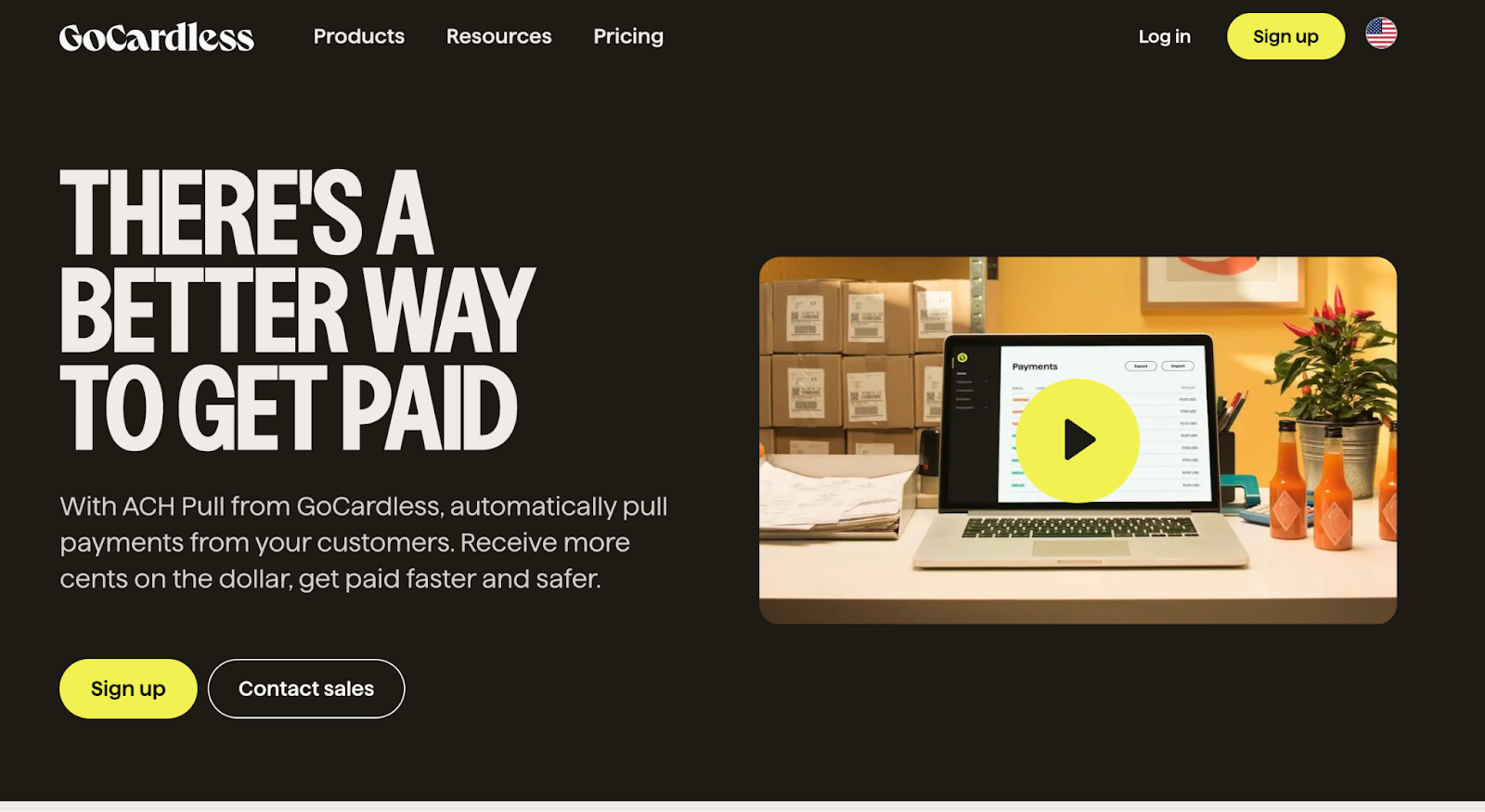
GoCardless was built for: Businesses collecting recurring payments and subscriptions via direct debit/ACH. Optimized for predictable, scheduled payments rather than one-time B2B bill pay.
What GoCardless does best:
- Recurring payment optimization — Built specifically for subscriptions, memberships, and installment payments.
- Capped ACH fees — Prices vary but range from 0.5%-0.9%+$.05. Capped at $7 for domestic payments
- Global direct debit — Supports ACH (US), BACS (UK), SEPA (EU), and other local networks. (International costs vary).
Who should use GoCardless:
- ✅ SaaS and subscription businesses collecting recurring payments
- ✅ Membership organizations (gyms, associations, clubs)
- ✅ Businesses with large recurring payments
- ✅ Companies needing US + European direct debit coverage
Who should skip GoCardless:
- ❌ Businesses seeking truly free ACH
- ❌ B2B companies with variable invoice amounts (better options exist)
- ❌ One-time payment processors (GoCardless optimized for recurring)
- ❌ Companies needing AP automation or bill pay features
Other Higher-Cost Alternatives
#5 Bill.com
Bill.com was built for: Mid-market and enterprise companies needing complex AP/AR automation with multi-level approvals and ERP integrations. Not cost-effective for small businesses just wanting free ACH.
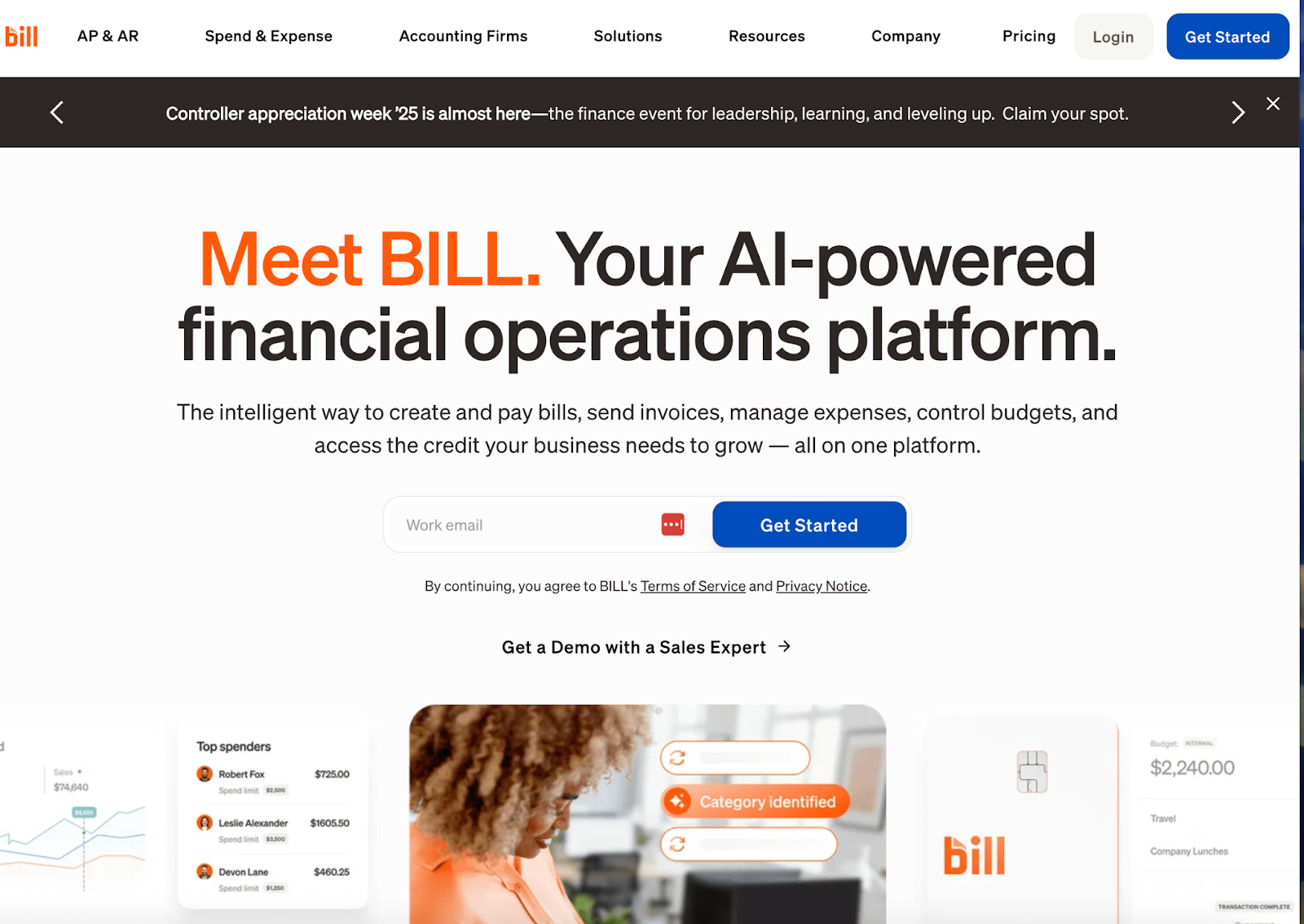
Bill.com Pricing Breakdown
Subscription tiers:
- Essentials: $45/user/month
- Team: $55/user/month
- Corporate: $89/user/month
- ACH costs $0.59/transaction
When Bill.com Makes Sense
Choose Bill.com if:
- ✅ You need full AP and AR automation
- ✅ Complex approval workflows (multi-level, role-based)
- ✅ Enterprise integrations (NetSuite, Sage Intacct, Dynamics 365)
- ✅ International payments (130+ countries)
- ✅ Budget allows $45-89/user/month
Skip Bill.com if:
- ❌ Budget-conscious (Nickel Core is $0/month)
- ❌ Small team without complex workflow needs
#6 QuickBooks Bill Pay
QuickBooks Bill Pay was built for: Businesses already deep in the QuickBooks ecosystem who want one less platform to manage—and are willing to pay 1% per ACH for that convenience. Not a Melio alternative if fees are your concern.
Why QuickBooks Payments Isn't a Melio Alternative
Pricing breakdown:
- ACH bank transfers: 1% (no cap)
- Credit cards: 2.99%
- Monthly subscription: Included with QuickBooks Online ($38-275/month depending on tier)
Real cost examples:
- $10,000 payment via ACH = $100 fee
- $20,000 payment via ACH = $200 fee
- $50,000 payment via ACH = $500 fee
- 50 payments/month at $5,000 avg = $2,500/month in fees
When QuickBooks Bill Pay makes sense:
- ✅ You're already paying for QuickBooks and only need occasional payments
- ✅ You want zero additional platforms to manage
- ✅ Your payment volume is very low (fees won't add up)
When to skip QuickBooks Bill Pay:
- ❌ You process significant payment volume (1% adds up fast)
- ❌ You're fee-sensitive (this is one of the most expensive options)
- ❌ You left Melio to avoid fees (QB is worse)
#7 Square
Square was built for: Small businesses and freelancers wanting simple invoicing and payment acceptance without monthly subscriptions—but willing to pay per-transaction fees. Good for low-volume businesses where subscription costs don't make sense.
What Square does best:
- No monthly fees — Pay only when you process payments. No subscription required.
- Simple invoicing — Send professional invoices with built-in payment links.
- Unified ecosystem — Point-of-sale, online store, invoicing, and banking in one platform.
- Hardware included — Free basic card reader for in-person payments.
Pricing:
- ACH bank transfers: 1% (minimum $1 per transaction, capped at $5 or $10)
- Credit cards: 2.4-2.6% + $0.15 (in-person), 2.9-3.3% + $0.30 (online)
- No monthly subscription
Who should use Square:
- ✅ Freelancers and solopreneurs with simple invoicing needs
- ✅ Low-volume businesses where subscriptions don't make sense
- ✅ Retail businesses wanting unified POS + invoicing
- ✅ Businesses that don't want to worry about failed payment fees
Who should skip Square:
- ❌ High-volume ACH processors (1% adds up fast)
- ❌ Businesses seeking truly free ACH (1% is still a fee)
- ❌ Companies needing complex AP automation or approval workflows
- ❌ Businesses with $100K+ monthly ACH volume (Nickel free tier is better)
#8 Stripe
Stripe was built for: Developer-heavy companies that need custom payment flows, subscription billing, and API flexibility. Not designed for traditional B2B bill pay or non-technical teams.
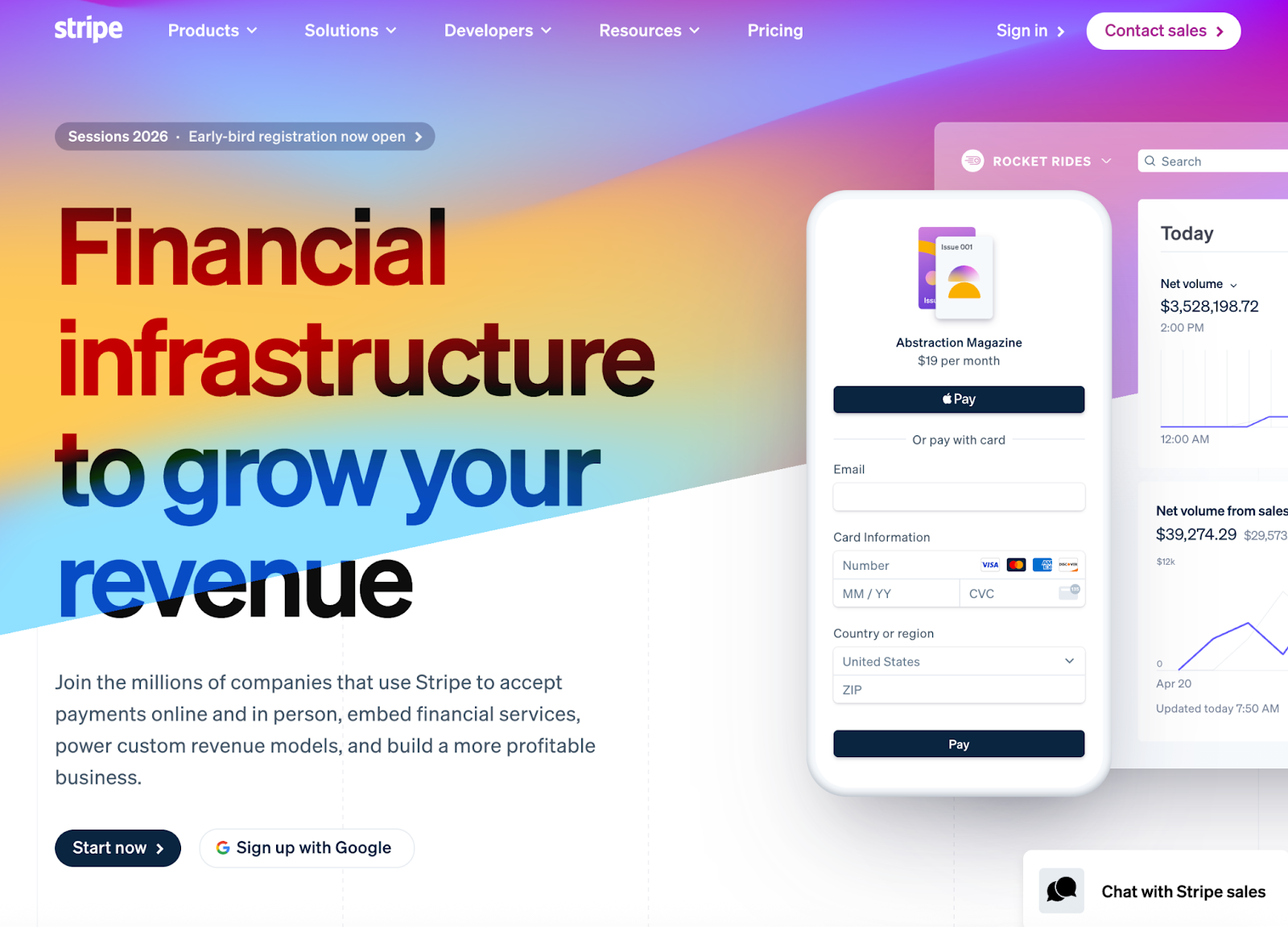
What Stripe does best:
- API-first architecture — Best-in-class developer tools with extensive documentation. If your team builds custom payment flows, Stripe's flexibility is unmatched.
- Fraud detection — Machine learning-powered fraud prevention built into every transaction.
- Global scale — Supports 135+ currencies, subscription billing, and complex payment routing.
- Ecosystem — Stripe Atlas (company formation), Stripe Capital (financing), Stripe Issuing (cards).
Pricing:
- ACH: 0.8% (capped at $5 per transaction)
- Credit cards: 2.9% + $0.30
- No monthly platform fee
Who should use Stripe:
- ✅ SaaS companies with developer resources
- ✅ E-commerce businesses needing checkout customization
- ✅ Companies processing high-value ACH (the $5 cap benefits large payments)
- ✅ Businesses needing subscription/recurring billing infrastructure
Who should skip Stripe:
- ❌ Non-technical teams (requires dev work to implement)
- ❌ Traditional B2B businesses wanting simple bill pay
- ❌ Anyone seeking truly free ACH (0.8% still adds up)
#9 PayPal Business
PayPal was built for: Consumer-facing businesses where buyer trust and checkout conversion matter more than fees. Not designed for B2B payments, AP automation, or fee-sensitive businesses.
What PayPal does best:
- Consumer trust — Buyers recognize and trust PayPal checkout. Higher conversion rates for B2C.
- Buyer/seller protection — Dispute resolution and fraud protection built in.
- PayPal Credit — Offer customers financing at checkout (PayPal takes the risk).
- No monthly fees — Pay-as-you-go pricing with no subscription required.
Pricing:
- Domestic transactions: 2.89-2.99% + fixed fee
- ACH $0.49/transaction
Who should use PayPal:
- ✅ E-commerce and retail businesses
- ✅ Companies selling to consumers who expect PayPal option
- ✅ Freelancers and small service providers (simple invoicing)
- ✅ International sellers (PayPal handles currency conversion)
Who should skip PayPal:
- ❌ B2B businesses (PayPal is consumer-focused)
- ❌ High-volume payment processors (fees add up fast at 2.99%)
- ❌ Companies needing net terms or AP automation
- ❌ Anyone seeking free ACH (PayPal charges for everything)
#10 Tipalti (Custom pricing + transaction fees)
Tipalti was built for: Enterprise finance teams processing thousands of payments monthly who need automated tax compliance, global payouts, and ERP integrations.
What Tipalti does best:
- Mass payments at scale — Built for companies processing thousands of payments monthly. Batch processing, automated tax compliance, supplier onboarding.
- Global payouts — Pay suppliers in 196 countries via ACH, wire, PayPal, or local payment methods.
- Tax compliance — Automated W-9/W-8 collection, 1099 filing, and global tax form management.
- Supplier portal — Self-service portal for vendors to update payment preferences and track payments.
- ERP integrations — Deep integrations with NetSuite, Sage Intacct, QuickBooks Enterprise, and more.
Pricing:
- Plans start at $99/month
- Custom enterprise pricing
- Per-payment transaction fees vary by method
- Implementation fees for setup
Who should use Tipalti:
- ✅ Companies processing 500+ payments/month
- ✅ Businesses with international supplier networks and global payments
- ✅ Organizations needing automated tax compliance (1099s, etc.)
- ✅ Finance teams wanting to eliminate manual AP work
Who should skip Tipalti:
- ❌ Small businesses (<$5M revenue) — overkill and expensive
- ❌ Companies with simple payment needs — too much complexity
- ❌ Budget-conscious teams — enterprise pricing isn't SMB-friendly
- ❌ Anyone seeking free ACH — Tipalti charges transaction fees
How to Migrate from Melio to Nickel
Step-by-Step Migration Process
Step 1: Export your data from Melio
- Log into Melio
- Navigate to Settings → Export Data
- Download vendor/customer list as CSV
Step 2: Sign up for Nickel (free)
- Go to getnickel.com
- Create account (takes 5 minutes)
- Connect QuickBooks (OAuth - same process as Melio). Your customer data will sync automatically
Step 3: Notify your vendors/customers
- Update payment links on invoices
- Send notification of new payment portal
- Most recipients won't notice difference
Timeline: Most businesses complete migration in 1-2 days.
Conclusion
The payment processing landscape has shifted. Platforms like Melio and QuickBooks Online—once known for free ACH—have changed their pricing models to charge for every bank transfer.
And those fees add up fast. QuickBooks’ 1% per ACH with no cap means a single $50,000 payment costs you $500 in fees. Melio limits free ACH at each payment level except its $80/month plan.
Nickel was built specifically because of these pricing pivots. We saw companies build massive user bases with free ACH—then flip the switch and start charging. That's not how we operate. Free ACH is our founding principle, not a marketing tactic we'll abandon when we hit scale.
But Nickel is more than just free ACH. Here's what else you get:
- AP and AR automation — Send payment links, track invoices, and schedule transactions
- Credit card surcharge control — Compliantly pass 100% of CC fees to customers (or split it) in all 50 states
- QuickBooks Online integration — Real-time 2-way sync with your accounting software
Ready to stop paying for ACH? Here's how to get started:
- Sign up for Nickel (free) — Create your account at nickel.com. It takes 5 minutes.
- Connect QuickBooks — Same OAuth process you used with Melio. Your data syncs automatically.
- Start saving immediately — Every ACH payment you process through Nickel is free. No caps, no catches, no bait-and-switch.

.png)