If you've ever set up direct deposit or paid a bill online, you've used ACH. Where many people get confused however is understanding the difference between ACH credit vs debit, and when to use each type.
In this guide, we’ll explain the difference between ACH debit and ACH credit in plain terms, unpack how each process works and give real world examples you’ve probably encountered of each type of transfer.
Additionally, we’ll discuss the risks of ACH debit, security, how to get authorization and how to reduce your fee and streamline your AP/AR process using the proper tools.
Let’s get started!
What’s the difference between ACH Debit and Credit?
ACH stands for Automated Clearing House. It's a network that moves money electronically between US bank accounts or credit unions.
The direct deposit paycheck you've received, auto-pay utility bill paid from your savings account, and bank transfer you've initiated all flow through the ACH system.
The National Automated Clearing House Association (NACHA) governs the network and sets the rules.
Two types of ACH transfers exist:
- ACH credit (push): You send money to someone else
- ACH debit (pull): Someone else takes money from you
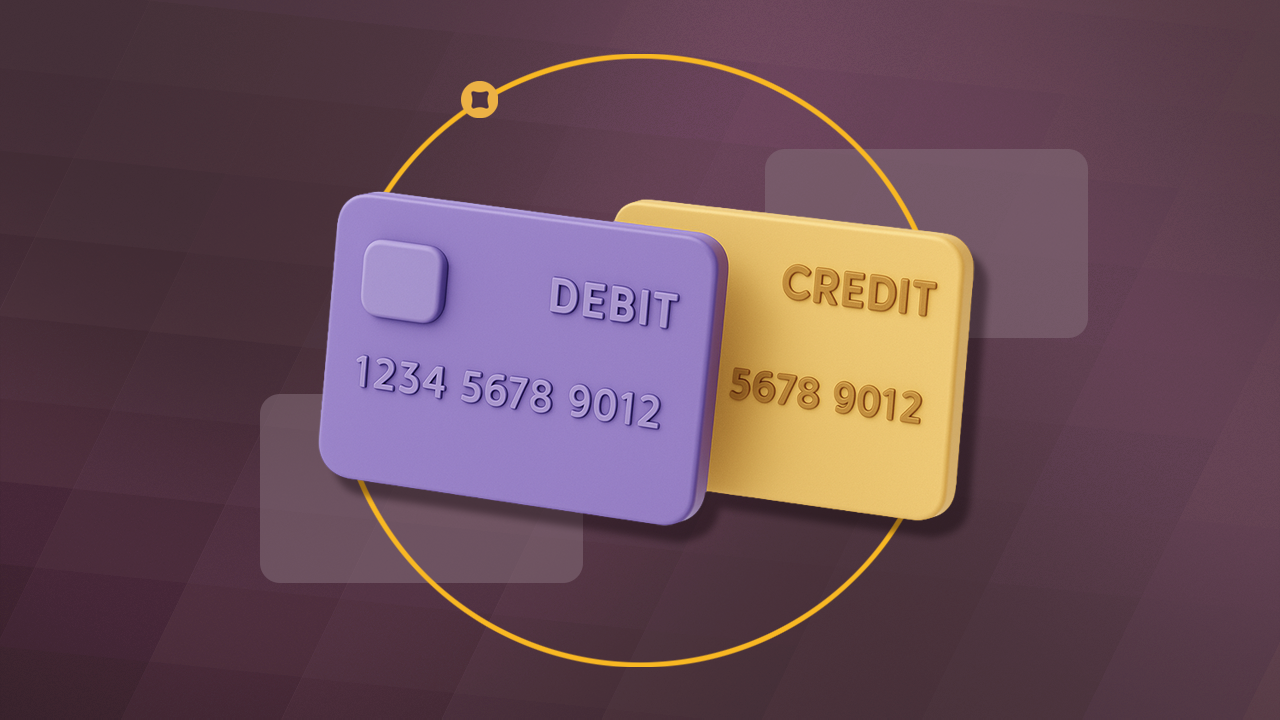
The key distinction is who initiates the transaction. ACH credit means the sender initiates a payment. ACH debit means the receiver initiates a withdrawal from your bank account.
That difference affects everything from timing to risk to authorization requirements. Below, we’ll break down both methods in more detail.
ACH Credit Explained (Push Payments)
How ACH Credit Works
You initiate the transfer. Your bank sends funds to the recipient's bank account. You're "pushing" money out of your account to another entity
You use ACH when:
- You're paying vendors, suppliers, or contractors and want control over when money leaves your account.
- You're making one-time payments. No ongoing relationship, no need for recurring authorization. Just send the money.
- You're running payroll. Push paychecks to employee accounts every pay period. Employees don't pull from your account - you send to them.
The process involves two depository financial institutions:
- You enter the recipient's bank info (routing number + account number)
- You authorize the transfer
- Your bank (the originating depository financial institution, or ODFI) debits your account
- The ACH credit transfers through the network (1-3 business days)
- The recipient's bank (the receiving depository financial institution, or RDFI) credits their account
ACH Credit Processing Time
- Standard: 1-3 business days
- Same-day ACH: Available (usually costs $1-5 extra per transaction)
- Bank cutoff: Typically 4-5pm local time
The majority of ACH credits settle in one banking day or less according to NACHA. But the time of day you initiate the transaction affects how long processing takes, as banks have transaction cutoff times. If you submit too late in the day, your payment won’t start the transmission process until the next business day.
Check out our complete guide to ACH processing times to help you plan your cashflow.
ACH Debit Explained (Pull Payments)
How ACH Debit Works
The recipient initiates the transfer. Setting up recurring debit payments with your customers helps improve cash flow and eliminates logistical headaches. With ACH debit, you’ll need prior authorization to pull funds from someone’s account.
This is the critical difference from ACH credit. ACH debit requires pre-authorization per NACHA Operating Rules.
The process:
- You authorize a company to pull payments (one-time or recurring)
- On the agreed date, they initiate a debit against your account
- Your bank receives the pull request
- Funds move through the ACH network (1-3 business days)
- Funds land in the recipient's account
Authorization guidelines state that:
- You must explicitly permit the recipient to pull funds
- Authorization can be written, electronic, or verbal (if recorded)
- You must specify: amount (or range), frequency, duration
- You can revoke authorization at any time
In order to provide approval for an ACH debit or ongoing ACH debits, you’ll fill out an authorization form providing routing and account numbers, the amount authorized for withdrawal and the dates or frequency of the debit transactions.
The Consumer Financial Protection Bureau (CFPB) confirms that companies cannot withdraw money from your account without authorization. If a company pulls money without proper authorization, you can dispute it. The transaction can be reversed for up to 60 days if unauthorized, or within 2 business days if authorized but for the wrong amount.
ACH Debit Processing Times
NACHA rules mandate that ACH debit settle the same day or the next banking day. The biggest delay with this kind of processing is the authorization. Until the payer provides authorization to pull funds from their account, the transaction can’t begin.
This means that you can be waiting weeks to receive your payment. Nickel Plus helps solve this problem -- after collecting ACH debit authorization, you can autocharge a customer to help your cash flow and ease administrative headaches.
Common ACH Debit Examples
Utility bills: Your electric company pulls your payment automatically on the 15th of each month. You authorized this once; now it happens without action from you.
Subscription services: Netflix, gym memberships, software subscriptions—they pull your monthly fee on a schedule you agreed to.
Loan payments: Your mortgage lender pulls your payment on the 1st. Your car loan company pulls on the 15th. Both are ACH debits you authorized.
HOA assessments: The homeowners association pulls quarterly dues from all residents. Each homeowner authorized the recurring debit once.
Rent payments: Increasingly common—landlords set up ACH debit to pull rent on the 1st automatically.
ACH Credit vs Debit: Side-by-Side Comparison
ACH Fees Explained
When you conduct an ACH credit transfer, you’re likely to encounter a range of fees. Nickel eliminates those by offering $0 ACH transfers, no strings attached.
We’ve written a guide that explains the range of hidden fees you might encounter while trying to make ACH payments and how Nickel minimizes unnecessary transaction costs. Below we’ll outline some of the key fees you’ll encounter when conducting transactions other ways. If you conduct your your ACH transaction through:
A large bank:
- Big banks (Chase, BofA, Wells Fargo): $0-15 per outgoing ACH
- Some business accounts include free ACH
Regional and community banks:
- Often lower cost or free ACH
- May impose monthly limits on free transactions
Payment platforms:
- Typically charge a percentage fee or flat cost per transaction
- QuickBooks and others also charge a subscription fee for the platform
Nickel offers unlimited free ACH transfers of up to $25,000 per month. Unlike other payment processors, Nickel’s $0 ACH payments come with no strings attached or subscription costs. If you need to make larger transfers, want to set up recurring payments or schedule transactions, a Nickel Plus subscription will cost less than competitors at $35/month.
Payment Platform Fees
For low-margin industries, construction, manufacturing, wholesale distribution, ACH fees compound fast. A 1% fee on $1M in payments is $10,000. On a business with 15% margins, that's nearly 7% of profit going to payment processing.
How to Reduce ACH Failures
ACH transactions might fail due to insufficient funds, incorrect account numbers or bank holds. You can reduce the likelihood of a failed transaction in a number of ways
Verify bank accounts upfront: Use micro-deposit verification (two small deposits, customer confirms amounts) or instant verification through services like Plaid. Always verify you have the correct routing number for the receiving depository financial institution before submitting ACH credit and ACH debit transactions.
Get clear authorization documentation: For ACH debit, written or electronic authorization protects you if the customer disputes. See NACHA's authorization requirements.
Monitor account status: For recurring debits, watch for insufficient funds patterns. Three non-sufficient funds errors may indicate a customer who can't pay.
Set up retry logic: Many platforms automatically retry NSF failures after 3-5 days. This reduces manual follow-up.
Bottom Line
Whether you’re running a business or just paying your bills, you’re probably using both ACH Debit and ACH Credit payments every week. But if you run a company, knowing the difference between the methods and how each can help your cash flow is vital to your financial health.
Nickel can help you save money on fees. Whether you’re losing money on paying vendors or running payroll, our $0 ACH can help you eliminate transaction fees.