Your payments, fully synced with Quickbooks Desktop
Sync your QuickBooks Desktop data with Nickel and start sending invoices, collecting payments, and paying vendors without the manual entry
Trusted by 20,000+ industrial small businesses











What you can accomplish with Nickel and
Quickbooks Desktop
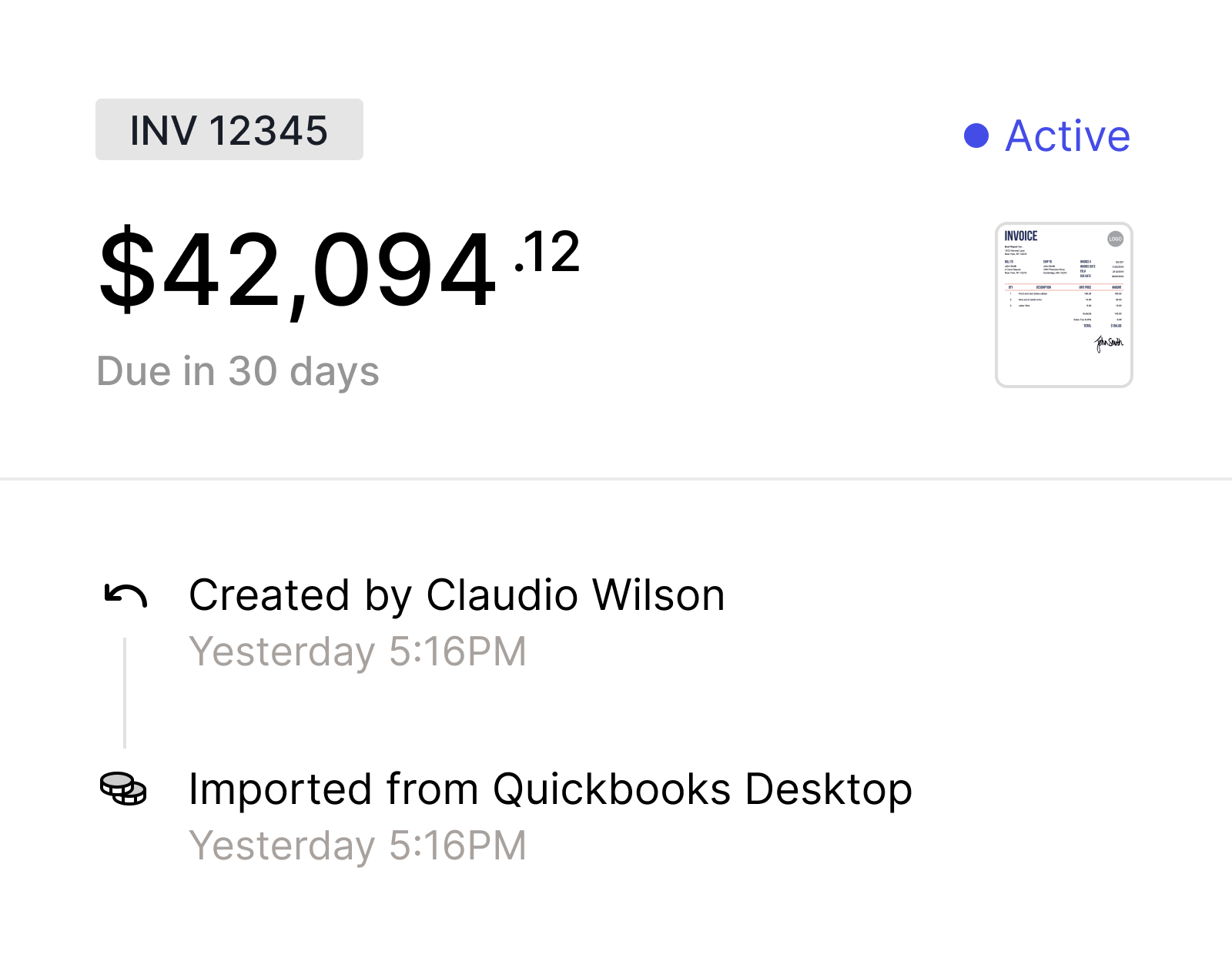
Stay on top of customer payments
Manage all your invoices in Nickel. Request payments and sync every transaction back to Quickbooks Desktop
Pay bills and keep your books in check
Pay vendors with a card or free ACH. Every transaction is automatically recorded in QuickBooks Desktop

Sync your data whenver you want
Sync as often as you need and stay in control of how your data flows between Nickel and QuickBooks Desktop
Map every payment method to the right account
Link your payment and payout methods to the correct Quickbooks Desktop Chart of Accounts

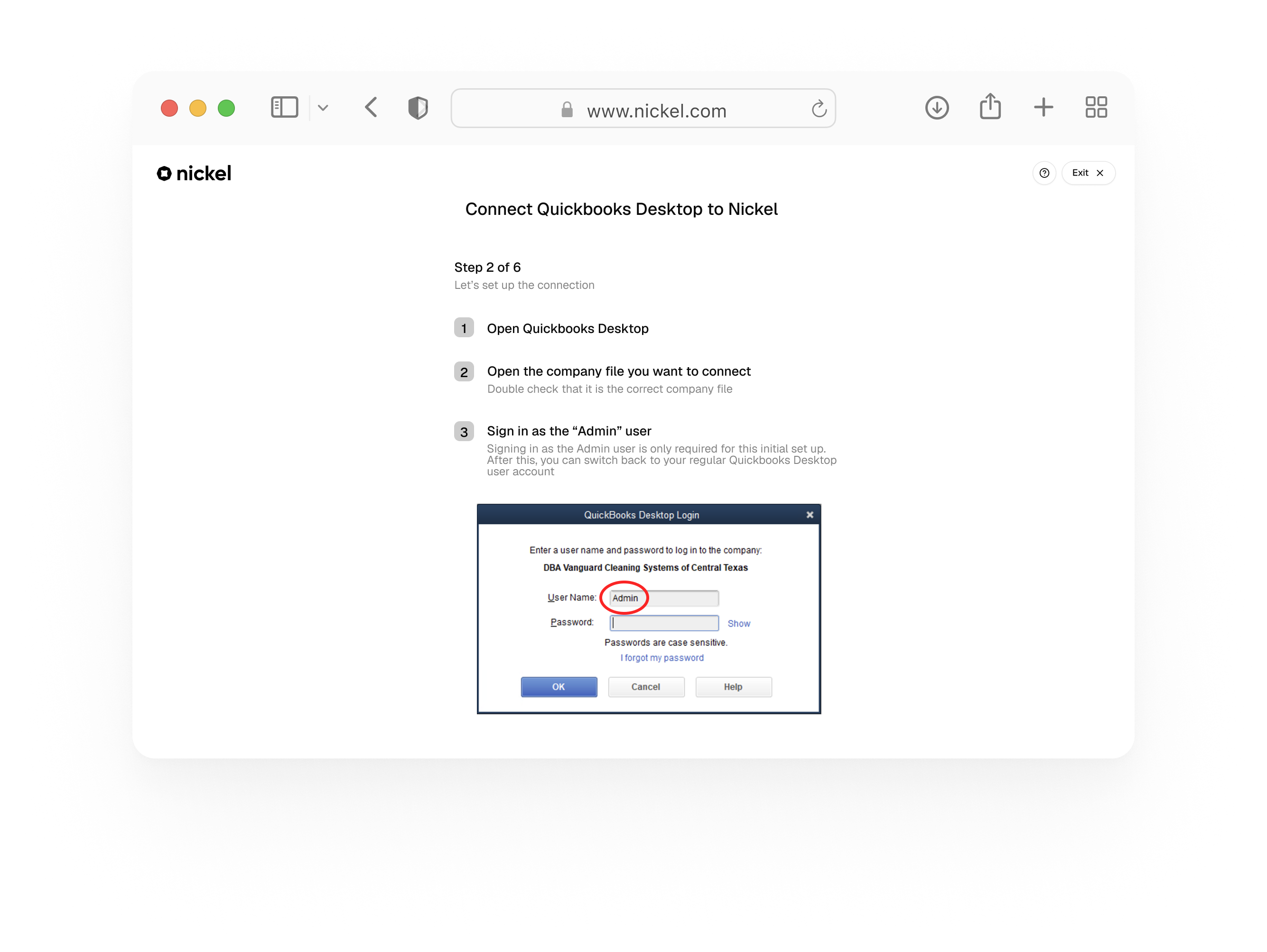
Connect in minutes, without IT
Integrating with Quickbooks Desktop doesn't have to be complicated. Nickel's guided set up helps you get connected effortlessly
Click Connect with QuickBooks Desktop
Download the Web Connector
Open the Web Connector in Quickbooks Desktop
Test the connection
Import all your records and chart of accounts
Nickel integrates with every versions of QuickBooks Desktop
QuickBooks Desktop
QuickBooks Enterprise
QuickBooks Pro Plus
QuickBooks Premier Plus
Need help? We're here around the clock
Whether you're setting up Quickbooks Desktop connector for the first time or have a syncing issue, our team is here to help

Hands-on set up support
Our team will walk you through the web connector setup and make sure your data is synced and ready to go
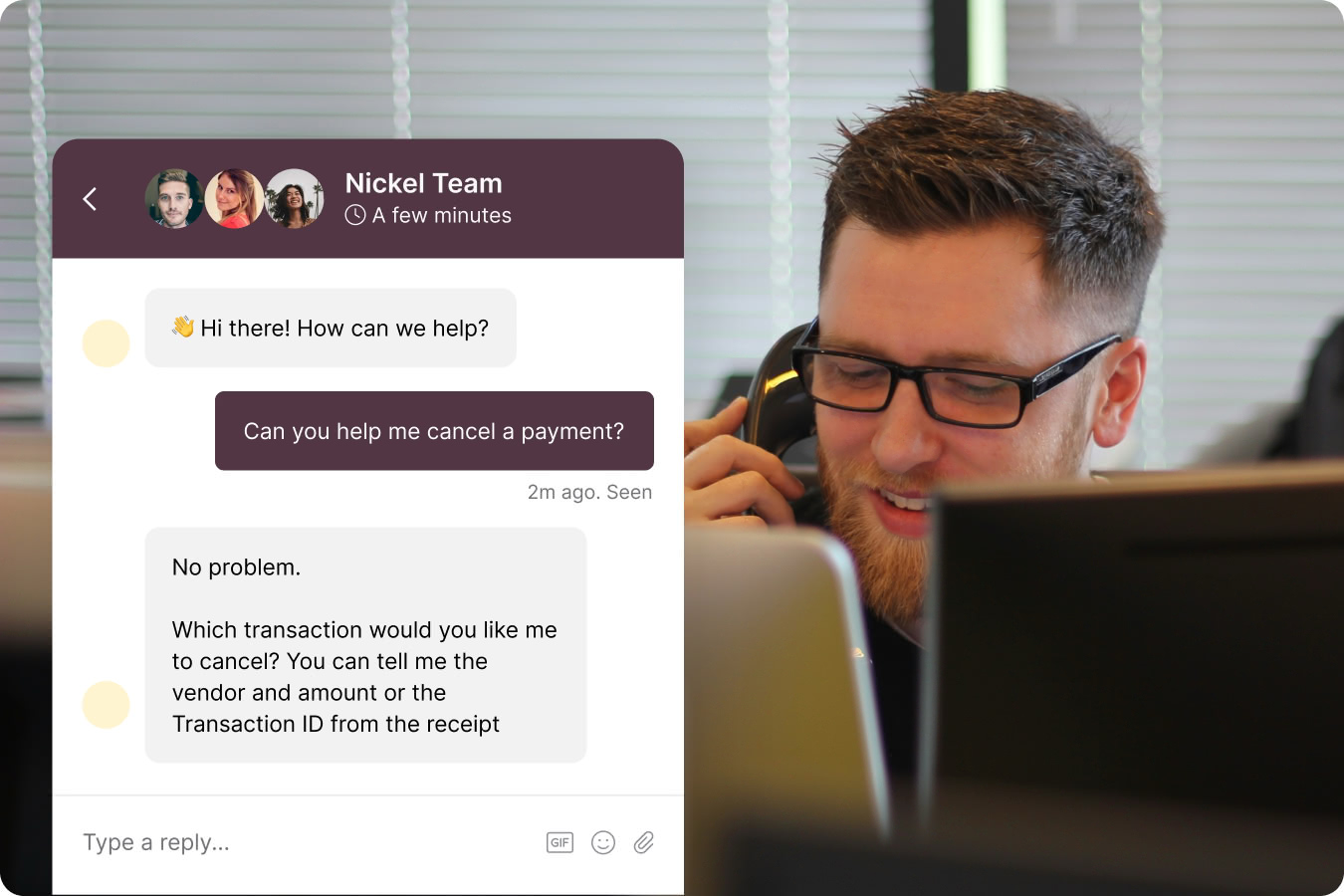
Real people, real support
Need help down the road? Our support team can be reached via chat or email around the clock
How Vanguard Cleaning Systems automated payments with Nickel and QuickBooks Desktop

I've tried other Quickbooks Integrations. They were always painful to set up and extremely unreliable.
Nickel was different.
We were fully set up in less than 30 minutes. Every incoming payment maps to Quickbooks Desktop cleanly and we can trigger a new sync at any time, without restrictions.


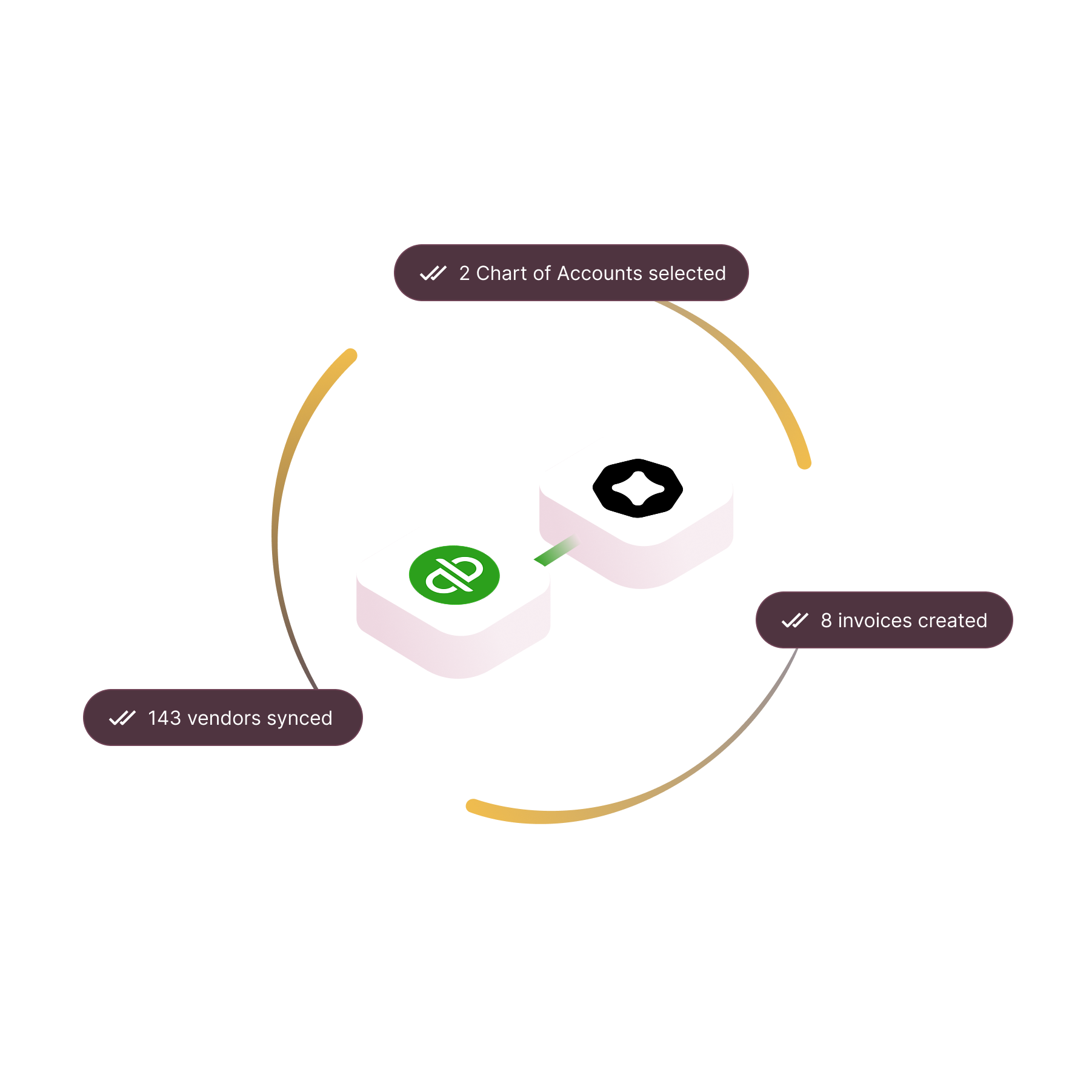
What syncs between Nickel and QuickBooks Desktop?
FAQs
Quickbooks Desktop Integration is available on all Nickel plans, including the free tier
It's not required and our support team is here to help if you run into any issues
Yes, you will need to download Nickel's Web Connector, which links your Quickbooks Desktop account with Nickel. The download is available during the guided set up process
Our team can walk you through the entire setup. Reach out via chat or email anytime.
Not at this time
No, but this feature will be available in the future
Make every Nickel count
Join 10,000+ businesses paying and getting paid on Nickel